
Tailride
AI-powered invoice and receipt automation from email and web portals
About
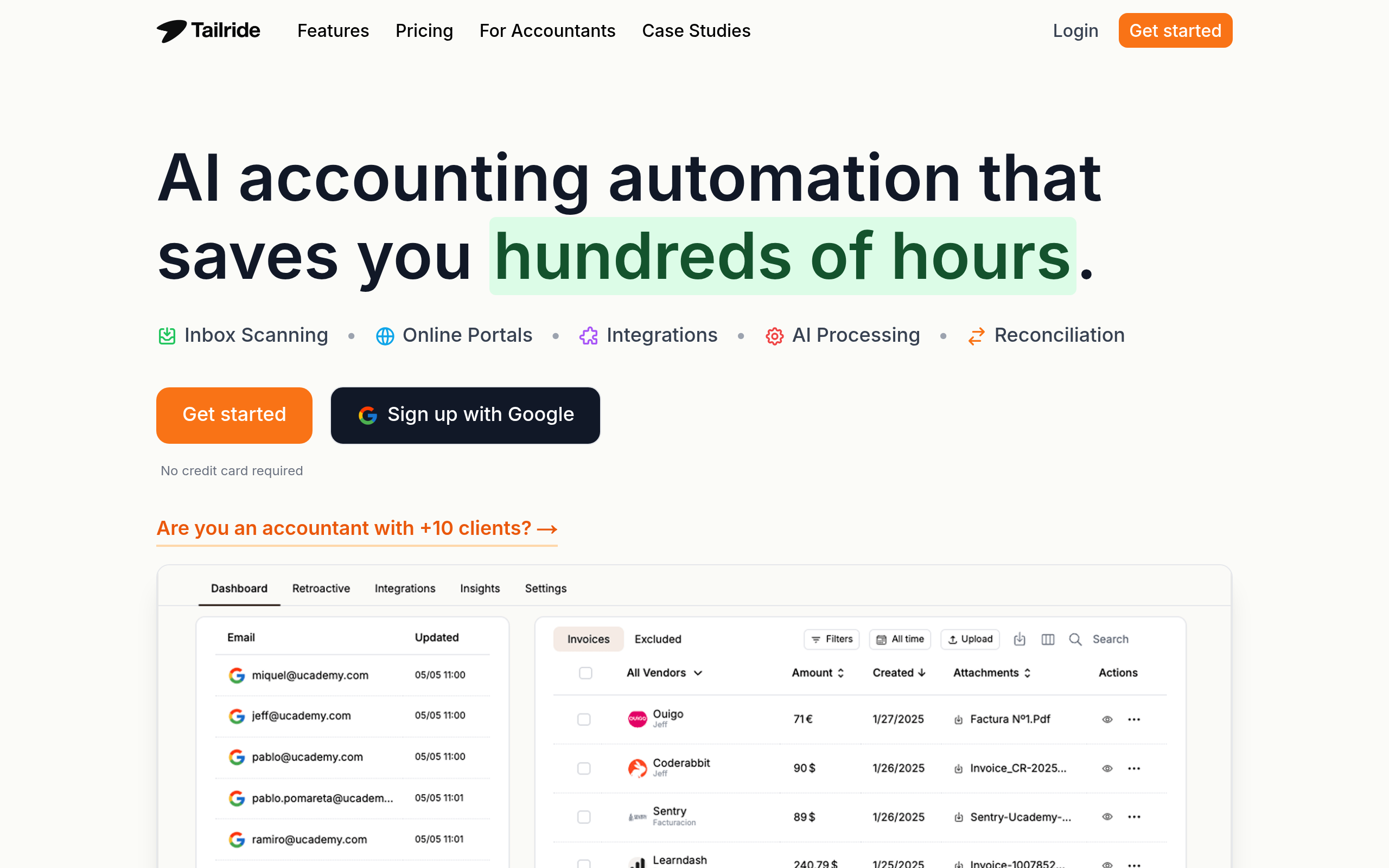
Tailride is an AI-powered accounting automation platform that connects to your email inbox, automatically detects and extracts invoices and receipts from emails and attachments, and processes them with intelligent document recognition. It includes a Chrome extension for one-click invoice extraction from 20+ platforms (Amazon, Meta Ads, Notion, ChatGPT, etc.), customizable AI rules for automatic categorization, and seamless integrations with QuickBooks, Xero, Google Drive, and more. Complete with bank reconciliation features to match transactions with invoices and identify missing documents.
Key Features
Inbox Scanning & Retroactive Search
Continuously monitors connected Gmail/Outlook/IMAP inboxes and can retroactively scan for historical invoices and receipts across custom date ranges.
Chrome Extension for Portal Extraction
One-click extraction from 20+ online portals (Amazon, Meta Ads, Notion, ChatGPT, etc.) using your browser session—no portal credentials required.
AI Field Extraction & Custom Rules
Intelligent document recognition automatically populates invoice fields (vendor, date, amount, tax, line items) and lets you define custom AI rules for automatic categorization and tagging.
Seamless Integrations & Exports
Native exports and syncs to QuickBooks, Xero, Business Central, Google Drive, Google Sheets, OneDrive, DATEV and more to push invoices and expense data where you need them.
Bank Reconciliation & Matching
Matches bank transactions to captured invoices, surfaces missing documents, and helps reconcile accounts to reduce manual bookkeeping work.
How to Use Tailride
1) Sign up and connect your email (Gmail/Outlook/IMAP). Allow Tailride to scan your inbox and optionally retroactively search past messages. 2) Invite colleagues or connect additional inboxes so all incoming invoices are captured centrally. 3) Install the Tailride Chrome extension to pull invoices from web portals with one click. 4) Configure AI rules and integrations (QuickBooks, Xero, Google Drive/Sheets) so extracted invoices are categorized, exported, and matched automatically.