
TagMyBeat
Generate custom, royalty-free producer vocal tags with AI in milliseconds.
About
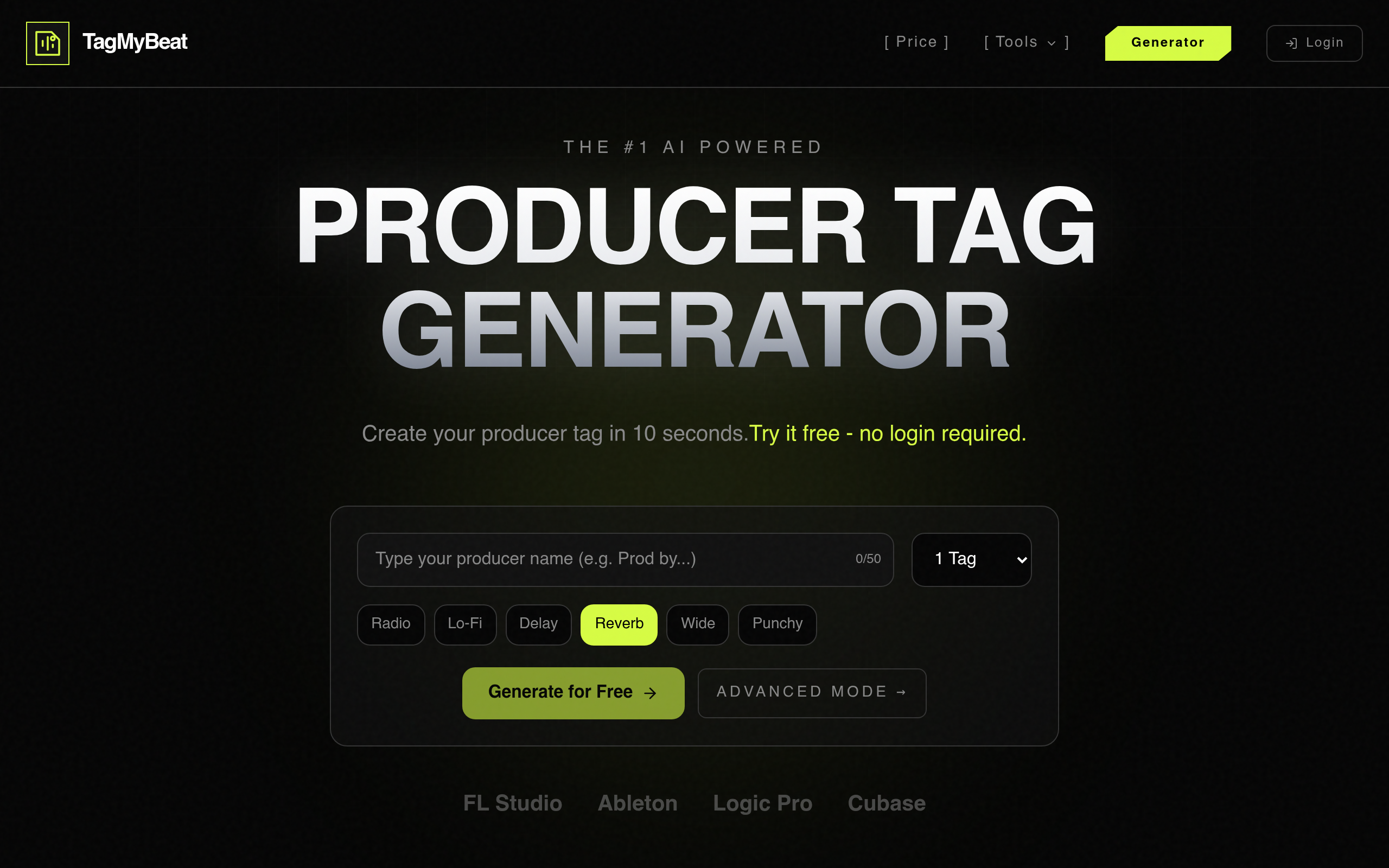
**TagMyBeat** is the ultimate AI-powered producer tag and vocal tag generator designed specifically for music producers and beatmakers. It eliminates the need to hire voice actors or wait for vocal deliveries by allowing users to generate professional, studio-quality audio tags instantly from text. Powered by advanced neural networks trained on human intonation, TagMyBeat offers over 20 premium AI voice models across multiple languages (English, Spanish, French, Japanese) and distinct styles—including Trap, Drill, Lo-Fi, and Anime. The platform features one-click professional FX chains, allowing users to effortlessly add Reverb, Delay, Stutter, and Pitch Shift. For those seeking a truly unique signature sound, TagMyBeat even includes an AI Voice Cloning feature. All downloads are exported as high-fidelity 44.1kHz / 24-bit WAV files, 100% royalty-free, and ready to be dragged straight into any DAW. Try it free directly in your browser with no login required.
Key Features
Instant Producer Tag Generation
Generate professional studio-quality vocal tags from typed text in milliseconds — no voice actors or recording needed.
20+ Premium AI Voice Models
Choose from over 20 neural voice models across multiple languages and styles (Trap, Drill, Lo‑Fi, Anime, etc.) to fit your track’s vibe.
One‑Click FX Chains
Apply pre-configured FX chains (Reverb, Delay, Stutter, Pitch Shift, etc.) optimized for hip-hop, trap, drill and lo‑fi with a single click.
AI Voice Cloning
Create a custom voice clone for a truly unique signature tag — clone an existing voice and generate royalty-free tags in that voice.
High-Fidelity, Royalty-Free WAV Export
Download tags as 44.1kHz / 24-bit WAV files (commercial license included) ready to drag into any DAW.
How to Use TagMyBeat
1) Enter the phrase: Type your producer name or signature phrase into the tag input (supports special characters). 2) Pick a voice and mood: Select one of the AI voice models and choose mood or style (Hype, Whisper, Chill, Dark). 3) Add FX or tweak settings: Use one‑click FX chains or open Advanced Mode to fine‑tune pitch, speed, emotion and effects. 4) Generate and export: Click Generate, preview instantly in the browser, then download the royalty‑free WAV to use in your DAW. (Optional: use the Voice Clone tool to create tags in a custom voice.)