
svglo
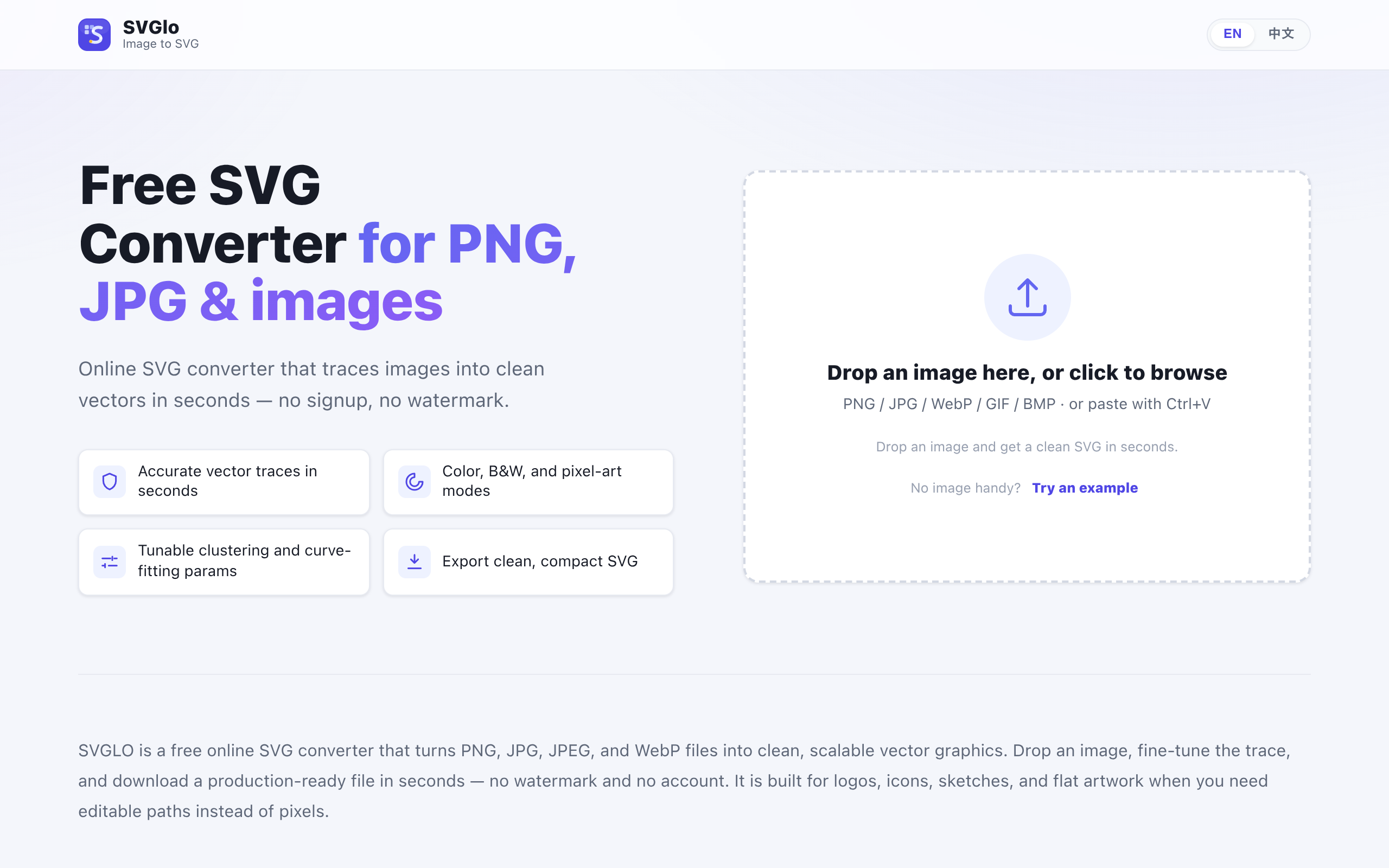
Online SVG converter that traces images into clean vectors in seconds — no signup, no watermark.
About
SVGlo is a free, privacy-first web tool that turns raster images into clean, editable SVG vector graphics. Everything runs in your browser — there is no backend, no account, no watermark, and no image upload. What it does You drop a PNG, JPG, JPEG, WebP, GIF, or BMP into the page. SVGlo traces the image into vector paths and lets you download the SVG or copy the markup to the clipboard. The result is resolution-independent artwork you can open in Figma, Illustrator, Inkscape, or a text editor, and restyle with CSS. It is aimed at everyday design and development work: logos, icons, flat illustrations, line art, scans, pixel art, and (with the right preset) stylized photos.
Key Features
Local, privacy-first conversion
All tracing runs in your browser via WebAssembly — no uploads, no servers, no account, and no image storage.
Fast, high-quality tracing engine
The visioncortex VTracer engine produces clean, compact vector paths quickly so you can iterate in seconds.
Presets and tunable parameters
Choose presets (Default, Poster, Photo, B&W Line Art, Pixel-art) or fine-tune color precision, speckle filtering, and curve-fitting (spline/polygon/pixel) for the desired look and file size.
Wide input and output support
Accepts PNG, JPG, JPEG, WebP, GIF, and BMP inputs and exports production-ready SVG files or clipboard markup usable in Figma, Illustrator, Inkscape, or a text editor.
Live preview and compact SVG output
A live vector preview updates as you adjust settings, and the exporter generates well-structured, editable SVG markup suitable for styling or animation with CSS.
How to Use svglo
1) Add your image: drag & drop, click to browse, or paste (Ctrl+V). Supported inputs: PNG, JPG, JPEG, WebP, GIF, BMP. 2) Pick a preset or adjust sliders: choose a preset that matches your artwork (Default, Poster, Photo, B&W Line Art, Pixel-art) and refine color precision, speckle filter, and curve-fitting mode. 3) Check the live preview: the vector preview updates instantly as you tweak settings; iterate until shapes and file size match your needs. 4) Export the SVG: download the SVG file or copy the markup to the clipboard and open/edit it in Figma, Illustrator, Inkscape, or a text editor.