
SureThing.io
The AI agent users trust to run their business stable and unsupervised.
About
SureThing is an autonomous AI agent that remembers who you are and works on your behalf 24/7. Unlike AI chatbots that wait for instructions, SureThing operates proactively: it monitors your inbox, drafts replies in your voice, manages your schedule, tracks ongoing projects, and takes action across connected apps while you're focused elsewhere. Its persistent memory sets it apart — SureThing remembers your preferences, your patterns, your contacts, and your goals across every session. It doesn't lose context, doesn't repeat mistakes, and adapts continuously to how you work. SureThing is built for reliability over demos. SOC 2 certified and Google CASA Tier 2 compliant, it is designed for users who need an agent they can actually trust with real work — not one that breaks the moment it leaves the slide deck. Early adopters include a technical director who contributed code to OpenClaw and calls SureThing "the Mac of AI agents," and solo founders executing full go-to-market launches alone.
Key Features
Persistent Memory
Remembers your preferences, contacts, goals and prior decisions across sessions so the agent keeps context, avoids repeated mistakes, and adapts to how you work.
Inbox Management & Voice Replies
Continuously monitors your inbox, drafts replies in your voice, and can auto-send or queue messages for approval to streamline communications.
Workflow Automation & Integrations
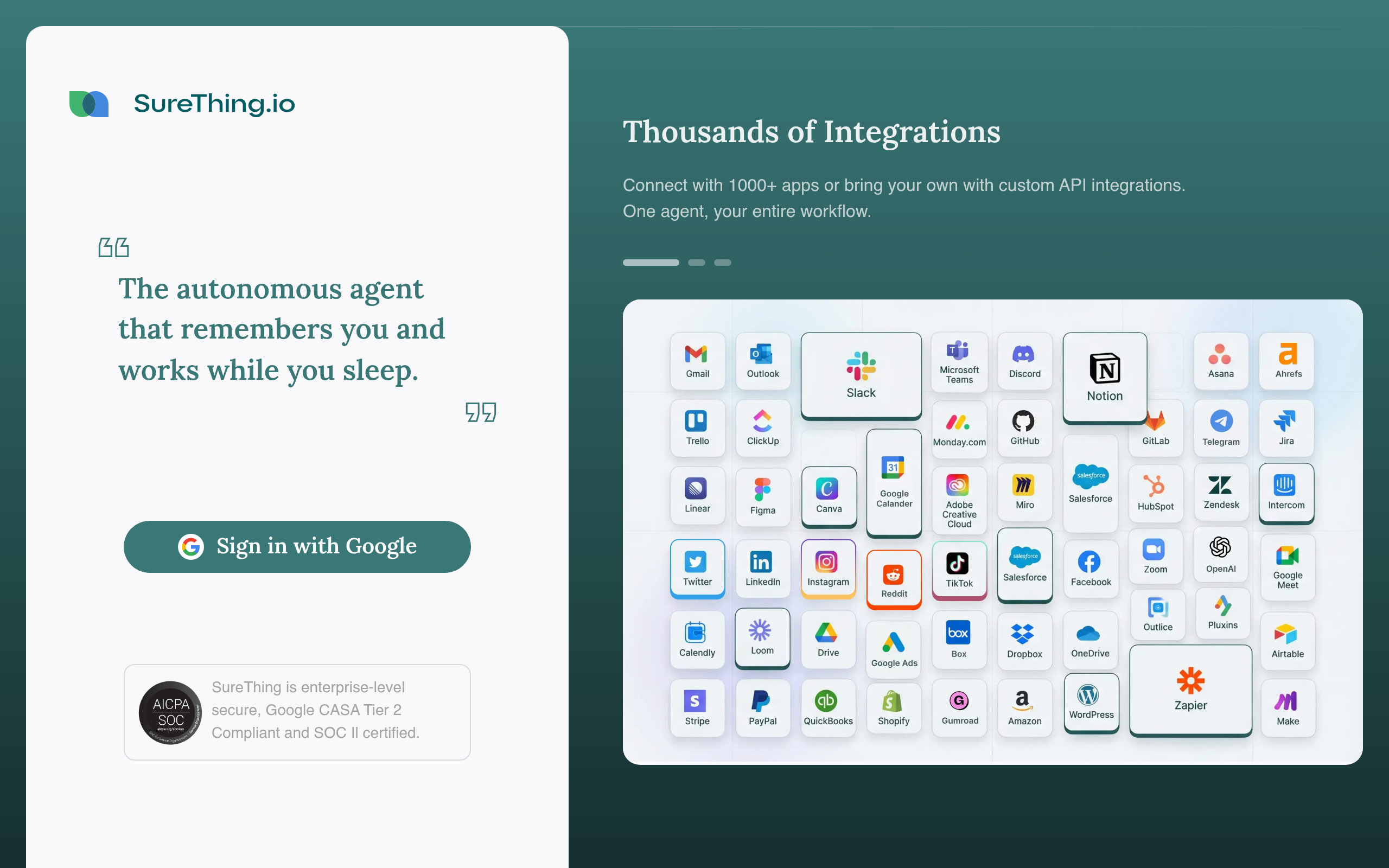
Connects to 1000+ apps or custom APIs to take actions across your toolset — create tasks, update CRMs, call APIs, or run multi-step automations on your behalf.
Calendar & Project Tracking
Manages your schedule, books meetings, and tracks ongoing projects and deliverables to keep timelines and priorities aligned without manual oversight.
Enterprise Security & Compliance
SOC 2 certified and Google CASA Tier 2 compliant, designed for reliability and safe handling of business data with granular access controls.
How to Use SureThing.io
1) Sign up (or sign in with Google) and verify your account. 2) Connect your email, calendar, and any key apps or APIs (choose from prebuilt integrations or add custom ones). 3) Set your profile, voice/tone preferences, and high-level goals or tasks you want the agent to handle. 4) Let the agent run: review suggested replies and automations (or enable auto-actions), monitor activity logs, and fine-tune permissions and memory settings as needed.