
Superscribe
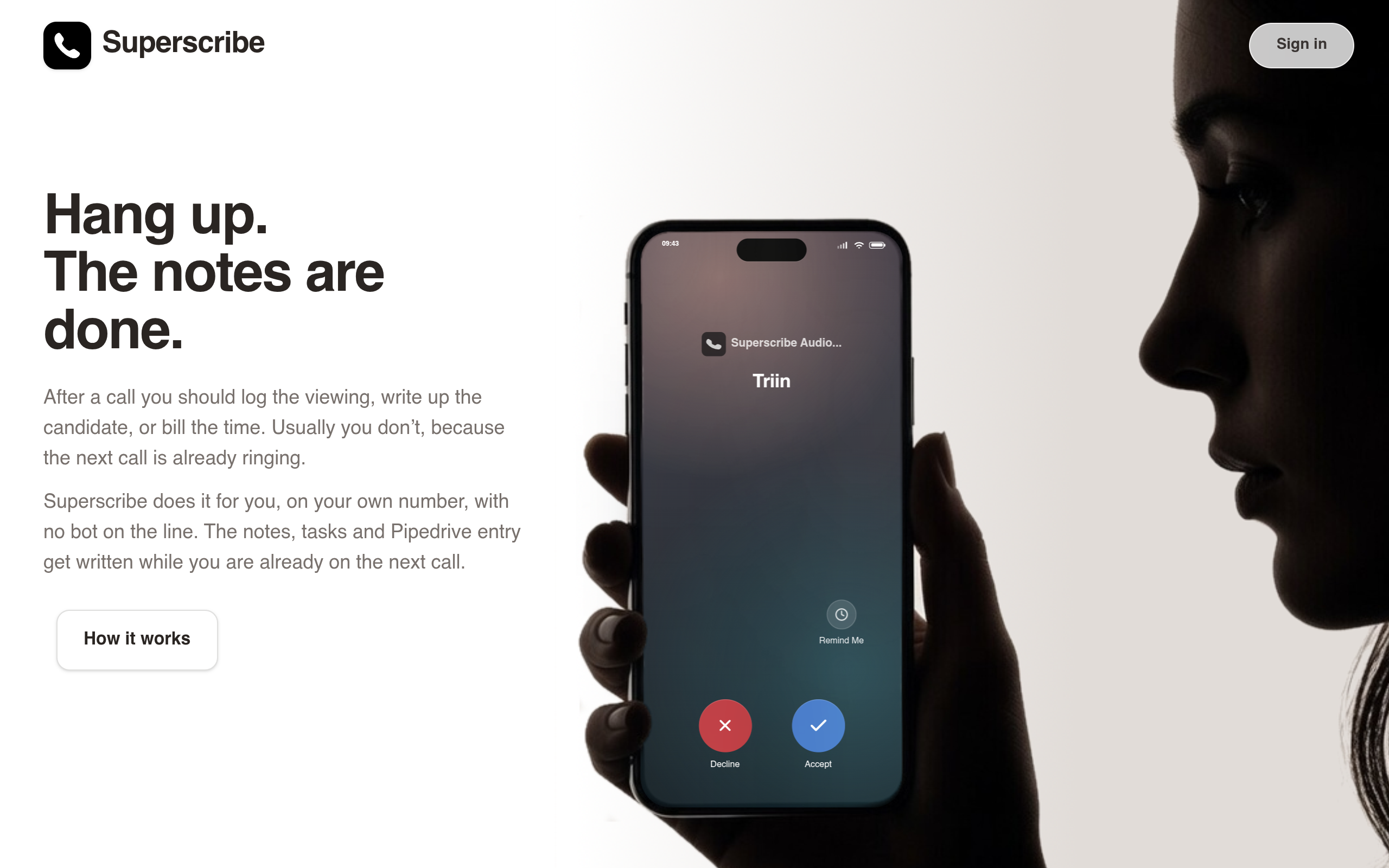
Superscribe records business calls on your existing number, then writes the summary, the follow-ups and the CRM entry.
About
Superscribe is for people who work by phone: estate agents, recruiters, brokers, consultants and small sales teams. You keep your own number. Calls are recorded and transcribed, and when you hang up the summary, the action items and the CRM entry are already written. In-person meetings work the same way: put the phone on the table, and the minutes are done when you stop. You can dial people into a meeting so everyone lands in one transcript with names. On Mac and Windows, Superscribe also does live dictation into any app, records the video meeting you are in without a bot, and takes calls at your desk. On iPhone there is a keyboard that dictates into any app. 99+ languages, with a dedicated Estonian model.
Key Features
Record on Your Existing Number
Capture calls without giving out a new number or adding a meeting bot — keep your carrier and existing phone number while Superscribe routes and records calls in the cloud.
Automatic Transcription & Summaries
Calls and meetings are transcribed automatically and converted into concise summaries, speaker-separated transcripts, and time-stamped audio playback.
Action Items & CRM Entry Generation
After each call Superscribe generates next steps, suggested follow-ups, tasks, calendar events and a pre-filled CRM entry (supports Pipedrive), saving manual data entry.
Live Dictation Across Devices
Live desktop dictation on macOS and Windows (streams text into any app) and an iPhone keyboard that dictates into any app — all dictations are saved to your account and time-tracked.
Multilingual & Specialist Models
Supports 99+ languages with dedicated models for some smaller languages (e.g., Estonian) and automatic language detection for accurate transcriptions.
How to Use Superscribe
1. Install the Superscribe Phone app on your iPhone. 2. Forward your existing business number to Superscribe, so you keep the number your clients already have. 3. Take calls as usual. Calls are recorded and transcribed, and when you hang up the summary, the follow-ups and the Pipedrive entry are already written. For in-person meetings, put the phone on the table and press record.