
Sumi – AI Manga Translator
AI manga translator that re-letters your language into the art
About
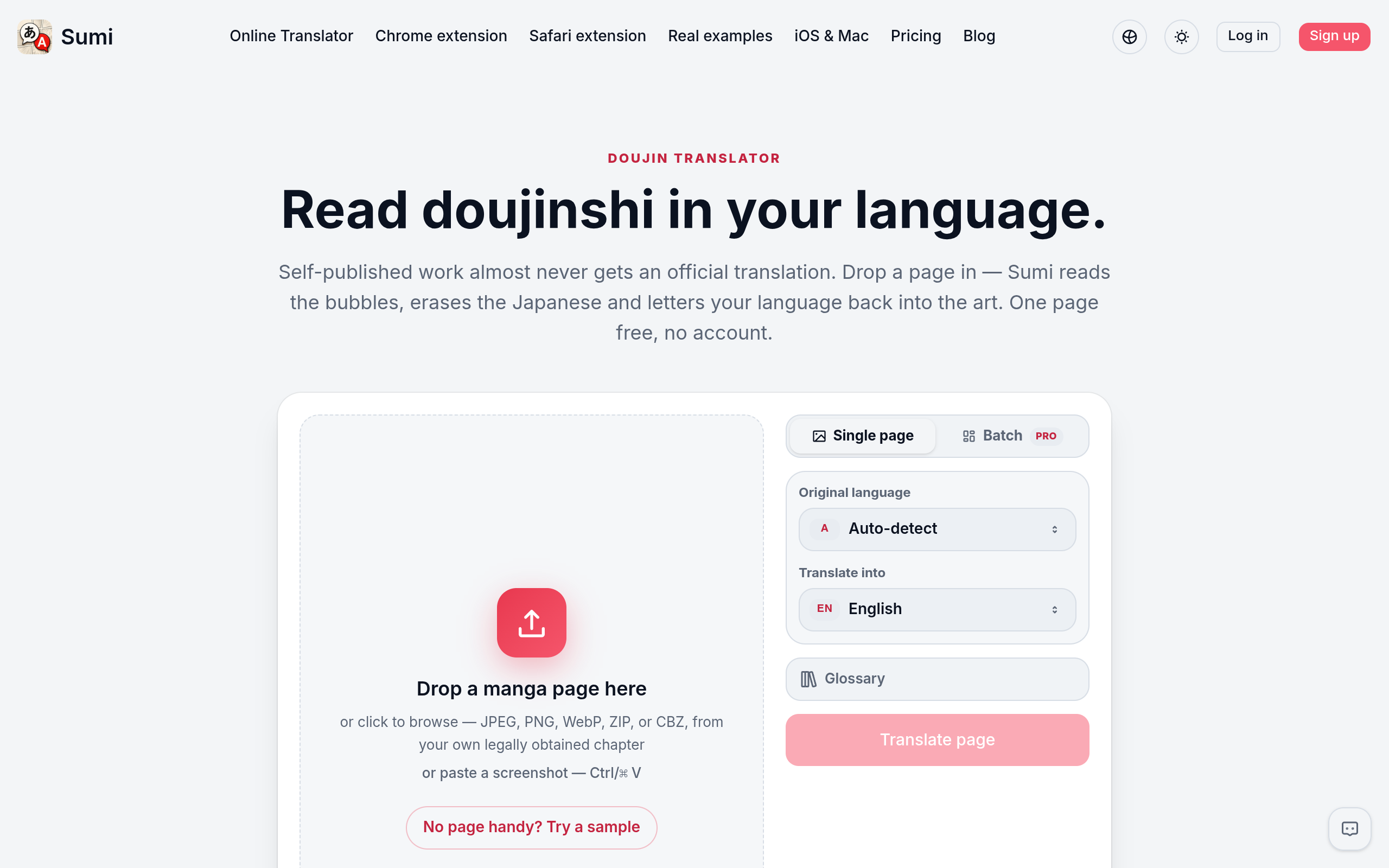
Sumi is an AI manga translator for people who read manga, manhwa and webtoons. Instead of pasting translation boxes over the panel, Sumi erases the original lettering, restores the art underneath, and typesets your language inside the original speech bubbles, so vertical Japanese stays vertical and the page still looks like a page. It works live on the manga site you are reading, on 110+ manga sites, and the bubbles fill in one by one as you scroll. Use it where you already read. The Chrome extension (also on Firefox) translates the page you have open in your own browser: no uploading, no waiting, and it works on sites where you are signed in. The online translator takes JPEG, PNG, WebP, ZIP and CBZ files and lets you download the finished pages. The Sumi app for iPhone, iPad and Apple Silicon Macs adds a Safari extension, whole-chapter import (including PDF and EPUB) and a built-in reader. Sumi translates Japanese, Korean and Chinese into 100+ languages. It never hosts, indexes or crawls manga; it only translates pages you already have open. Pricing: Freemium. Your first page needs no sign-up, a new account gets 5 free pages, and you can claim 5 more every day. Sumi Pro starts at $6.99/month.
Key Features
In-place lettering replacement
Automatically erases original lettering, restores the art underneath, and re-typesets the translated text into the original speech bubbles (including vertical CJK typesetting) so pages keep their original look.
Browser extensions & live translation
Chrome, Firefox and Safari extensions translate pages live as you scroll on 110+ manga sites — no uploading required and works on pages where you are signed in.
Online and local import support
Online translator accepts JPEG, PNG, WebP, ZIP and CBZ (and accepts pasted screenshots). The iOS/Mac app supports whole-chapter import including ZIP, PDF and EPUB and includes a built-in reader.
Wide language support & confidence marking
Translates Japanese, Korean and Chinese into 100+ languages. Regions the model is uncertain about (handwriting, complex sound effects) are flagged rather than replaced with misleading guesses.
Privacy-first workflow
Does not host, index or crawl manga — it only translates pages you open or upload, and downloads are provided to the user.
How to Use Sumi – AI Manga Translator
1) Install Sumi extension (Chrome/Firefox/Safari) or open the online translator/app. 2) Open the manga page in your browser (or drag/drop/upload a page, CBZ/ZIP, PDF, or paste a screenshot in the online tool). 3) Choose or confirm source language (auto-detect available) and target language, then run the translation — Sumi erases the original lettering and re-typesets translations into each bubble. 4) Review flagged regions, toggle between original and translated views as needed, then download the translated PNG (or read/save the chapter in the app).