
SubcueAI
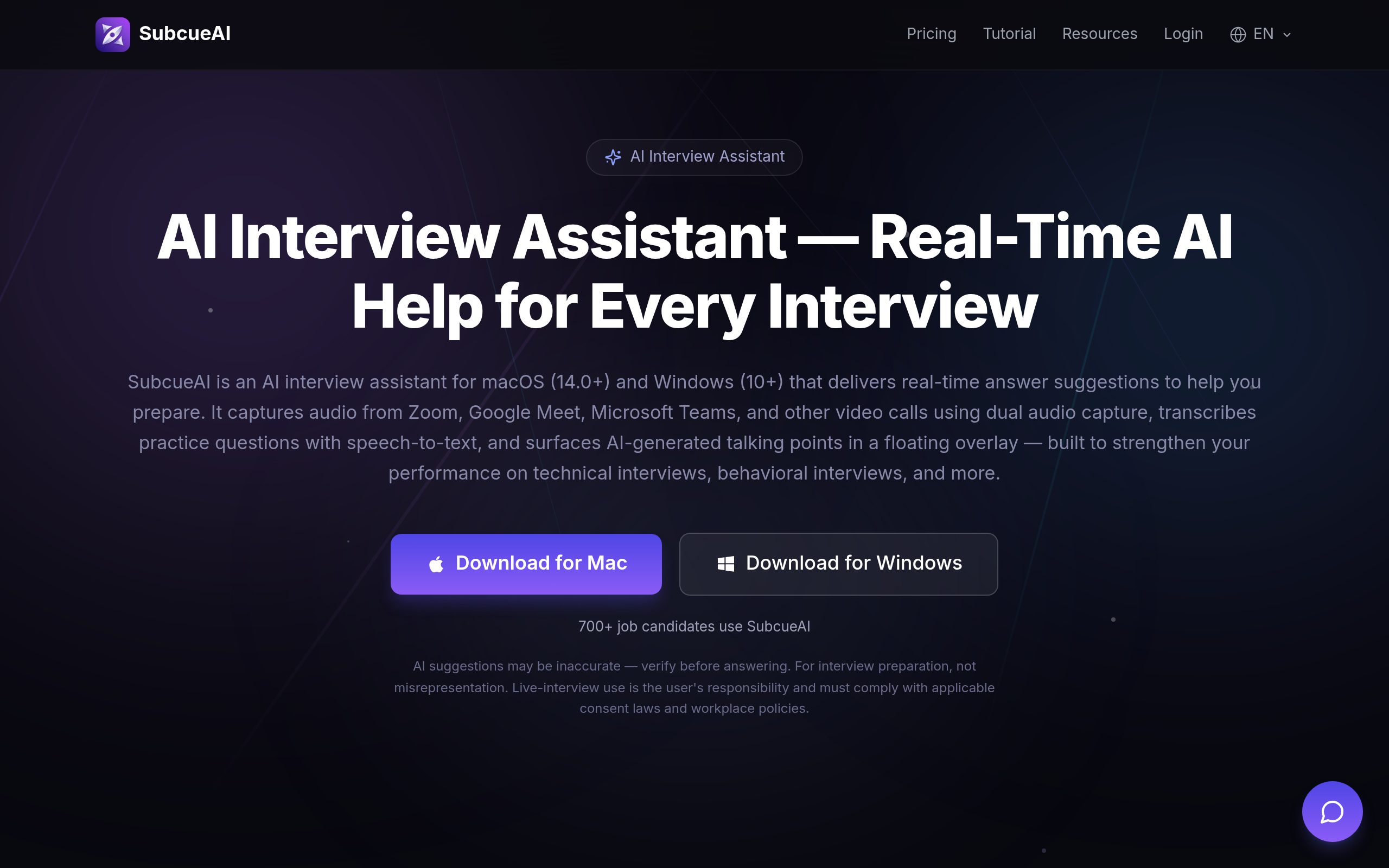
AI interview assistant providing real-time answer suggestions during video call interviews for technical and behavioral questions.
About
SubcueAI is an AI interview assistant designed for macOS and Windows users aiming to improve job interview performance. This real-time answer suggestion tool captures audio from Zoom, Google Meet, Microsoft Teams, and other video calls to transcribe questions and generate context-aware responses powered by GPT-4o. It supports various interview formats, including technical coding, behavioral, and case interviews.
Key Features
Real-time AI Answer Suggestions
Transcribes spoken questions and generates context-aware talking points and sample answers on the fly using GPT-4o, surfaced in a small, non-intrusive floating overlay.
Dual Audio Capture
Captures both system audio and your microphone simultaneously so it works seamlessly with Zoom, Google Meet, Microsoft Teams, WebEx, and other calling apps without bots or plugins.
Interview Performance Analytics
After practice sessions, receive AI-driven scoring, strengths/weaknesses breakdown, and actionable suggestions to track improvement over time.
Resume-driven Contextualization
Upload your resume for personalized answer suggestions that reference your experience, helping tailor responses to your background and target role.
Local-first Privacy & Low Resource Use
Processes audio locally, encrypts resume data at rest, avoids third-party recording bots, and runs with minimal CPU/memory impact; quick-hide hotkey for focus.
How to Use SubcueAI
1) Download & Install: Install the SubcueAI desktop app for macOS (14+) or Windows (10+). Optionally upload your resume in the app for personalized suggestions. 2) Start Before Your Call: Launch SubcueAI before joining a mock interview or practice session so it can capture system and microphone audio. 3) Practice with Live Suggestions: During the call, let SubcueAI transcribe questions and surface AI-generated talking points in the floating overlay. Use the show/hide hotkey to toggle visibility and rehearse responses aloud. 4) Review & Improve: After the session, open the performance analytics to view scores, strengths/weaknesses, suggested improvements, and interview history for ongoing practice.