
styleLatex
styleLatex converts PDFs, images, handwritten notes and Word files into editable LaTeX, with compilation checks and exports to .tex, PDF or Word.
About
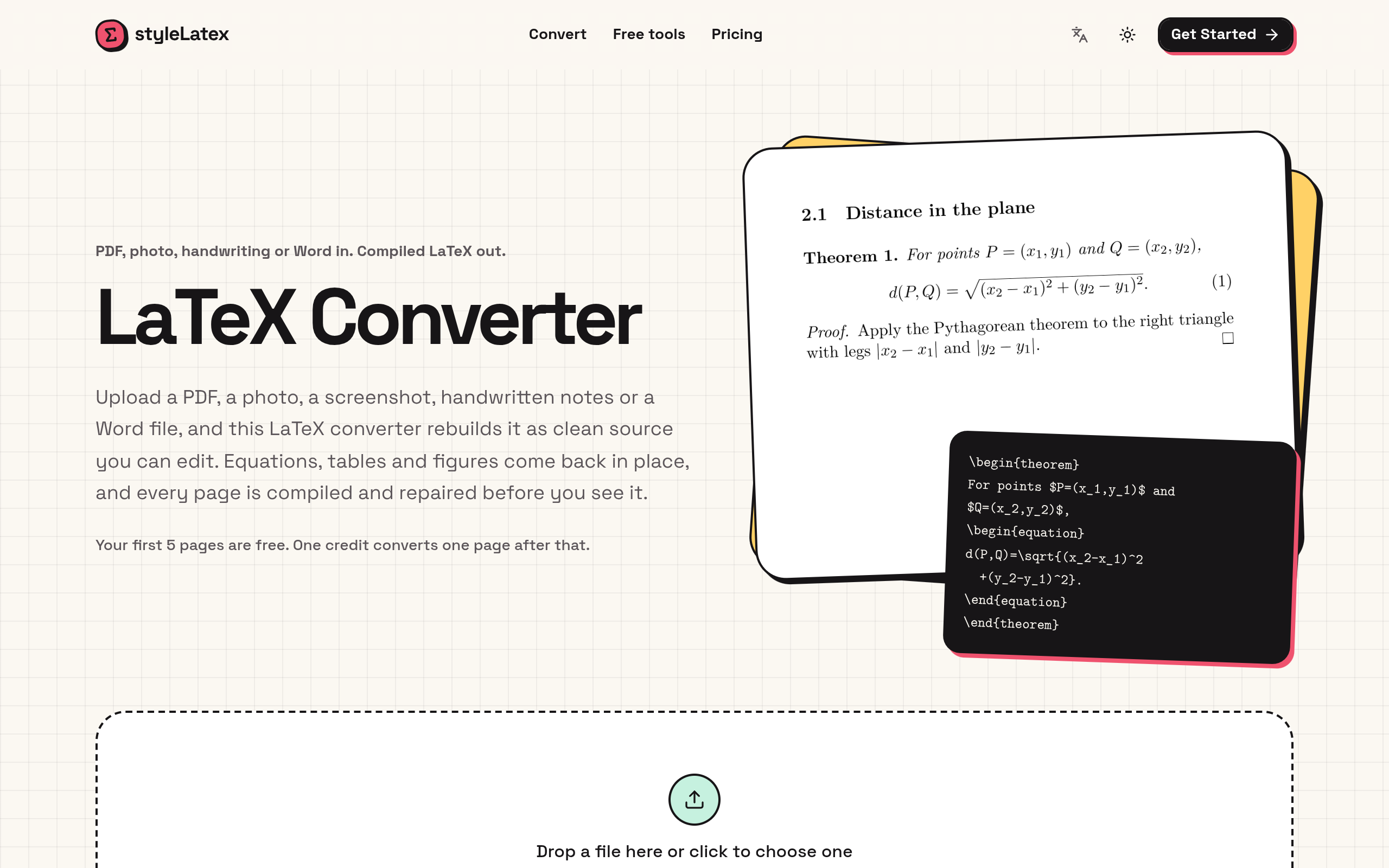
styleLatex is an online LaTeX converter for students, researchers and teachers. Upload a PDF, photo, screenshot, handwritten notes or a Word document to turn equations, tables and document content into editable LaTeX. Each converted page is compiled with XeLaTeX and repaired from compiler errors before review. Users can compare the source with a PDF preview, edit and compile the result, and download .tex, PDF or Word files, with extracted figures available in a ZIP. The site also offers free tools for LaTeX tables and conversions between LaTeX, Markdown, HTML and Typst.
Key Features
Multi-format input
Accepts PDFs, PNG/JPG/WebP images, screenshots, handwritten notes, .docx and .xlsx files so you can convert content from many sources.
Compiled & repaired LaTeX output
Each converted page is compiled with XeLaTeX and automatically repaired from real compiler errors so the returned source is already buildable.
Side-by-side editor & preview
Compare editable LaTeX source beside a PDF preview, make edits, recompile in-browser and verify changes before downloading.
Figure and asset extraction
Crops and bundles figures (up to 8 per page) and provides them in a ZIP alongside the generated .tex file with preserved figure references.
Flexible exports & free tools
Export as .tex, compiled PDF or Word (.docx); includes free converters for LaTeX↔Markdown/HTML/Typst and table conversion utilities.
How to Use styleLatex
1) Upload: Drop a PDF, image, screenshot, handwritten photo or a Word/Excel file into the converter (or paste a screenshot). 2) Select pages: For PDFs you can pick which pages to convert; for long Word docs parts are auto-split. 3) Convert & review: Start conversion; each page opens with LaTeX source beside a compiled PDF preview so you can compare and edit. 4) Export: Compile if needed, then download the .tex, the compiled PDF, a .docx, or a ZIP with extracted figures.