
StatMate
Free statistics calculator with 20 tests, APA-formatted results, AI interpretation, and Word export for researchers and students.
About
StatMate is a free online statistics calculator designed for researchers, students, and data analysts. It supports 20 statistical tests including t-test, ANOVA, chi-square, correlation, regression, Mann-Whitney U, Wilcoxon, Kruskal-Wallis, Friedman, factor analysis, logistic regression, and more. Key features: - APA 7th edition formatted results ready to paste into your paper - AI-powered interpretation that explains your results in plain language (Pro) - Word (.docx) export with perfectly formatted APA tables (Pro) - PDF export for all tests (Free) - Interactive data visualization charts - CSV/TSV file upload support - URL sharing for reproducible results - Assumption checks (normality, homogeneity) - Post-hoc analyses (Bonferroni, Dunn's, Nemenyi) - Available in English, Korean, and Japanese No installation required. Works in any browser. All core calculations are completely free.
Key Features
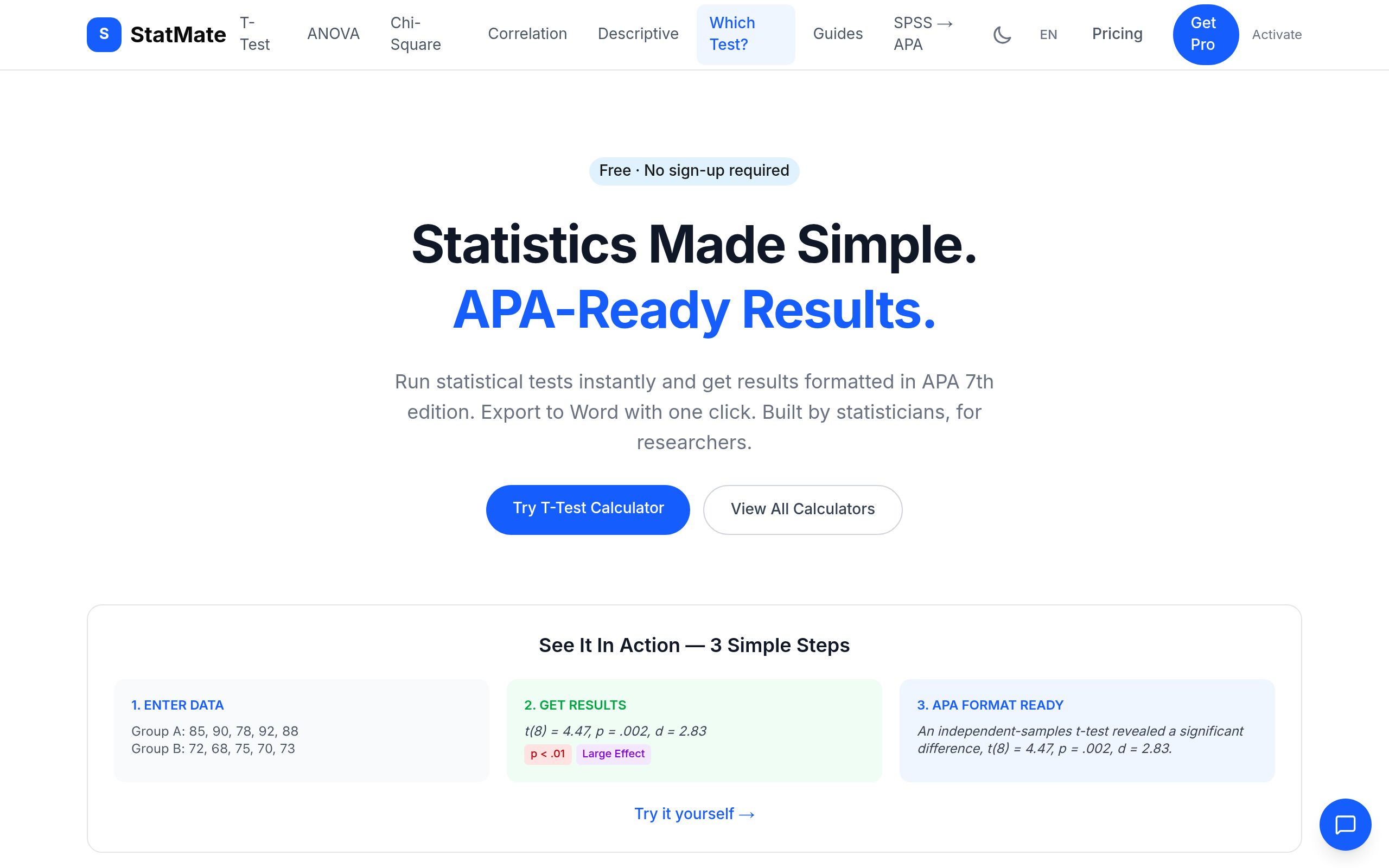
APA 7th Edition Output
Automatically generates APA-formatted test results and tables you can paste into manuscripts, saving time on formatting and ensuring consistency with publication standards.
AI-Powered Interpretation (Pro)
Provides plain-language explanations of statistical results (effect sizes, significance, direction), helping users understand findings and draft result paragraphs quickly.
Flexible Export Options
Export results and tables as Word (.docx) with APA-formatted tables (Pro) or download PDFs (Free) for easy inclusion in reports and submissions.
Broad Test Coverage & Post-hoc Analyses
Supports 20 common statistical tests — t-tests, ANOVA, chi-square, regression, nonparametric tests, factor and logistic regression — plus post-hoc procedures (Bonferroni, Dunn's, Nemenyi).
Data Upload, Visualization & Reproducibility
Accepts CSV/TSV uploads, creates interactive charts, runs assumption checks (normality, homogeneity), and generates shareable URLs so analyses can be reproduced and shared.
How to Use StatMate
1. Visit statmate.org and choose a statistical test (e.g., t-test, ANOVA, chi-square) 2. Enter your data manually or upload a CSV file 3. Click "Calculate" to get instant results 4. View APA-formatted results, charts, and assumption checks 5. Copy results to clipboard, export as PDF, or share via URL