
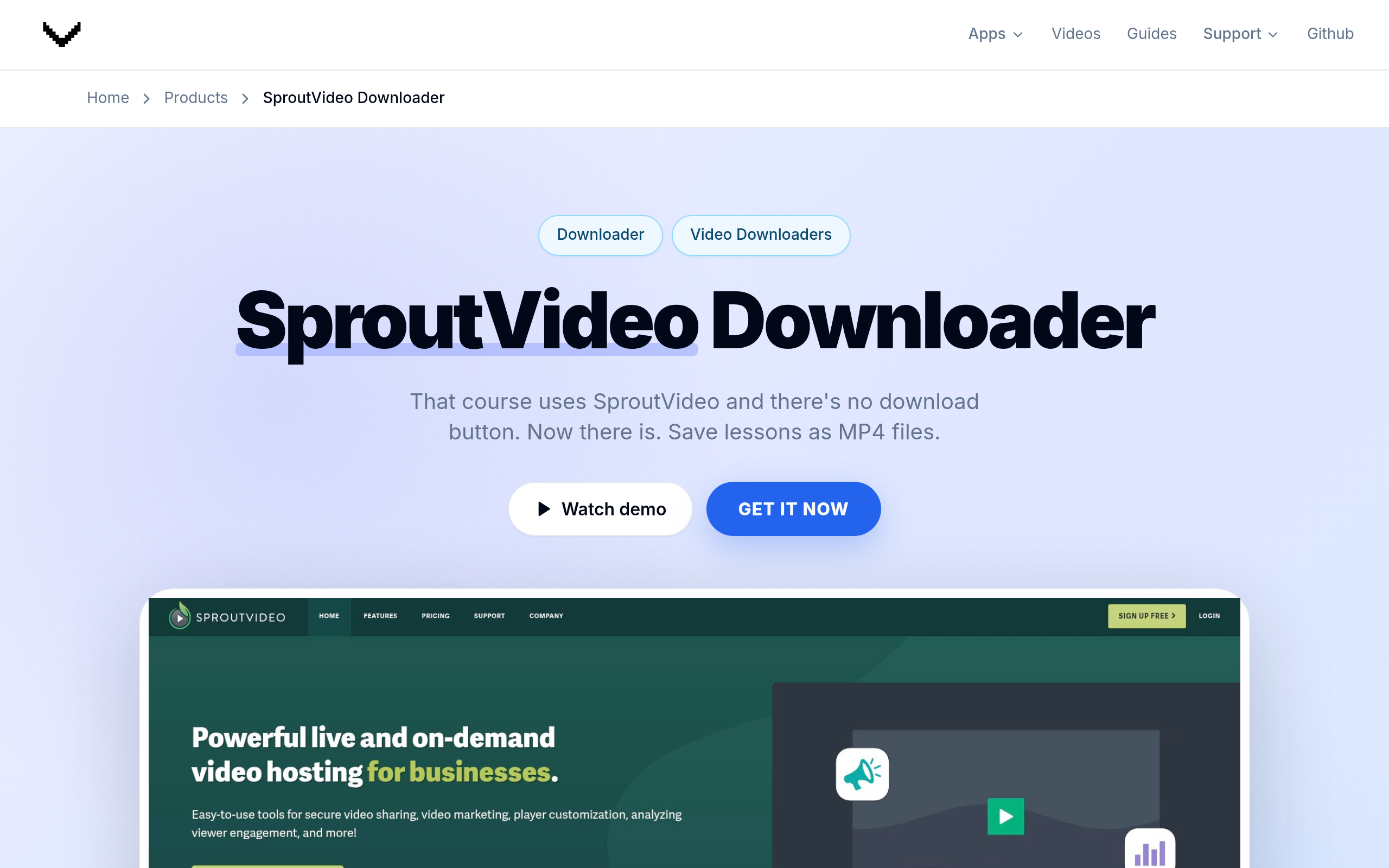
Sprout Video Downloader
Download supported SproutVideo-hosted videos as MP4 files from embedded players and direct pages
About
SproutVideo Downloader is a browser extension built for users who need offline access to business videos, training content, and embedded media served through SproutVideo. It detects supported direct-file and streaming playback flows, surfaces available quality options when present, and exports the final result as MP4 for later playback. Save supported SproutVideo videos from embeds and direct pages Handle direct MP4 and supported HLS-backed workflows Export MP4 files for easier offline viewing and review Keep a browser-first workflow for business and training content Avoid manual stream extraction from embedded players
Key Features
Automatic Stream Detection
Automatically detects SproutVideo-hosted playback flows on pages and embedded players, including direct MP4 files and supported HLS streams.
Quality Selection & MP4 Export
Surfaces available quality/resolution options when present and exports the selected stream as a single MP4 file for easy offline playback.
One‑Click Download from Embeds and Pages
Adds a simple browser workflow (extension icon or context action) to download videos directly from embedded players or SproutVideo direct pages without manual stream extraction.
Browser‑First & Local Processing
Performs detection and export within the browser so video data stays local to the user’s machine — no cloud uploads required.
How to Use Sprout Video Downloader
1. Install the Sprout Video Downloader browser extension. 2. Navigate to a page or embedded player that contains a SproutVideo-hosted video. 3. Click the extension icon (or use the provided context/menu option). The extension will detect available streams and list quality options. 4. Choose the desired quality and click Download — the extension will export the selected stream as an MP4 file to your browser downloads folder.