
SoundToMIDI
Turn audio into editable MIDI in your browser without uploading the source file.
About
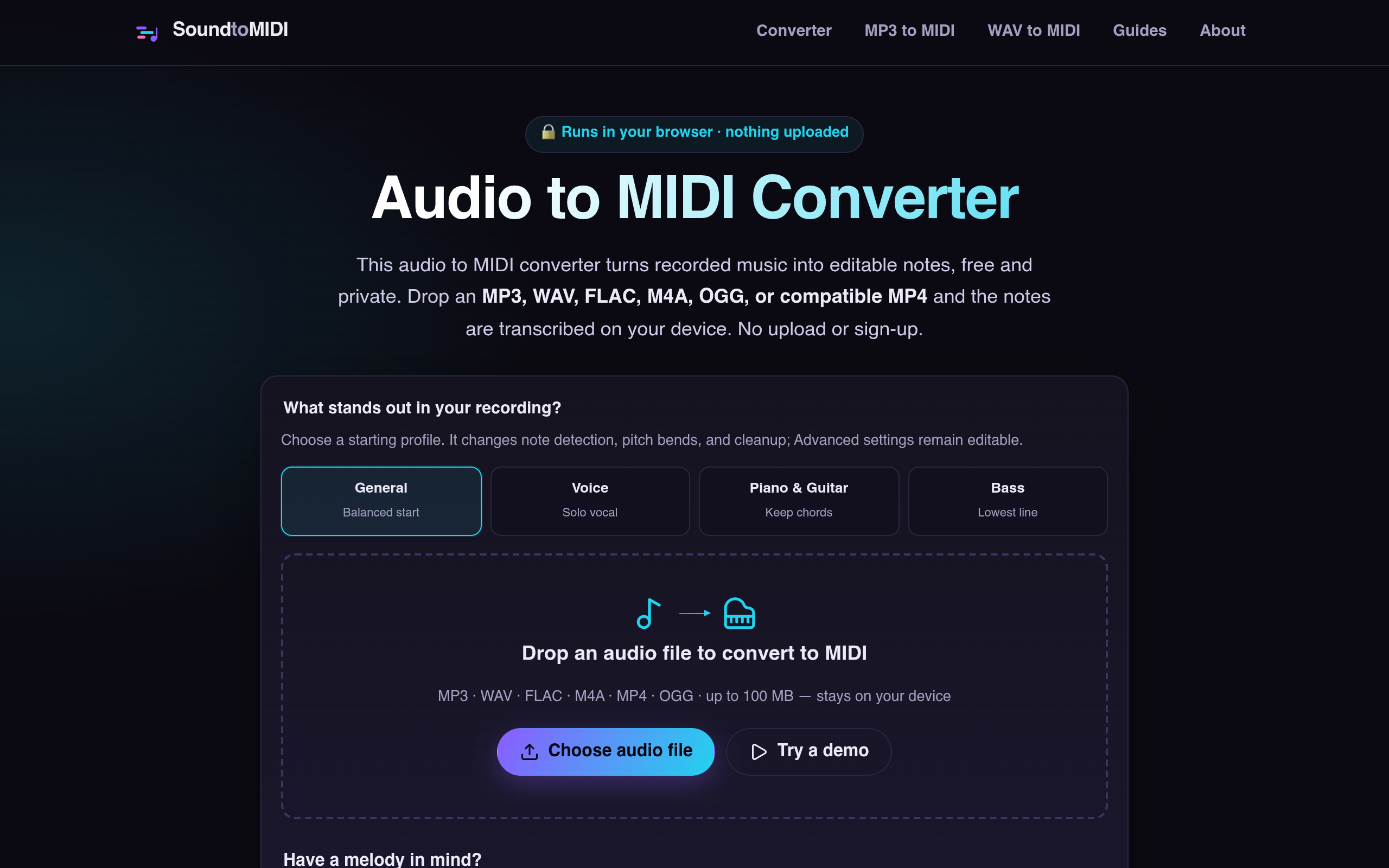
SoundToMIDI converts MP3, WAV, FLAC, M4A, OGG, and compatible MP4 files into standard MIDI. Transcription runs on the user’s device without uploading the source audio or requiring an account. The result includes a piano-roll preview, note statistics, and a free Raw MIDI download. Users can preview an optional cleaned MIDI before a one-time $2.99 purchase. Clear melodies and isolated instruments work best; dense mixes may still require manual editing.
Key Features
On-device, private transcription
All audio is transcribed in your browser without uploading files or requiring an account, keeping your audio, MIDI and filenames local to your device.
Multi-format input & size support
Accepts MP3, WAV, FLAC, M4A, OGG and compatible MP4/WebM audio tracks (up to 100 MB) so you can convert recordings, exports and short videos.
Piano-roll preview & inline editor
View detected notes in a piano-roll, edit individual notes (pitch, start, length), adjust timing grid/quantize and apply transposition or note-range filters before export.
Cleaned MIDI + Export Pack
Compare free Raw MIDI to an optional cleaned MIDI, then purchase a one-time Music Export Pack that bundles Cleaned MIDI, MusicXML, printable PDF score, piano-roll PNG and an export guide.
Advanced detection & cleanup controls
Fine-tune onset/note confidence, minimum note length, tempo, pitch-bend inclusion and automatic cleanup strength to optimize results for voice, piano, guitar or bass.
How to Use SoundToMIDI
Choose or record an audio file, run the browser-based transcription, inspect the piano-roll preview, then download the free Raw MIDI. Optionally compare and purchase the cleaned MIDI.