
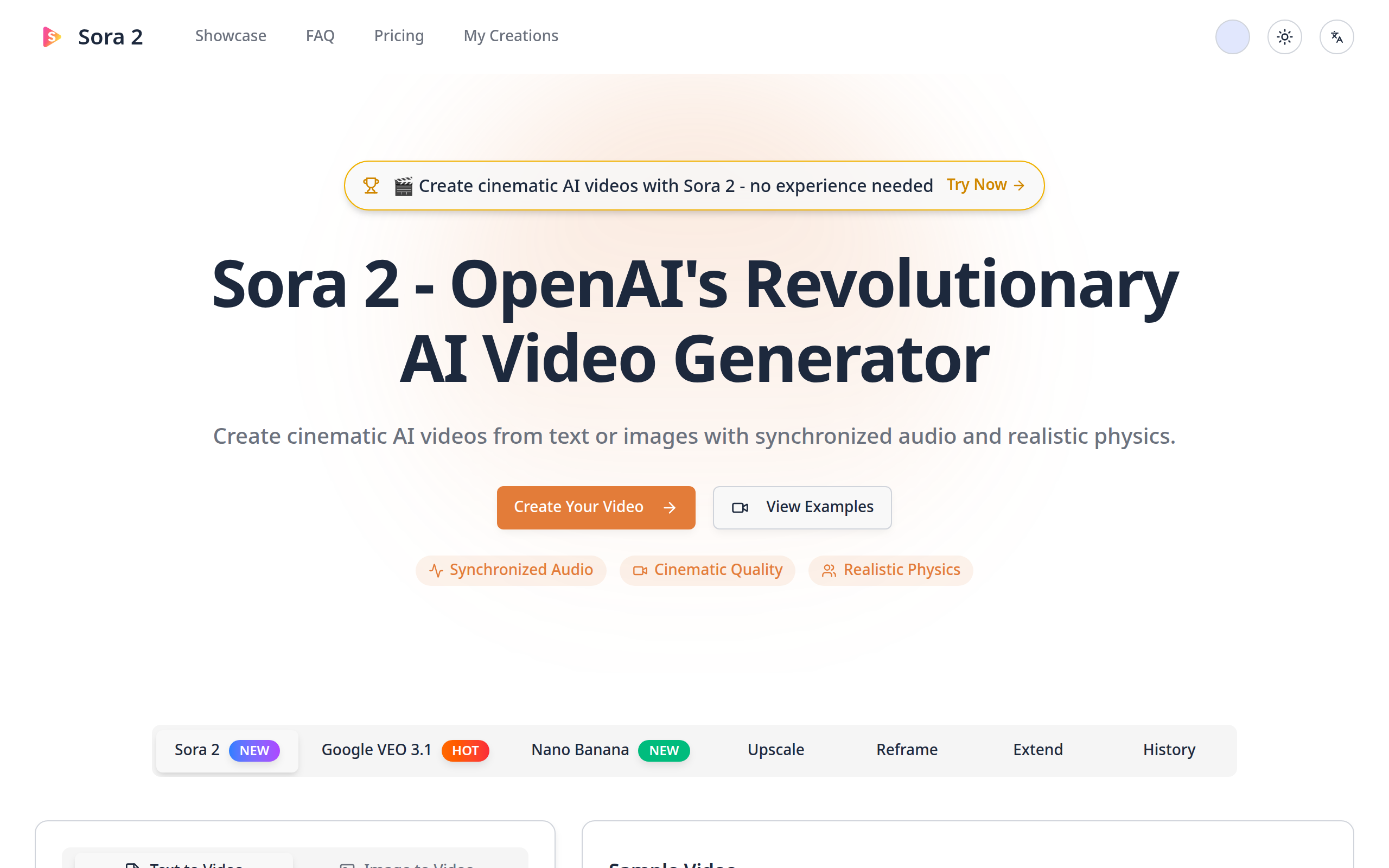
Sora 2 - Cinematic AI Video Generator with Audio
Create cinematic AI videos with synchronized audio and realistic physics using Sora 2's latest capabilities.
About
Sora 2 AI Video Generator is a cutting-edge tool developed by OpenAI, designed to create cinematic 10-second videos. It combines synchronized audio with realistic physics to deliver high-quality, engaging video content. Sora 2 is ideal for content creators, marketers, and educators looking to produce high-quality video content quickly. It's also beneficial for filmmakers and animators who need to create realistic animations with minimal effort.
Key Features
Synchronized Audio
Ensures that audio perfectly matches the video content for a seamless experience.
Realistic Physics
Adds a layer of realism to animations, making them more lifelike.
VEO 3 Video Generator
Utilizes Google's latest VEO 3 model to generate videos from text or images.
AI Video Upscaler
Enhances video quality to 4K resolution with AI detail recovery.
NanoBanana Image Studio
Allows for creation, editing, and remixing of visuals with Gemini 2.5 Flash workflows.
How to Use Sora 2 - Cinematic AI Video Generator with Audio
1) Sign in or create an account and start a new project. 2) Choose input mode: enter a detailed text prompt (text-to-video) or upload an image (image-to-video). Include desired style (cinematic, realistic, anime), audio instructions (dialogue, music, SFX), and any multi-shot or physics details. 3) (Optional) Use the Cameos feature by doing a one-time verification recording to insert yourself or others, set quality/length (Sora 2 focuses on ~10s renders), then click Generate. 4) Wait for the render to complete, preview the result, make refinements (re-prompt, reframe, upscale, or extend), and download or export for commercial use following content and rights guidelines.