
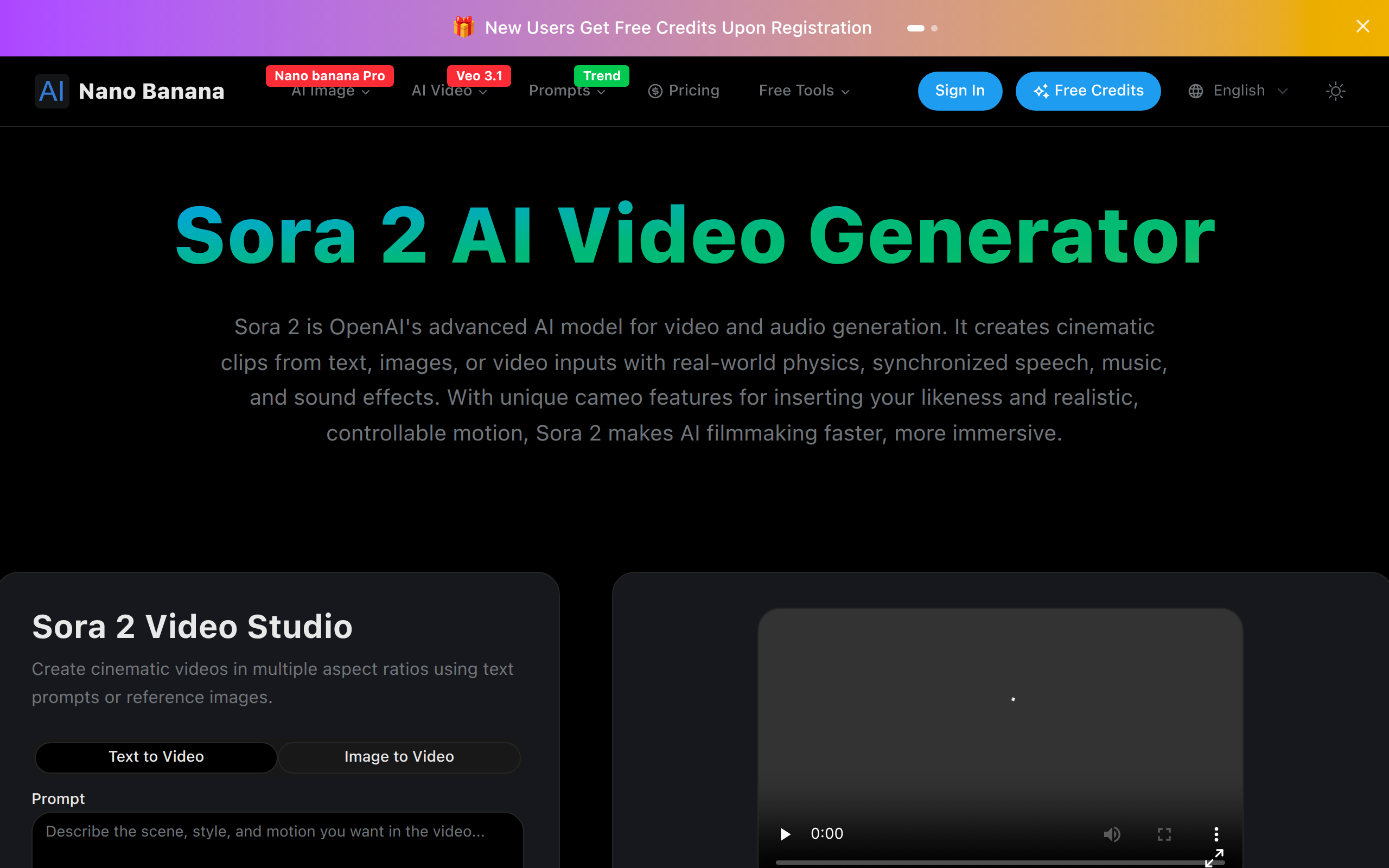
Sora 2 AI Video Generator
Sora 2 is an AI-powered video generation tool that turns text prompts into realistic, high-quality videos with smooth motion and consistent scenes.
About
Sora 2 is a next-generation AI video generator developed to make video creation effortless and intelligent. Users simply enter a text prompt to generate visually consistent, high-resolution videos in seconds. The model ensures natural motion, accurate lighting, and smooth transitions between scenes. It supports multiple styles and scenarios—ideal for creators, educators, and marketers who want to bring their ideas to life through AI-driven storytelling without complex editing tools.
Key Features
Physically Accurate Motion
Simulates real-world physics (gravity, collisions, fluid motion) so actions and object interactions look natural and consistent across frames.
Built-in Audio & Speech
Automatically generates synchronized dialogue, music, and ambient sound effects so outputs are cinematic without manual audio editing.
Multimodal Inputs & Cameos
Accepts text prompts, reference images, or short video clips. Upload a photo once to insert your likeness as a cameo across generated videos.
Precise Scene Control
Fine-tune camera angles, lighting, style (cinematic, anime, hyper-realistic), multi-shot prompts and character consistency for predictable results.
Fast High-Quality Clips
Generates visually consistent, high-resolution videos (optimized for short social clips) quickly with preview, download and remix options.
How to Use Sora 2 AI Video Generator
1) Sign up and claim free credits. 2) Choose an input mode: enter a text prompt or upload a reference image/short clip; optionally enable Cameo and upload a clear photo to personalize. 3) Configure settings (aspect ratio, style, shot length, audio preferences) and press Generate. 4) Preview the clip, remix or adjust prompts if needed, then download or share the final video.