
SoloStack AI Toolkit
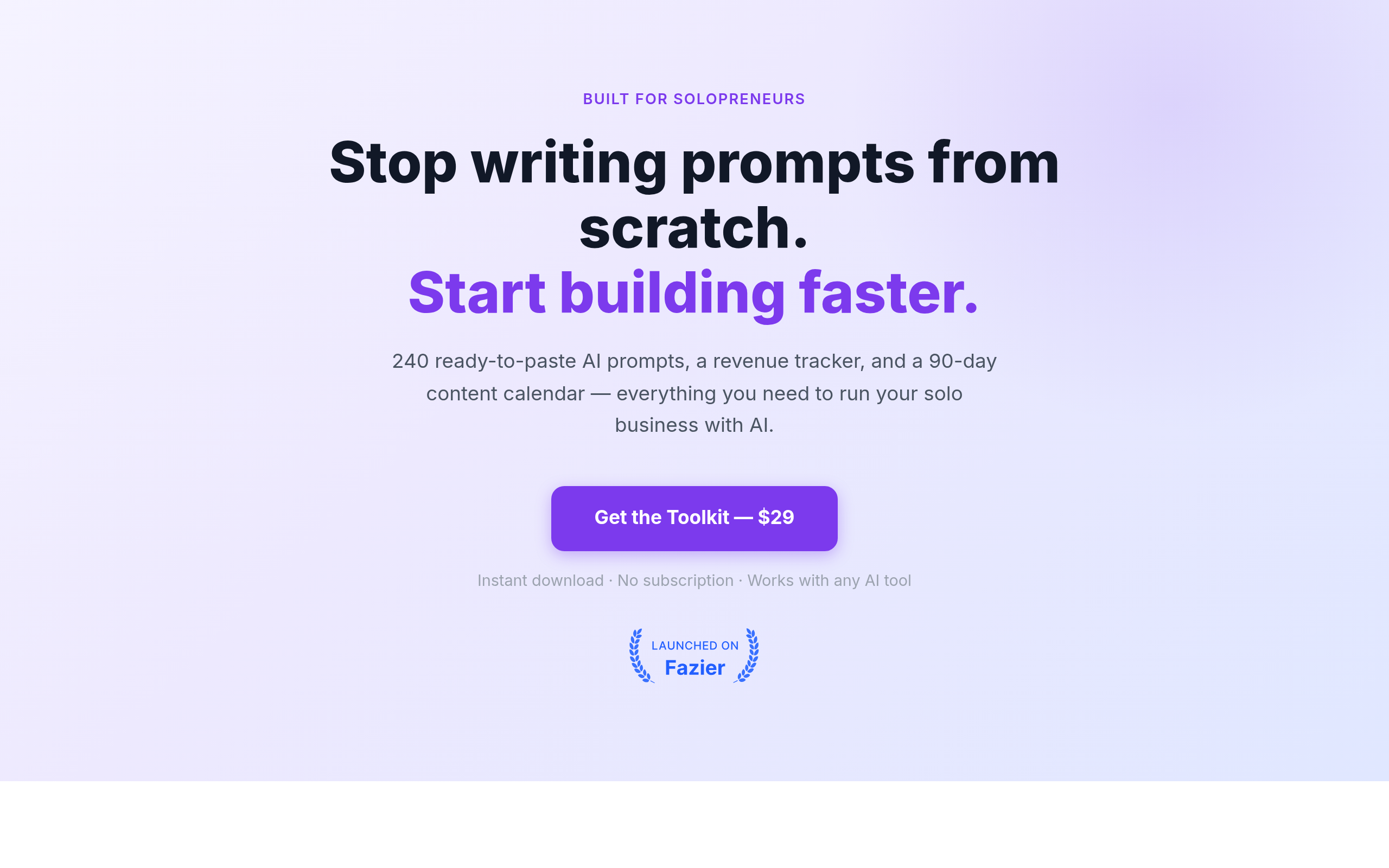
240 AI prompts, revenue tracker, and content calendar for solopreneurs. One-time $29. Works with any LLM.
About
SoloStack AI Toolkit is an all-in-one resource pack for solopreneurs who use AI daily. It includes 240 expert-crafted prompts across 12 categories (content, social media, email marketing, SEO, sales, customer research, product development, operations, finance, branding, hiring, strategy), a Revenue Tracker spreadsheet, and a Content Calendar. Each prompt uses a proven Role-Context-Task-Format structure for instant, high-quality output. One-time purchase, no subscriptions. Compatible with ChatGPT, Claude, Gemini, and any LLM.
Key Features
240 Structured Prompts
A library of 240 expert-crafted prompts across marketing, sales, content, SEO, operations, finance, hiring and strategy — each using a Role-Context-Task-Format structure for consistent, high-quality outputs.
Content Calendar (30-Day)
Ready-to-use 30-day content calendar with post ideas and prompt templates so you can batch-create social posts, newsletters, video scripts and blog outlines without guesswork.
Revenue Tracker Spreadsheet
A downloadable spreadsheet to track income, expenses, pricing scenarios and monthly revenue goals — built for solo business cashflow visibility and decision-making.
Weekly Planner & Workflow Guides
Weekly planner and workflow playbooks that convert prompts into repeatable habits and SOPs so you can maintain marketing, sales and operations even during busy client weeks.
LLM-Compatible & Customizable
Prompts and templates work with any LLM (ChatGPT, Claude, Gemini, etc.) and include variables and role framing so outputs match your voice and niche.
How to Use SoloStack AI Toolkit
1. Purchase and download the toolkit from Gumroad. 2. Open the AI Prompt Library PDF and browse by category. 3. Copy any prompt, paste it into ChatGPT, Claude, or your preferred AI tool. 4. Customize the bracketed placeholders with your business details. 5. Use the Revenue Tracker to log income and expenses. 6. Plan your content with the Content Calendar spreadsheet.