
Soku AI
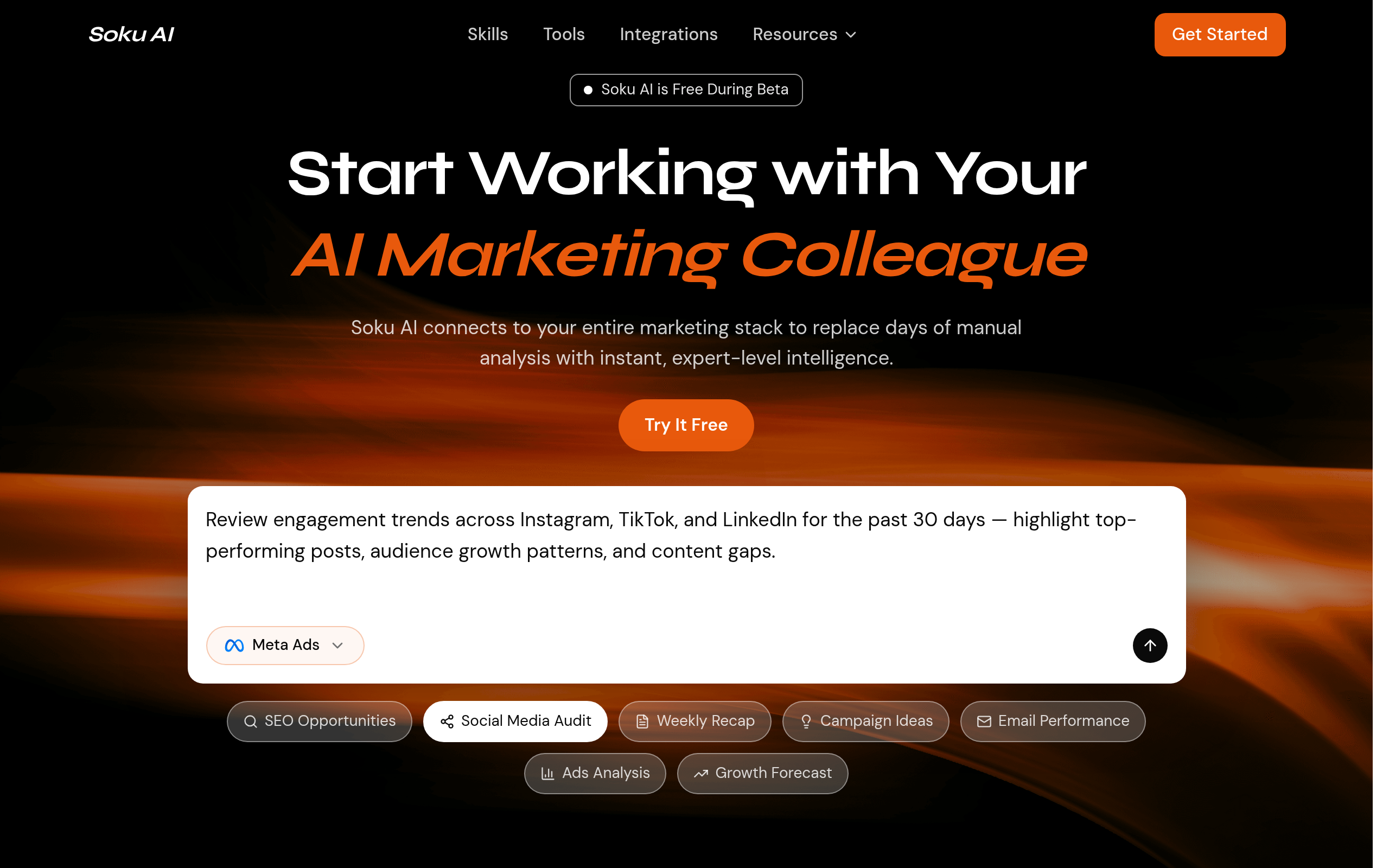
Soku AI connects to your entire marketing stack to replace days of manual analysis with instant, expert-level intelligence.
About
Soku AI is your always-on AI marketing colleague that connects directly to your Meta Ads, Google Ads, TikTok Ads, GA4, Shopify, and more. Instead of jumping across dashboards and spreadsheets, you can ask plain‑language questions like “Why did CPA spike yesterday?” or “Where should we reallocate budget for better ROAS?” and get precise answers, backed by your own data. Soku AI unifies fragmented context across paid, organic, email, and social, then runs root‑cause analysis to show what actually moved performance—spend shifts, audience fatigue, funnel leakage, or keyword gaps. On top of insights, it generates action‑ready outputs: weekly recaps, budget recommendations, SEO content briefs, audience segments, and experiment ideas your team can execute immediately. All integrations are read‑only and can be set up in under 15 minutes. Soku AI is free during beta, giving early teams priority onboarding and a direct line into the product roadmap.
Key Features
Cross-channel Integrations
Read-only connectors to Meta Ads, Google Ads, TikTok Ads, GA4, Shopify and dozens more, unifying paid, organic, email and social data in one place for consistent analysis.
Natural-language Root-cause Analysis
Ask plain‑language questions (e.g., “Why did CPA spike yesterday?”) and get precise, data-backed explanations that surface spend shifts, audience fatigue, funnel leakage, and attribution issues.
Action-ready Recommendations
Automatic, executable outputs—budget reallocation suggestions, campaign backlogs, experiment ideas, audience segments, and SEO content briefs—so teams can move from insight to action quickly.
Alerts & Narrative Summaries
Automatically detect anomalies, generate concise narratives of what happened and why, and deliver prioritized next steps so stakeholders can respond faster.
Fast, secure setup
Read-only integrations that can be configured in under 15 minutes, with beta access offering priority onboarding and direct product roadmap feedback.
How to Use Soku AI
1) Sign up and connect your marketing data sources (Meta, Google Ads, GA4, Shopify, email platforms, etc.) using the read-only connectors. 2) Use a prebuilt skill or type a plain-language question (e.g., “Which campaigns spent the most with zero conversions this week?”) or pick a time range and channels to analyze. 3) Review Soku’s diagnosis and evidence (what changed, why it changed) and examine the recommended actions (budget shifts, content briefs, audience segments). 4) Export or assign the action-ready outputs (weekly recaps, experiment ideas, SEO briefs) to your team or use them to implement changes in your platforms.