
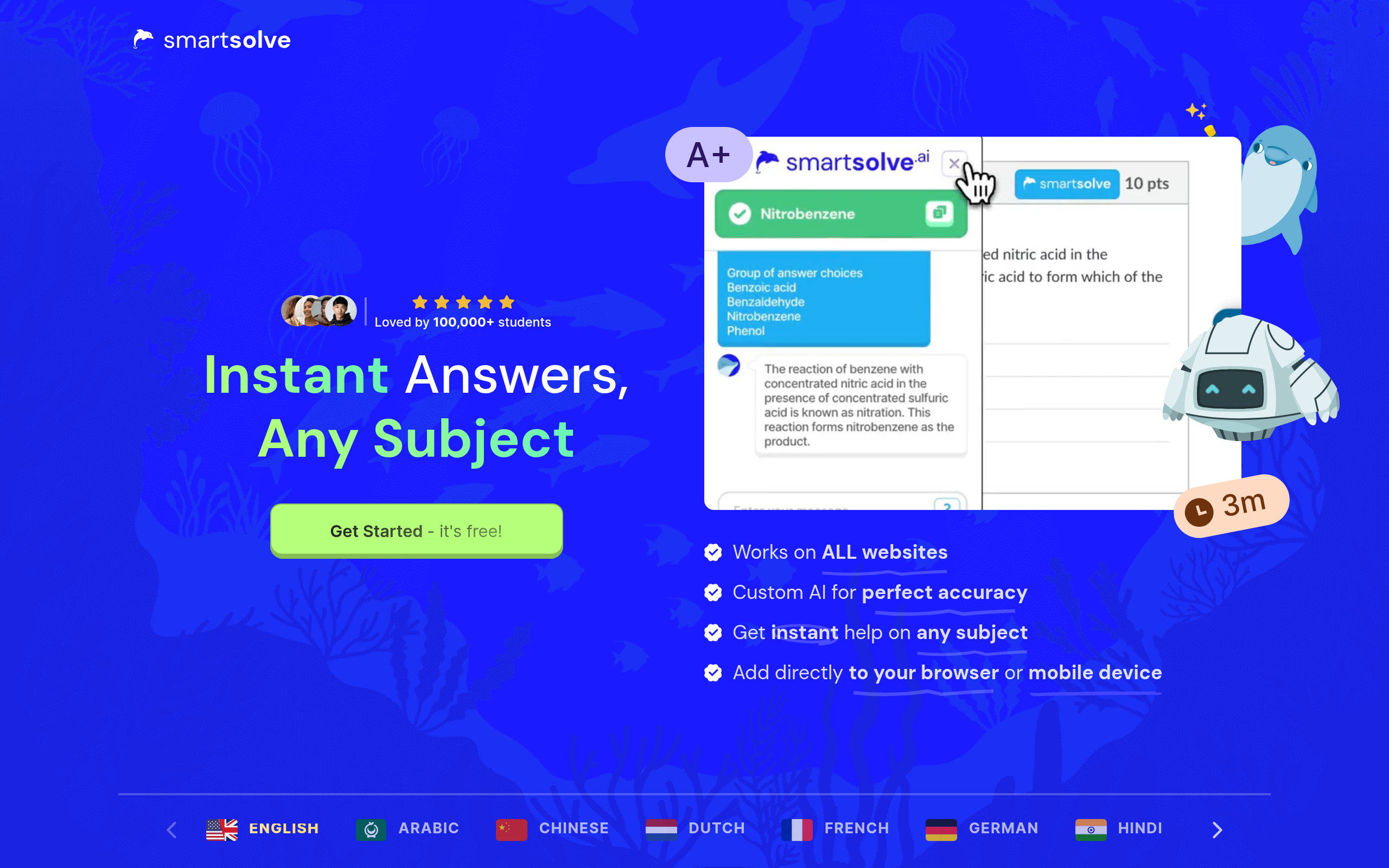
SmartSolve
Homework and math helper for college students.
About
SmartSolve is an AI tutor for college students that can easily scan, understand, solve, and explain any question from any subject.
Key Features
Instant Problem Solving & Step-by-Step Explanations
Provides quick, detailed answers with step-by-step reasoning for problems across subjects (math, physics, chemistry, history, etc.) so students learn the method as well as the result.
Image OCR & Snapshot Solver
Take a photo of printed or handwritten problems and SmartSolve extracts, understands, and solves them automatically using OCR and image understanding.
Highlight-to-Solve & Direct Integration
Works directly on web pages and learning platforms — highlight any question online or click the integration button to get an instant solution without leaving the page.
Cross-Platform: Browser Extension & Mobile Apps
Available as a Chrome extension and mobile apps (iOS/Android) for seamless use on desktop and mobile devices during study sessions.
Privacy-Focused & Undetectable Mode
Built-in privacy techniques to keep usage discreet while browsing; prioritizes student privacy and secure handling of data.
How to Use SmartSolve
1) Install the Chrome extension or mobile app (or open SmartSolve on the website) and sign up. 2) Choose how to input the question: click the direct integration button on a learning platform, highlight text on a webpage, or take/upload a snapshot of a handwritten/printed problem. 3) Receive an instant solution with step-by-step explanations; ask follow-up questions or request more detailed steps if needed. 4) Save, export, or practice using the provided explanations and customize subject/language settings.