
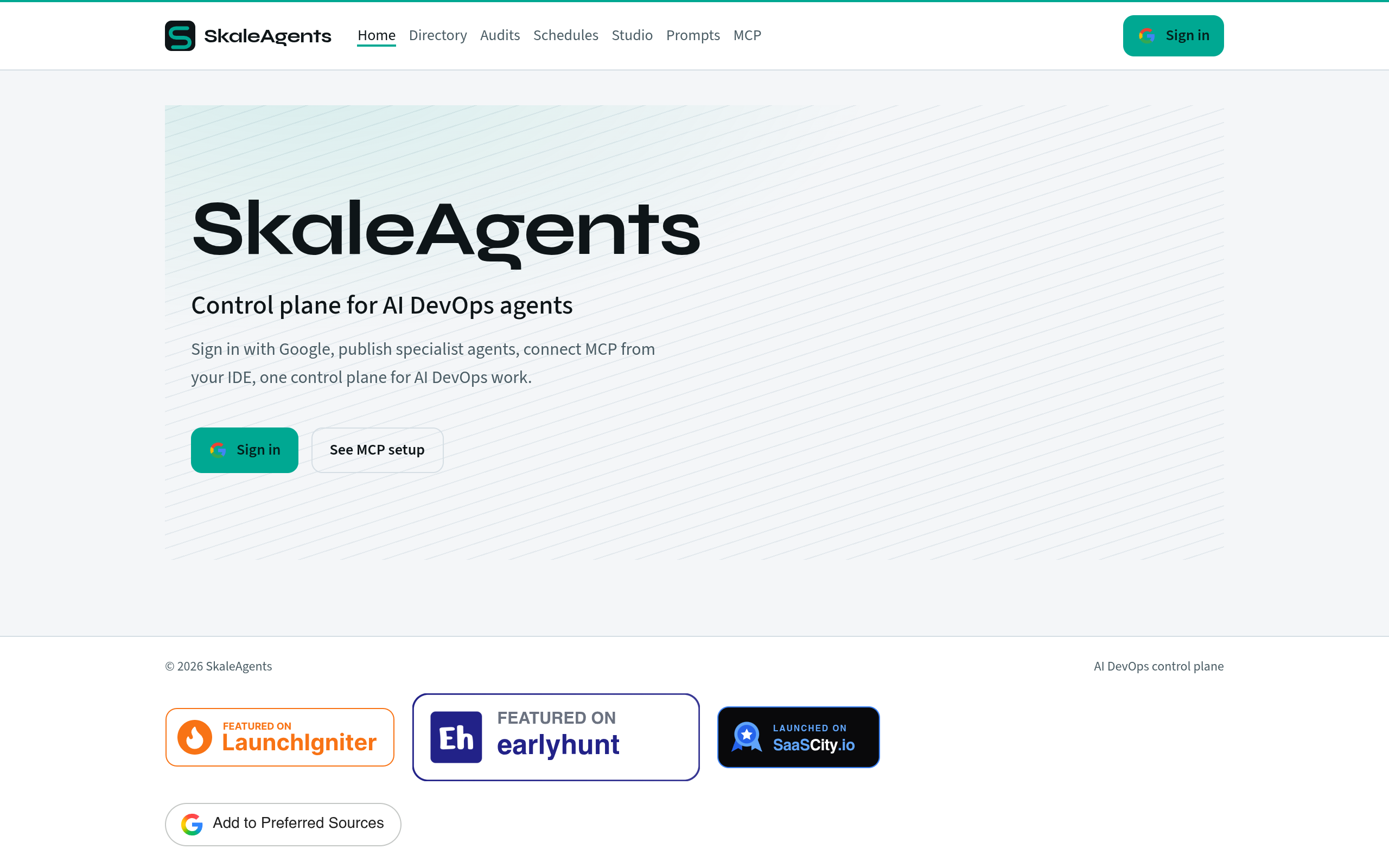
SkaleAgents
Control plane for AI DevOps agents.
About
SkaleAgents is the control plane for AI DevOps agents. Teams sign in with Google, publish specialist agents, and connect MCP from their IDE so agent work lives in one place instead of scattered chats and one-off scripts. The product focuses on AI DevOps workflows: run audits, review remediation with your team, and keep schedules, studio work, prompts, and MCP connections organized under a single control plane. Specialist agents can be published and reused so repeatable DevOps tasks are not reinvented every sprint. SkaleAgents is built for people who already use AI coding tools and want an operations layer around them. Sign in with Google to get started. Publish the specialist agents your team relies on. Connect MCP from your IDE so agents can work with the tools and context you already use. Keep audits and collaborative remediation review in one control plane rather than bouncing between tabs. Whether you are standardizing how agents are published, wiring MCP into daily IDE work, or coordinating AI-assisted DevOps audits and follow-up, SkaleAgents is meant to be that shared control plane. Visit https://skaleagents.com for the latest product surface, including Directory, Audits, Schedules, Studio, Prompts, and MCP setup.
Key Features
Agent Directory & Publishing
Publish, discover, and reuse specialist agents across your team so repeatable DevOps tasks are standardized and not reinvented each sprint.
MCP / IDE Integration
Connect your Model Control Plane (MCP) from within your IDE so agents can run with the tools, context, and credentials developers already use.
Audits & Collaborative Remediation
Run AI-assisted audits, track findings, and review remediation with teammates in a single place to reduce context switching and keep accountability.
Studio, Prompts & Schedules
Manage prompts, schedule recurring runs, and use the Studio to iterate on agent behavior and workflows within the control plane.
Team Access & Google SSO
Sign in with Google and manage team-level access so agents, audits, and workflows are shared securely across your organization.
How to Use SkaleAgents
Sign in with Google to get started. Publish specialist agents, then connect MCP from your IDE.