
Signature Maker
Generate professional email signatures with live preview and export.
About
Signature Maker helps teams and individuals create clean HTML email signatures quickly with live preview and export, making professional signatures easy to build and deploy.
Key Features
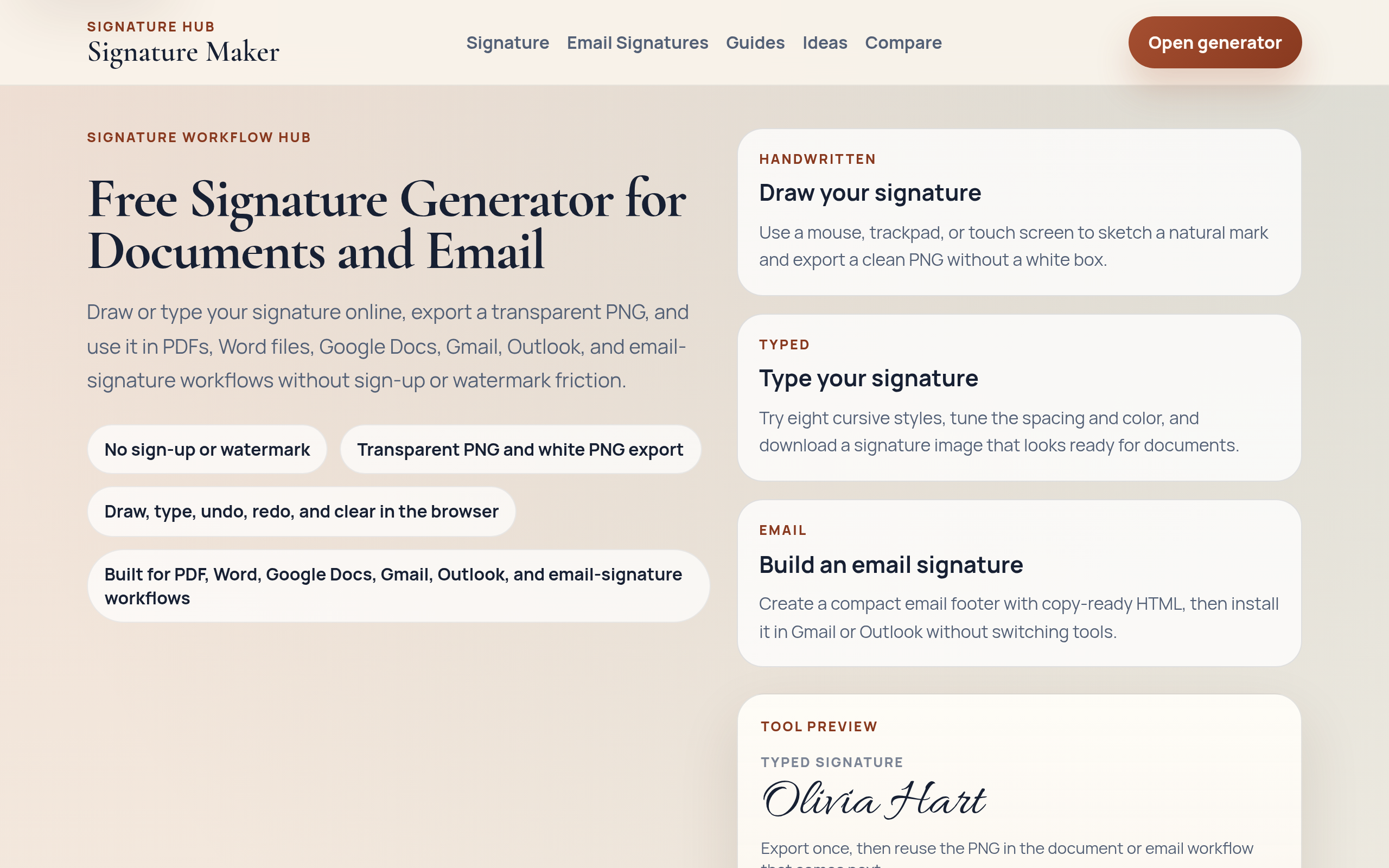
Draw or Type Modes
Sketch a handwritten signature with mouse/trackpad/touch or type a signature using multiple cursive fonts, spacing and color controls.
Transparent PNG Export
Export signatures as transparent or white-background PNGs suitable for PDFs, Word, Google Docs, and email clients without a white box.
Email Signature HTML Builder
Create a compact, copy-ready HTML email footer with optional logo and CTA links that installs cleanly in Gmail and Outlook.
Live Preview & Edit Tools
See changes in real time and use undo/redo/clear controls to refine the signature before exporting.
No Signup / No Watermark
Use the generator immediately in the browser without creating an account or having watermarks on exported assets.
How to Use Signature Maker
1) Pick a mode: choose 'Draw' to sketch with mouse/touch or 'Type' to try cursive fonts and adjust spacing/color. 2) Customize: add your full name, role, company logo or links if building an email footer and tweak size/spacing. 3) Preview and refine: use the live preview and undo/redo until the signature looks right. 4) Export or install: export a transparent PNG for documents or copy the HTML for Gmail/Outlook and paste it into your email signature settings.