
Shadcn UI Kit
Admin Dashboards, Components, UI Blocks & Figma
About
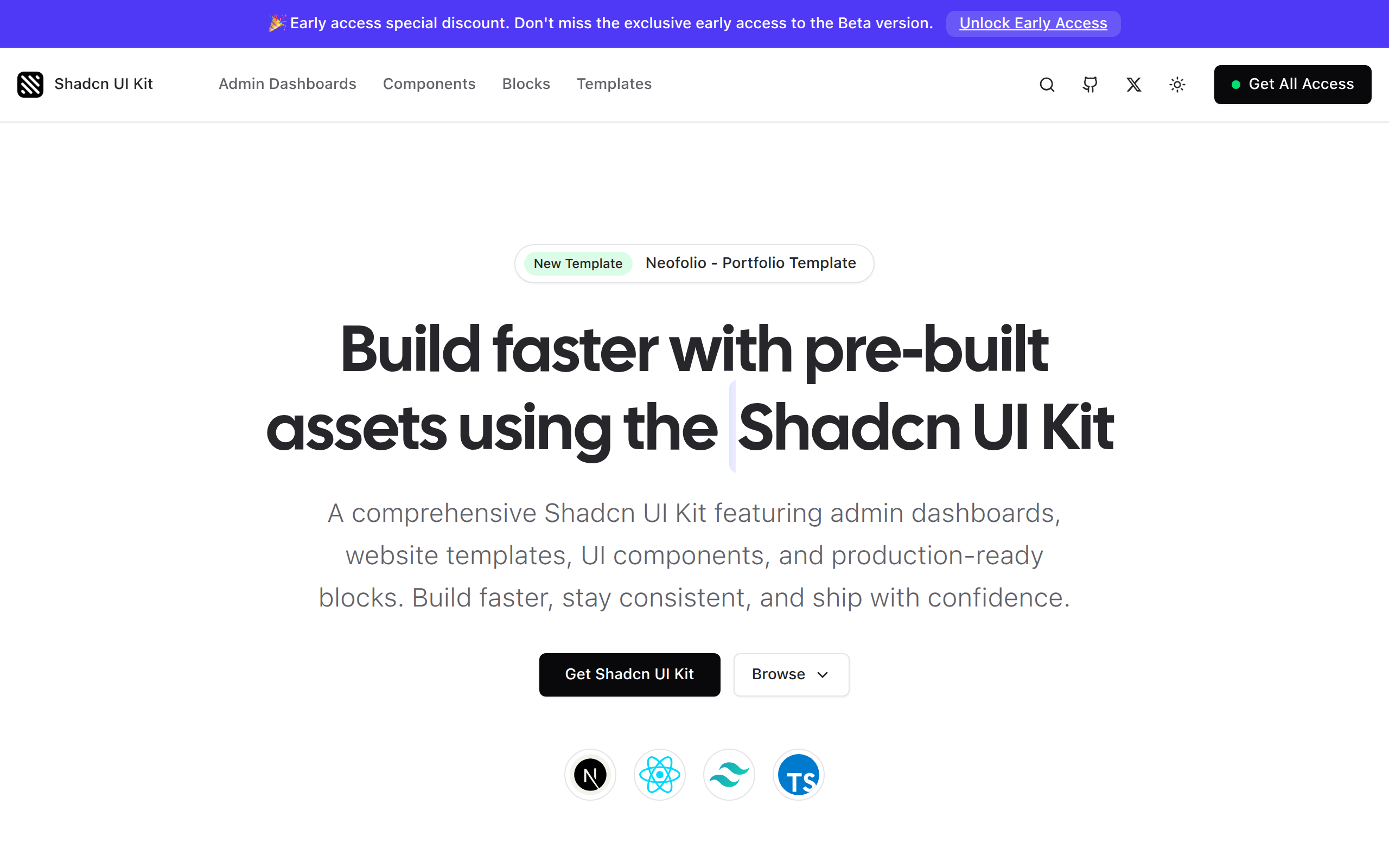
Shadcn UI Kit is a production-ready UI toolkit built to help developers and teams design, build, and ship modern web applications faster. It offers a curated collection of high-quality, fully customizable components and full-page templates built with Next.js, Tailwind CSS, and shadcn/ui, following best practices for accessibility, performance, and scalability. What’s inside the Shadcn UI Kit? Production-ready Admin Dashboard templates, a flexible collection of UI blocks and components, premium website templates, a synchronized Figma UI Kit for rapid design workflows, and an optional Boilerplate starter (coming soon) with planned integrations for authentication, email workflows, advanced theming, and multilingual support. Why Shadcn UI Kit? Instead of spending weeks rebuilding common UI patterns, Shadcn UI Kit gives you a polished, production-ready foundation to accelerate development without sacrificing flexibility.
Key Features
Production-ready Admin Dashboards
Complete, fully designed admin dashboard templates (multiple themes) built with Next.js and Tailwind CSS to jumpstart real-world projects.
Reusable Components & UI Blocks
A curated library of high-quality, accessible, and customizable components and sections (forms, tables, charts, navs) you can drop into any app.
Synchronized Figma UI Kit
A matching Figma file that mirrors the code components for fast prototyping, design handoff and consistent visual language across teams.
Next.js + Tailwind Integration & Best Practices
Built with Next.js and Tailwind CSS following accessibility, performance and scalability best practices for production deployments.
How to Use Shadcn UI Kit
1) Get access: purchase or unlock the package (dashboards, templates, components or all-access) and download the repo/Figma file. 2) Install: add the components to your project (clone repo or copy packages), then install dependencies (npm/yarn) and configure Tailwind and shadcn/ui per docs. 3) Integrate: import components or templates into your Next.js pages, wire up data/state, and customize styles and themes as needed. 4) Launch: test accessibility/performance, build and deploy (Vercel, Netlify, etc.).