
Seekdown AI
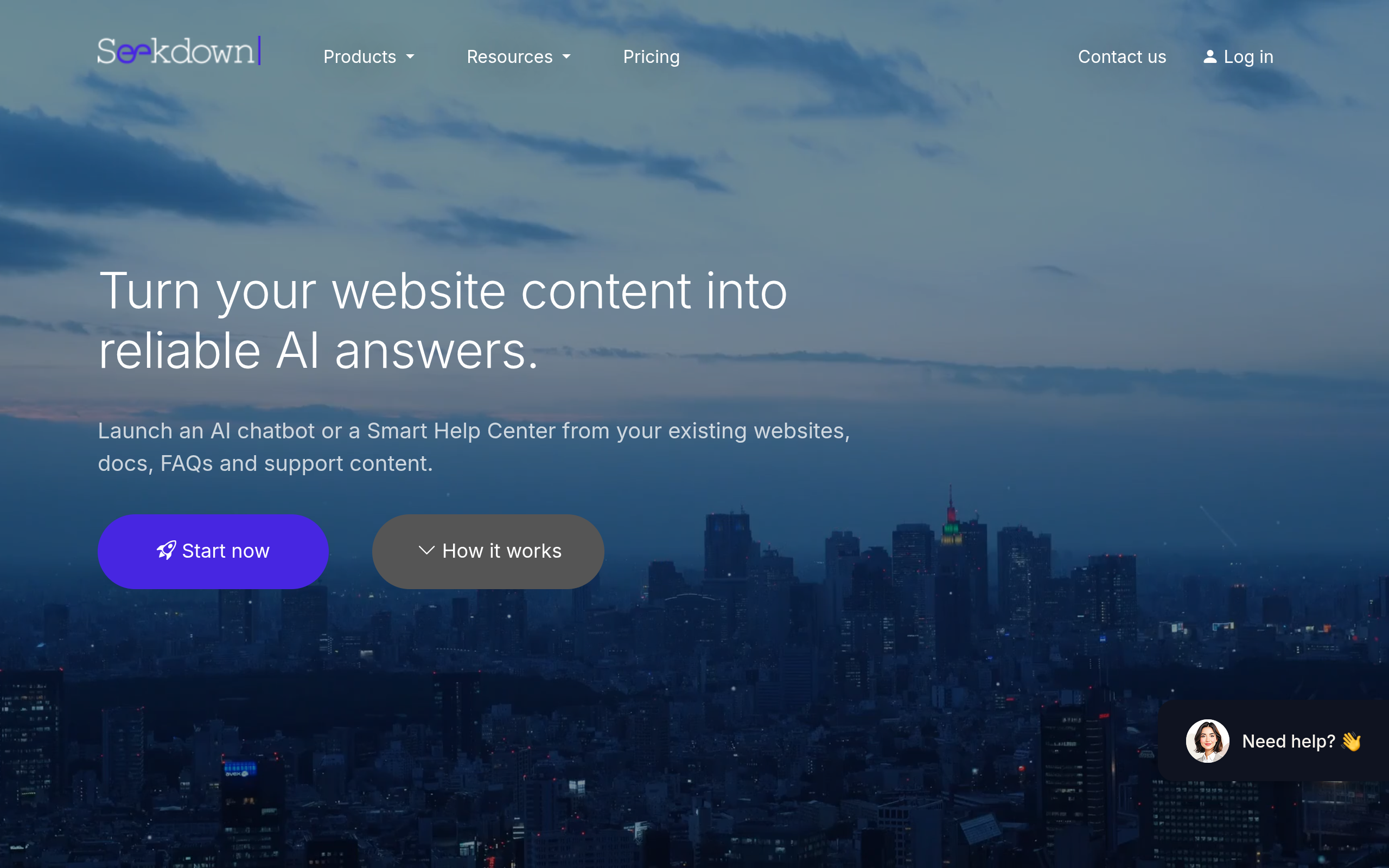
Seekdown turns your website, docs, and knowledge base into an embedded AIchatbots for your website, that answers customer questions accurately
About
Seekdown turns your website, documentation, FAQs, PDFs, and knowledge base into an embedded AI assistant that answers customer questions with accurate, source-grounded responses. Teams can launch an AI chatbot or Smart Help Centers on their website in minutes, using existing content from docs, pricing pages, product catalogs, and support materials. With easy embedding, customizable tone and guardrails, scheduled content refreshes, and cited answers visitors can verify, Seekdown helps reduce repetitive support questions, improve self-service, and guide users to the right next step.
Key Features
Content Ingestion & Source Connectors
Crawl and ingest website pages, docs, FAQs, support articles, PDFs, and other knowledge sources so the assistant is grounded in your existing content.
Source-Grounded Answers with Citations
Generates accurate answers grounded in approved sources and includes citations so visitors can verify responses and be guided to the original content.
No-code Embedding & Multiple Experiences
Launch either an AI chatbot widget or a Smart Help Center on your website with simple embed code and immediate setup — no coding required.
Customizable Tone & Guardrails
Adjust response tone, behavior, and safety guardrails to match brand voice and control how the assistant responds to sensitive or off-topic queries.
Scheduled Refreshes & Analytics
Automate content refreshes to keep knowledge up to date, and monitor usage and performance with analytics to measure support deflection and user interactions.
How to Use Seekdown AI
1) Sign up and connect your content sources — provide your website URL(s), docs, FAQs, and any PDFs or support resources you want the assistant to use. 2) Build and approve knowledge — review the ingested content, mark approved sources, and organize or prioritize pages for grounding. 3) Configure the assistant — choose between an AI Chatbot or Smart Help Center, customize tone, response policies/guardrails, and enable citation formatting. 4) Embed and monitor — add the provided embed snippet to your site, then track analytics and schedule regular content refreshes to keep answers current.