
seedream5
Seedream 5.0 - Free Advanced ByteDance's AI Image Editor
About
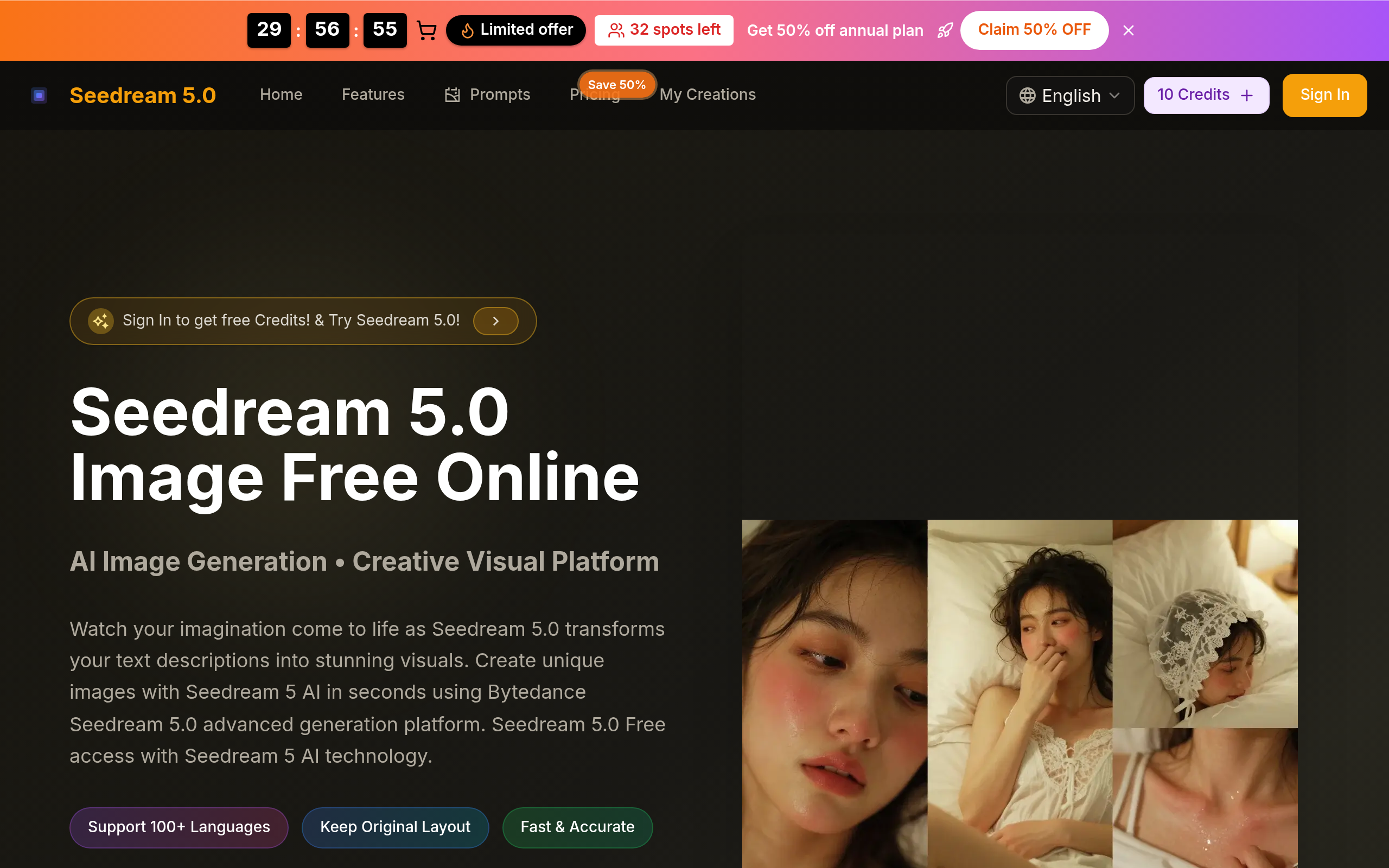
Seedream 5.0 transforms your text descriptions into stunning visuals instantly. Experience advanced generation with Bytedance Seedream 5.0 creative platform. Create unique images using Seedream 5 AI and Seedream 5.0 4k technology. Seedream 5.0 Free, fast, and unlimited creation with Seedream 5 AI.
Key Features
High‑quality Text-to‑Image Generation
Create photorealistic or stylized images from simple text prompts using Seedream V5 technology with support for multiple art styles and quality keywords.
Image Editing & Inpainting
Upload JPG/PNG/WEBP images to edit, replace backgrounds, restore photos, remove objects, or change text within images using the integrated AI editor.
4K Output & Aspect Ratio Controls
Generate high-resolution (4K) outputs and choose common aspect ratios (1:1, 16:9, 9:16, etc.) for social posts, prints, or product photos.
Fast, Multi‑language Prompts & No Watermark Options
Supports 100+ languages, offers tips for better prompts, and options for private/no-watermark downloads (depending on plan/credits).
How to Use seedream5
1) Sign in or create an account to receive free credits. 2) Choose between starting a new text-to-image generation or uploading an existing image to edit. 3) Enter a detailed prompt (include style, colors, lighting, mood, and desired resolution) or use the editor tools to mark areas for inpainting or background swaps; select an aspect ratio. 4) Click Generate, preview results, refine the prompt or edits as needed, then download or save the final 4K image.