
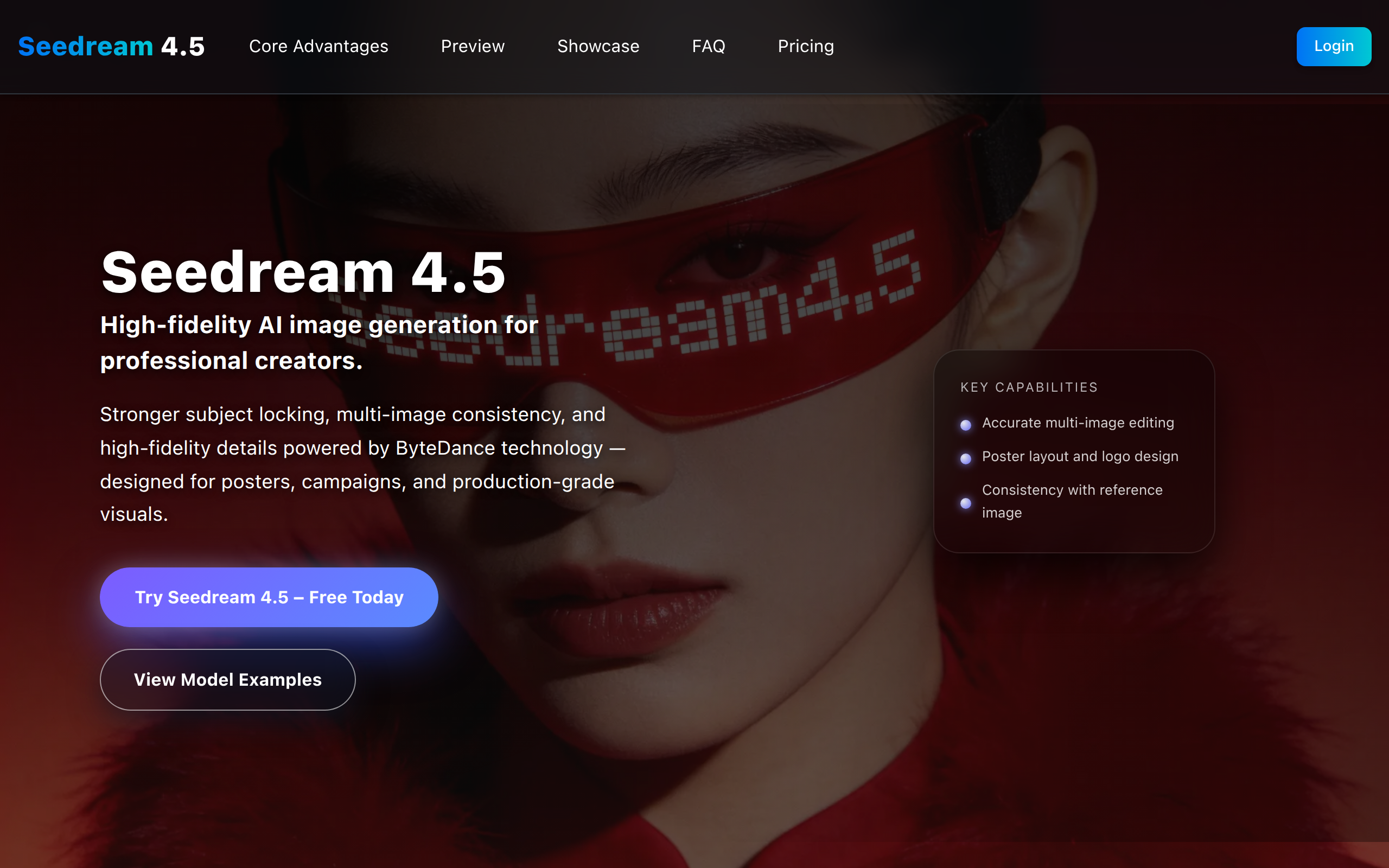
Seedream4.5
Seedream 4.5, powered by full-model scaling, excels at subject locking, detail preservation and dense text rendering for consistent, high-fidelity vis
About
Seedream 4.5 achieves all-round upgrades through full-model scaling. It excels at stably locking main subjects in multi-image combinations, preserving original details and textures, and enhancing dense text typesetting & rendering. It delivers visual works with high consistency and fidelity.
Key Features
Multi-Image Subject Locking
Preserves and consistently renders the same subject identity and appearance across multiple reference images for coherent multi-shot outputs.
High-Fidelity Detail Preservation
Maintains original textures, facial structures, lighting and fine details to produce photo-realistic, production-ready images (2K/4K).
Dense Text & Typography Rendering
Accurately generates and preserves small, dense text and logos, making it suitable for posters, branding and layout work.
Fast Batch Generation & Custom Resolutions
Optimized for rapid iteration and multi-image batch generation with custom aspect ratio and high-resolution outputs for professional pipelines.
How to Use Seedream4.5
1) Open Seedream 4.5 and sign in (or try the free demo). 2) Choose a mode: Text-to-Image to generate from prompts, or Image-to-Image to upload up to 10 reference images (JPEG/PNG, max 10MB each). 3) Enter a detailed prompt, set resolution/aspect ratio (2K/4K/custom), adjust batch size and generation options (match input image, sequential generation). 4) Click Generate, review results, and iterate by refining prompts or uploading additional reference images until you reach the desired consistency and detail.