
Seedream 5.0
Seedream 5.0 - Free Advanced ByteDance's AI Image Editor
About
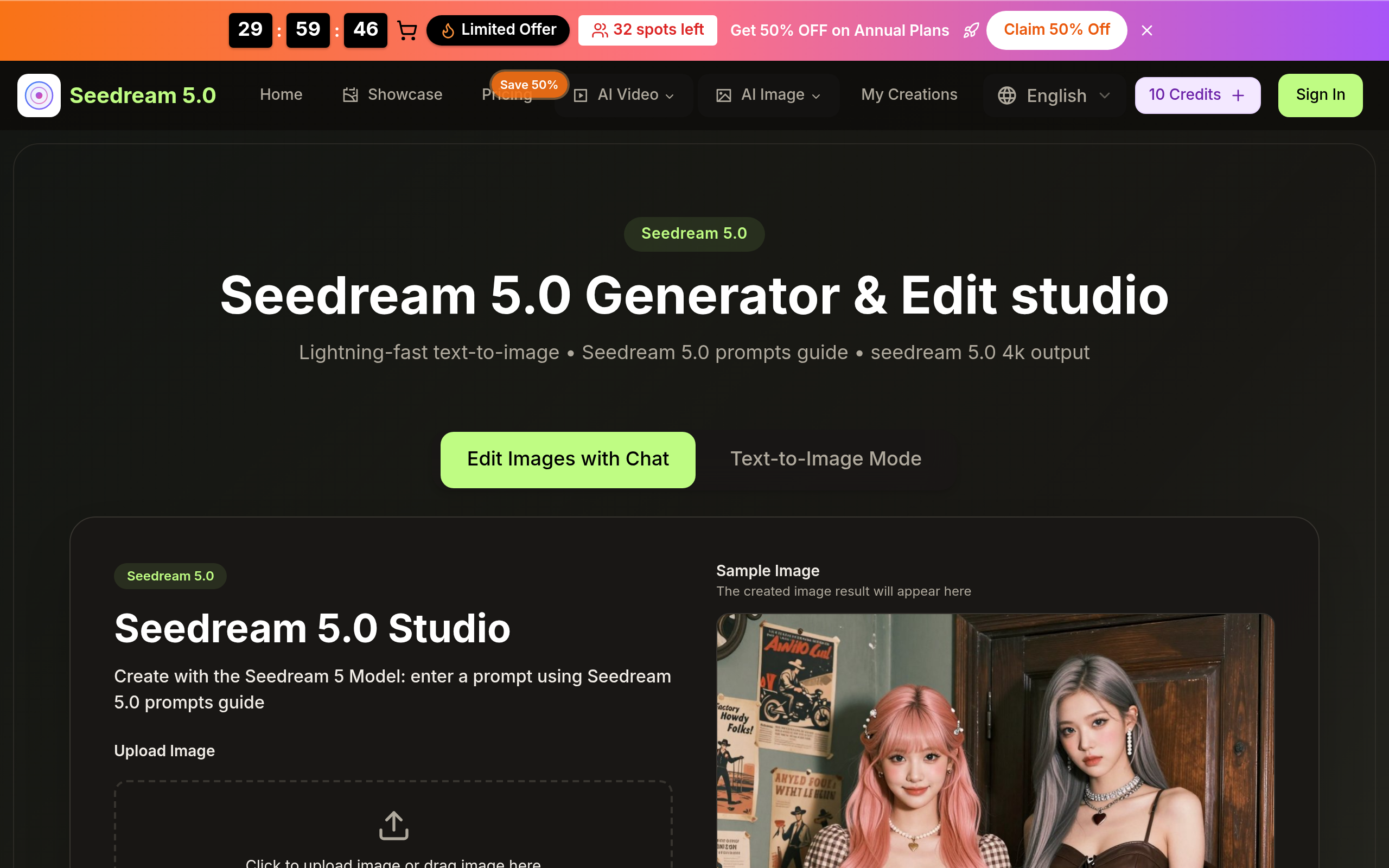
Seedream 5.0 transforms your text descriptions into stunning visuals instantly. Experience advanced generation with Bytedance Seedream 5.0 creative platform. Create unique images using Seedream 5 AI and Seedream 5.0 4k technology. Seedream 5.0 Free, fast, and unlimited creation with Seedream 5 AI.
Key Features
Lightning-fast Text-to-Image Generation
Generate images from text prompts in 2–5 seconds using the Seedream V5 model for rapid iteration and prototyping.
4K Native Output & One-click Upscaling
Produce native 2K images and instantly upscale to print-quality 4K for professional use, marketing, and large-format output.
Natural-language Image Editing
Edit uploaded photos with plain text commands (inpainting, background swap, text changes, color adjustments) for intuitive refinement.
Multi-image Fusion & Style Transfer
Combine multiple images or apply specific artistic styles (photorealistic, anime, oil painting, etc.) to create cohesive visuals and themed assets.
Character Consistency & Batch Creation
Maintain consistent character appearance across multiple images for series, storytelling, avatars, and branding.
How to Use Seedream 5.0
1) Open the Seedream 5.0 studio and choose the Seedream 5.0 generator or editor. 2) Upload an image to edit or type a detailed text prompt (include style, lighting, composition, and resolution keywords). 3) Select aspect ratio and hit Generate — preview the result and use one-click 4K upscaling if needed. 4) Refine the image with natural-language edits (replace background, adjust colors, fix details) and download your final 4K asset.