
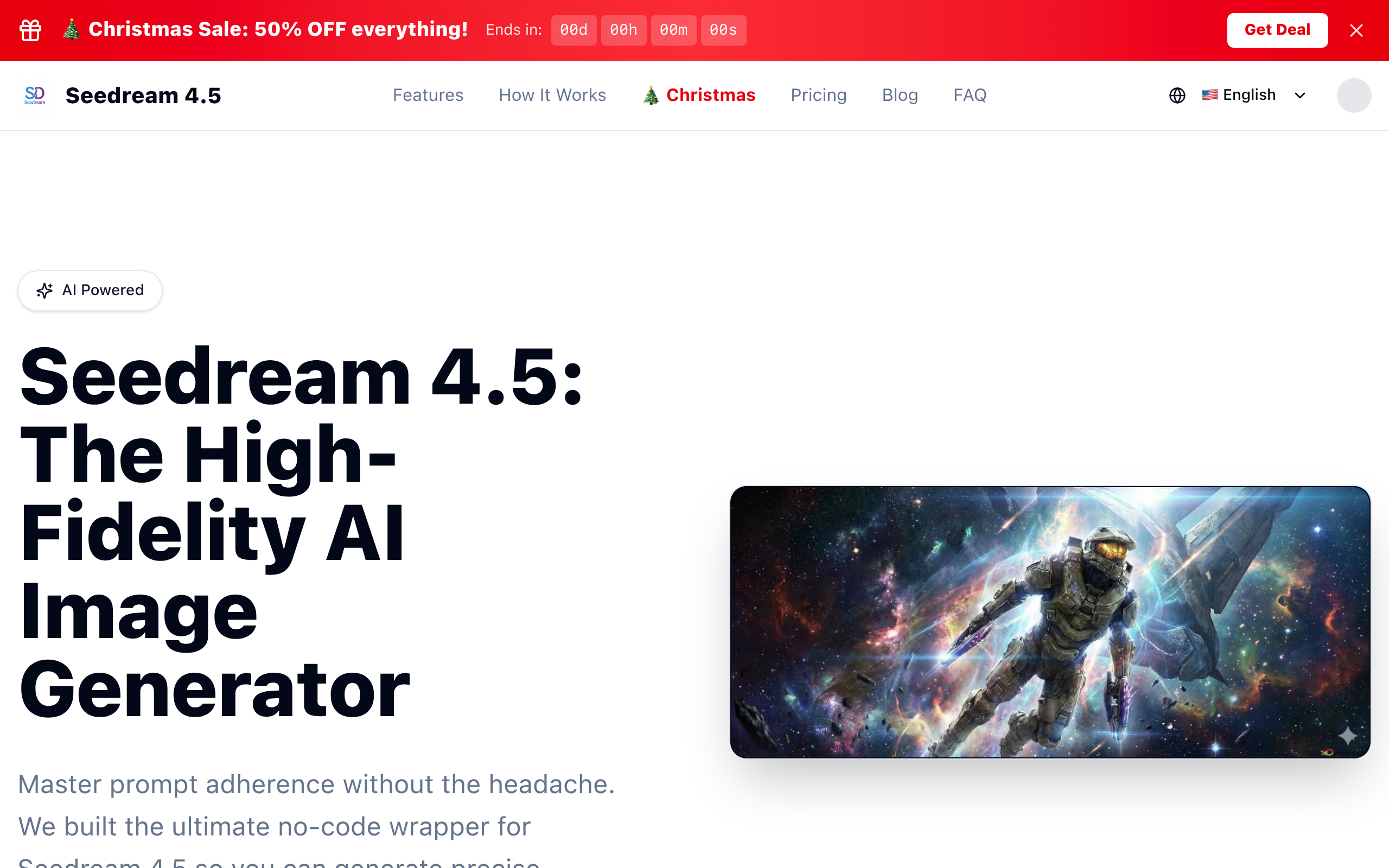
Seedream 4.5 AI Image
No complex setups, just pure creativity.
About
Master prompt adherence without the headache. We built the ultimate no-code wrapper for Seedream 4.5 so you can generate precise, coherent images instantly. No complex setups, just pure creativity.
Key Features
Lightning-Fast Generation
Optimized engine renders high-complexity images in seconds so you can iterate quickly without long queues.
High-Fidelity Outputs
Produces crystal-clear, detailed images suitable for professional use — accurate hands, faces, textures, and lighting.
Style Presets & Infinite Style Library
Choose from presets (Cinematic, Anime, Oil Painting, etc.) or specify custom styles to match any visual direction.
Image-to-Image / Reference Upload
Upload JPG/PNG/WebP reference images (up to 5MB) to guide generation and maintain composition or style consistency.
Batch Creation & API Access
Generate multiple variations at once, download HD assets, and integrate Seedream 4.5 into workflows via the API for automation and commercial projects.
How to Use Seedream 4.5 AI Image
1) Open Seedream 4.5 Studio and enter a descriptive prompt (be as specific or vague as you like). 2) (Optional) Upload a reference image and choose canvas size (1:1, 16:9, 9:16) and a style preset or custom style. 3) Select number of variations/batch size and click Generate — the engine will render high-fidelity images using credits. 4) Review results, refine the prompt or settings if needed, then download the final HD images or export via API for integration.