
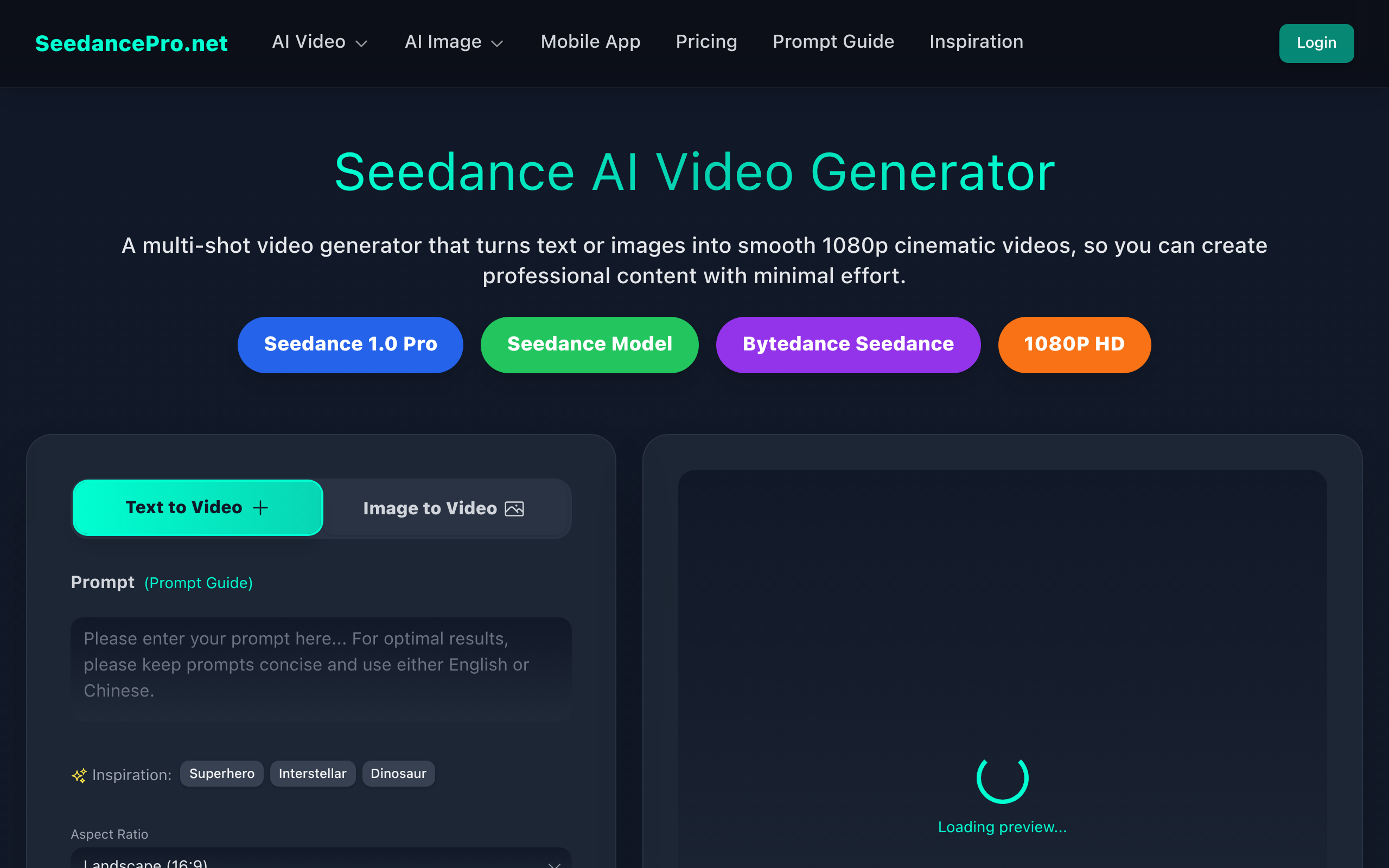
SeedancePro AI Video Generator
SeedancePro AI is an AI-powered video generation tool designed for users who need to create video content quickly. Users can easily convert text or images into high-quality videos.
About
SeedancePro.net is an AI-powered video generation platform that transforms text prompts or images into high-quality, cinematic-style videos. It supports both Text-to-Video and Image-to-Video modes, allowing users to generate dynamic video content directly from natural language descriptions or uploaded images. The platform features multi-shot narrative sequencing, automatically connecting scenes for coherent storytelling while maintaining visual consistency and theme throughout. Videos are generated in 1080p HD and support flexible aspect ratios such as 16:9, 9:16, and 1:1, suitable for social media, advertisements, and short-form content. SeedancePro emphasizes semantic understanding of prompts, enabling accurate control over scenes, actions, and camera movement, producing visually engaging and professionally styled video outputs. Its streamlined workflow allows users to quickly generate, iterate, and refine cinematic video clips with minimal effort.
Key Features
Text-to-Video (T2V)
Generate short cinematic video clips directly from natural language prompts with semantic understanding of scenes, actions, and camera movement.
Image-to-Video (I2V)
Turn a reference image into a dynamic video sequence that preserves visual consistency and theme across shots.
Multi-shot Narrative Sequencing
Automatic linking of multiple shots into coherent storylines so scenes transition smoothly while maintaining subject and style continuity.
1080p Cinematic Output & Flexible Aspect Ratios
Produces HD (1080p) videos and supports multiple aspect ratios (16:9, 9:16, 1:1) suitable for social platforms, ads, and short-form content.
Fast Iteration & Model Options
Multiple model tiers (Lite, Pro, Fast) let you balance quality, speed, and cost for quick generation and iterative refinement.
How to Use SeedancePro AI Video Generator
1) Choose input mode: select Text-to-Video or Image-to-Video. 2) Provide input: write a clear prompt (describe scene, actions, camera moves, style) or upload a reference image. 3) Configure settings: pick model tier, duration, resolution (1080p) and aspect ratio (16:9, 9:16, 1:1). 4) Generate and refine: submit to generate the clip, review the result, then tweak prompts or settings and re-generate until satisfied. Download the final video.