
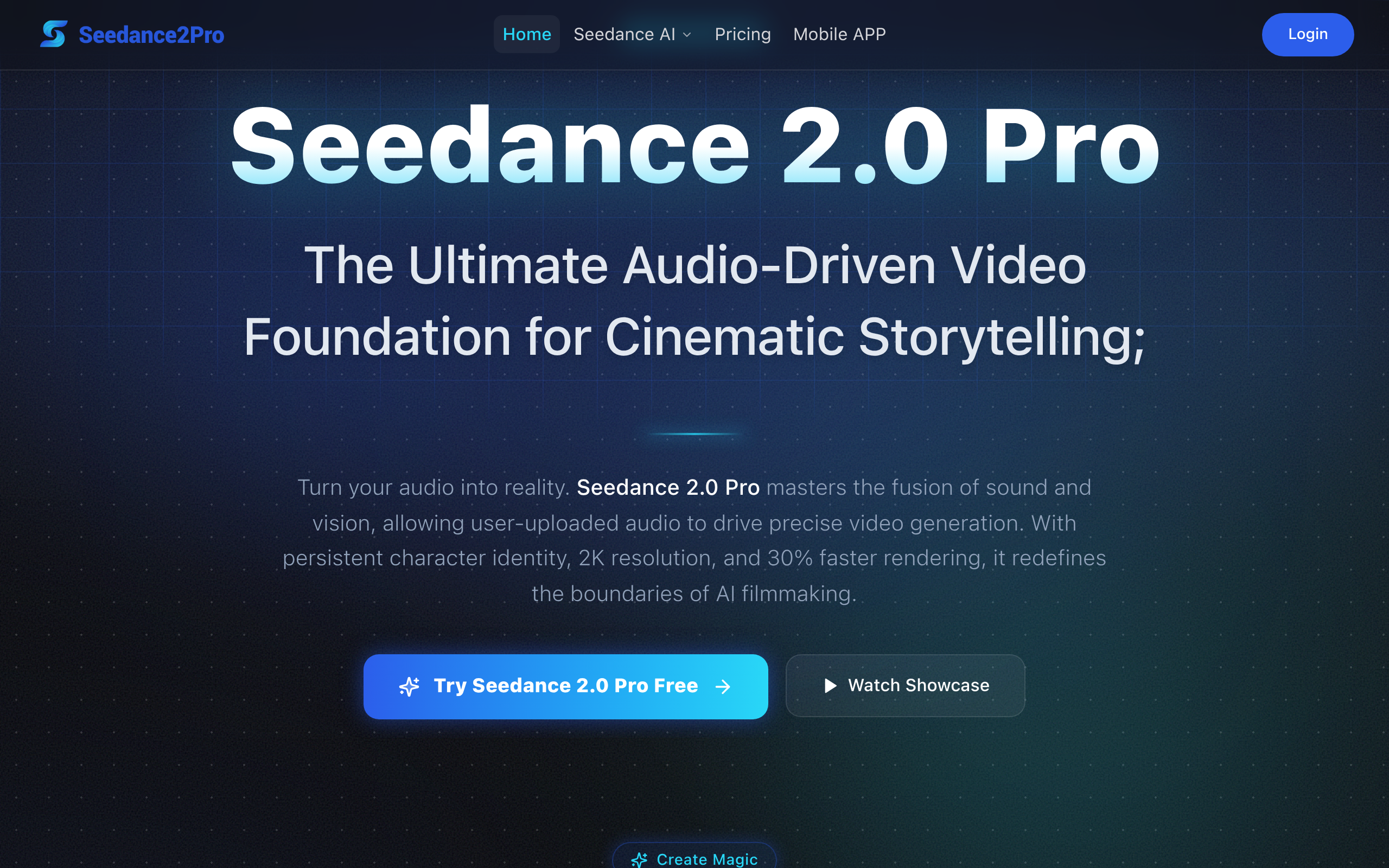
Seedance2Pro ai video generator
Seedance 2 Pro AI revolutionizes storytelling with multi-shot stability and persistent character identity. Generate stunning 2K videos 30% faster, complete with native audio and synced sound effects.
About
Seedance 2.0 Pro is a professional AI video generation platform that turns text prompts and images into cohesive, cinematic videos with synchronized audio and stable character identity. It supports both Text-to-Video and Image-to-Video workflows, allowing users to upload prompts and assets, customize resolution, aspect ratio and camera behavior, and generate polished video content. The system features audio-conditioned generation, enabling users to upload voiceovers or music that drive visual motion and lip-sync. With persistent multi-character identity and consistent scene continuity, Seedance 2.0 Pro produces high-fidelity output suitable for marketing, social media, storytelling, e-commerce demos, and corporate visuals. Credits never expire, and flexible one-time pricing supports scalable creative workflows.
Key Features
Audio-to-Video (Audio-Driven Generation)
Upload voiceovers, music, or narration and have the model generate visuals that follow the audio rhythm with millisecond-accurate lip-sync and beat-aligned motion.
Persistent Multi-Character Identity
Maintains consistent facial features, clothing, and body proportions across multiple shots and camera angles to prevent identity drift and flicker.
High-Resolution, Faster Rendering
Produces broadcast-quality 2K video with optimized architecture for up to ~30% faster generation compared to prior versions, reducing turnaround time.
Context-Aware Foley & Ambient Sound
Automatically generates synchronized Foley effects and environment-specific ambient audio to create immersive, production-ready mixes.
Cinematic Multi-Shot Continuity Controls
Tools and conditioning for consistent lighting, color grading, camera motion, and scene continuity across multi-shot narratives for long-form storytelling.
How to Use Seedance2Pro ai video generator
1) Choose input: select Text-to-Video or Image-to-Video and upload any reference images or an initial frame. 2) Provide prompt and audio: write a detailed prompt describing scene, lighting, camera motion and emotions; optionally upload voiceover or soundtrack to drive visuals. 3) Configure settings: pick resolution (up to 2K), aspect ratio, duration and camera behavior; enable identity persistence for characters. 4) Generate & iterate: render a preview, review output for continuity and lip-sync, then tweak prompts/parameters and re-render until satisfied.