
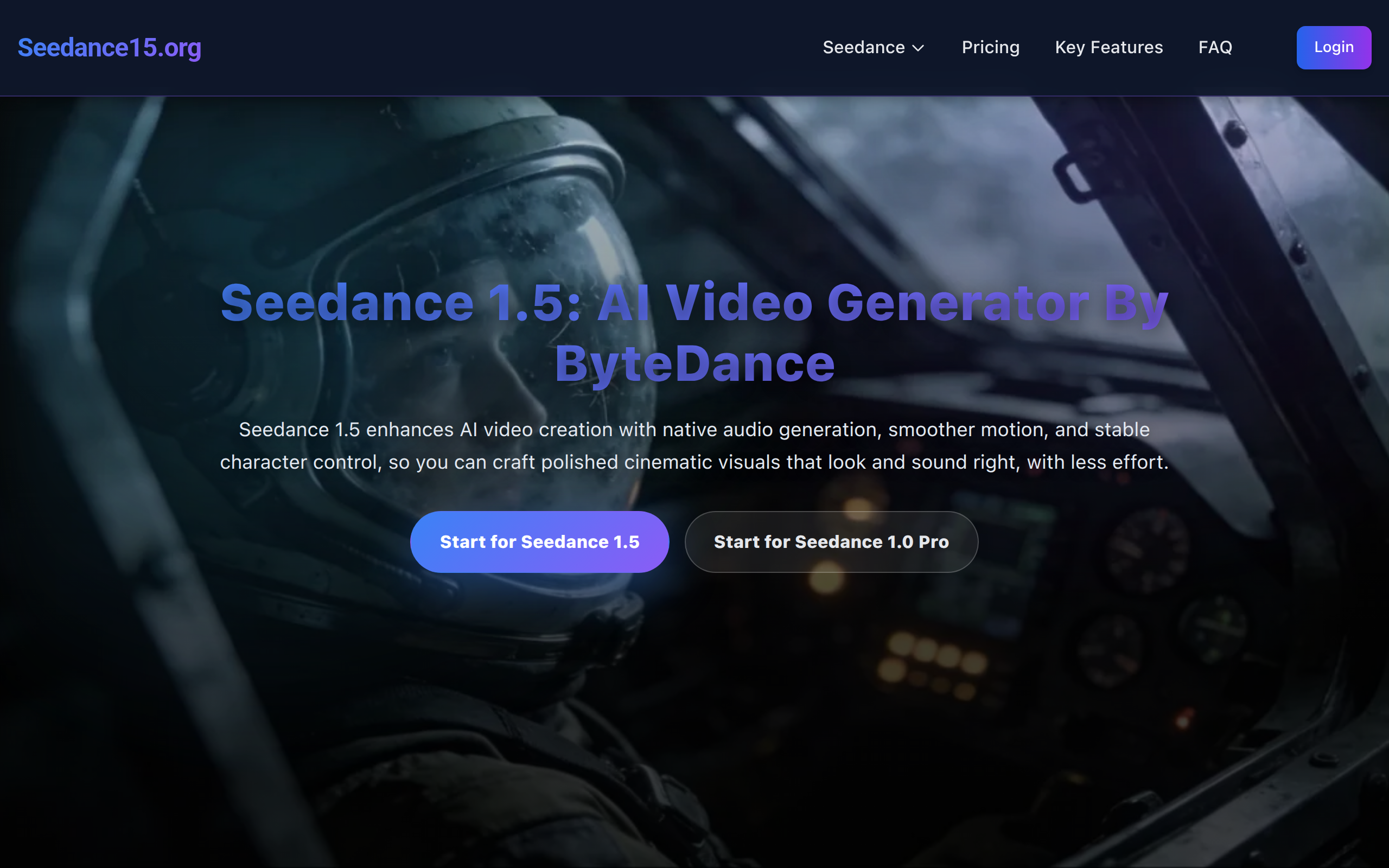
seedance 1.5 pro ai video generator
Seedance 1.5 brings a new level of precision to AI video generation, offering smoother motion, cleaner scene transitions, and more reliable character behavior.
About
Seedance 1.5 is an AI-powered video generation platform that transforms text, images, and short video clips into cinematic-quality videos. Users can input a text description, upload images, or provide reference footage, and the AI generates videos with smooth motion, stable characters, and seamless scene transitions. The platform supports Text-to-Video and Image-to-Video workflows, enabling multi-shot storytelling, realistic camera movements, and depth-aware composition. Users can produce product demos, marketing content, social media videos, and concept visuals without manual editing. Seedance 1.5 operates entirely in the cloud with an intuitive interface, making professional video creation accessible to both beginners and experienced creators. Its combination of visual coherence, motion stability, and cinematic composition ensures high-quality, production-ready AI videos quickly and efficiently.
Key Features
Native Audio-Visual Generation
Generates synchronized high-quality audio (multilingual voices, spatial sound) alongside visuals for natural lip-sync and cohesive storytelling.
Multi-Modal Input Support
Accepts text prompts, images, and short video clips as inputs so you can create videos from descriptions, reference images, or footage.
Enhanced Motion & Character Stability
Improved motion model reduces jitter and maintains consistent character faces, poses, and proportions across long sequences.
Cinematic Camera & Depth Control
Precise camera path controls (pans, tilts, tracking) and depth-aware composition produce intentional, film-grade framing and immersive scenes.
Cloud-Based Fast Inference & Iteration
Runs entirely in the cloud with accelerated inference so creators can iterate quickly and export production-ready videos without heavy local compute.
How to Use seedance 1.5 pro ai video generator
1) Sign up or log in to the Seedance 1.5 web platform. 2) Choose a workflow: Text-to-Video, Image-to-Video, or upload reference clips. Enter your text prompt and upload any images/reference footage. 3) Configure output settings — duration, aspect ratio, camera motion, audio options (voice, language, spatial sound), and quality level — then start generation. 4) Review the generated video, tweak the prompt or settings as needed, regenerate, and finally export/download the production-ready video.