
Screenhance
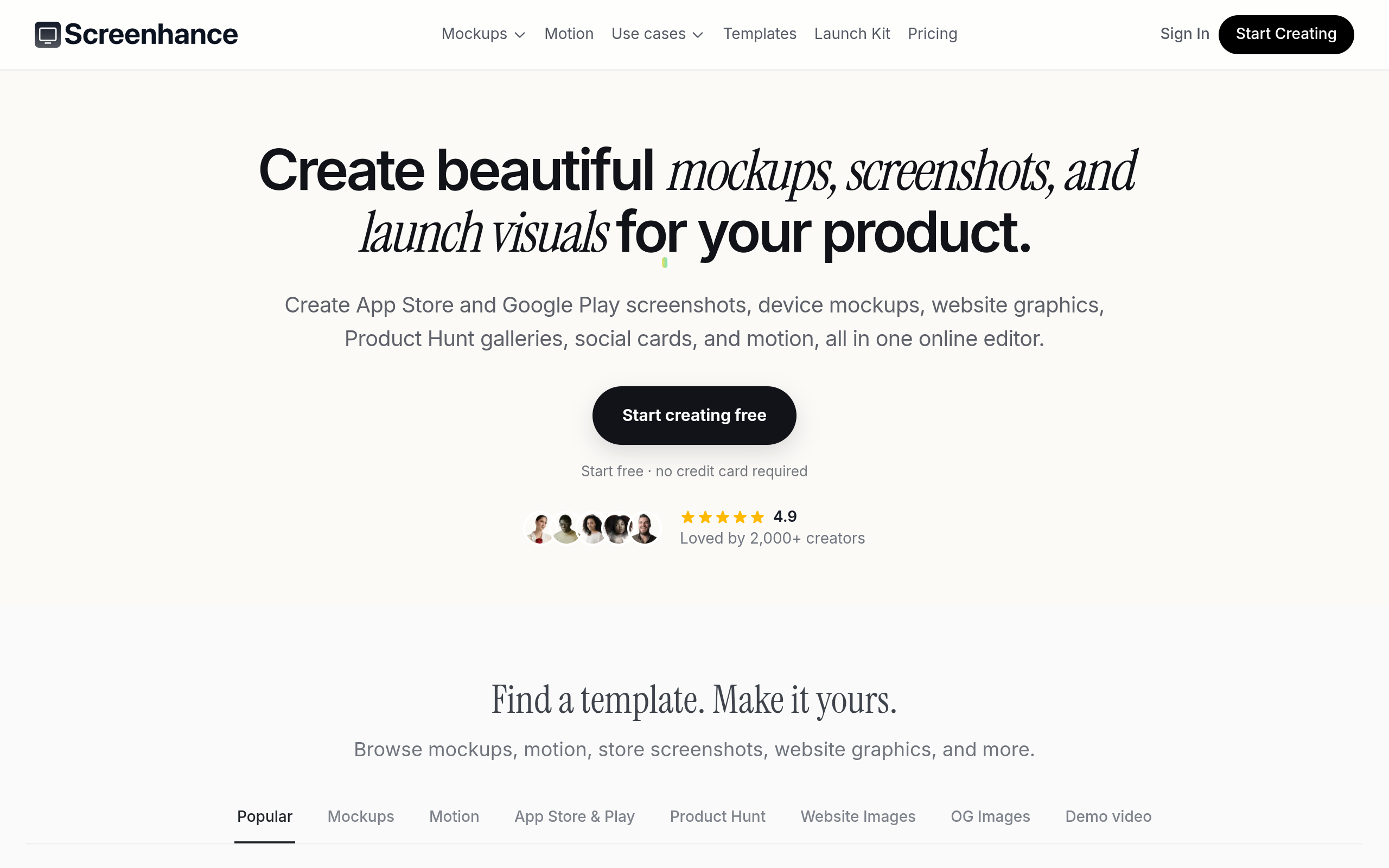
Screenhance turns Images and recordings into polished mockups, App Store visuals, launch assets and product videos, no design skills needed.
About
Screenhance is an all-in-one visual creation toolkit for founders, developers and marketers. Turn ordinary images, screenshots into polished device mockups, App Store screenshot sets, website graphics, social assets and animated product videos. Create visuals using customizable templates, device frames, backgrounds, text and motion, or record your screen and transform the recording into a professional product demo. Screenhance also helps you build coordinated launch assets for channels such as Product Hunt and social media. Export your work as high-quality images, GIFs or videos, without needing professional design or video-editing skills.
Key Features
Mockup & Scene Generator
Place screenshots or artwork into a wide library of device, browser, print, apparel and real-world mockups with perspective, depth and customizable frames.
Store Sets & Localization
Build coordinated App Store, Google Play and Chrome Web Store screenshot sets, then localize and export platform-ready sizes from a single editable design.
Motion Templates & Video Export
Turn static screens or recordings into animated product demos and launch clips using editable motion templates; export as MP4, GIF or WebM.
Screen Recorder & Demo Workflow
Record your screen inside the product, trim and import recordings, then transform them into focused product demos or social-ready clips.
Brand & Asset Consistency
Save and reuse brand styles, presets and composition layers so visuals remain consistent across website heroes, social posts, store assets and launch galleries.
How to Use Screenhance
1) Upload your asset: add screenshots, artwork, or a screen recording. 2) Choose a starting point: pick a template, mockup scene, store set, or motion layout that fits your goal. 3) Customize layers: change device frames, backgrounds, copy, colors, timing and motion; adjust perspective and depth as needed. 4) Export for destination: select the target format and exact sizes (App Store, social, web or video) and download as PNG, WebP, GIF, MP4 or WebM.