
Screen Browser
Narrated demo and tutorial videos of your web app, from a guide or your coding agent.
About
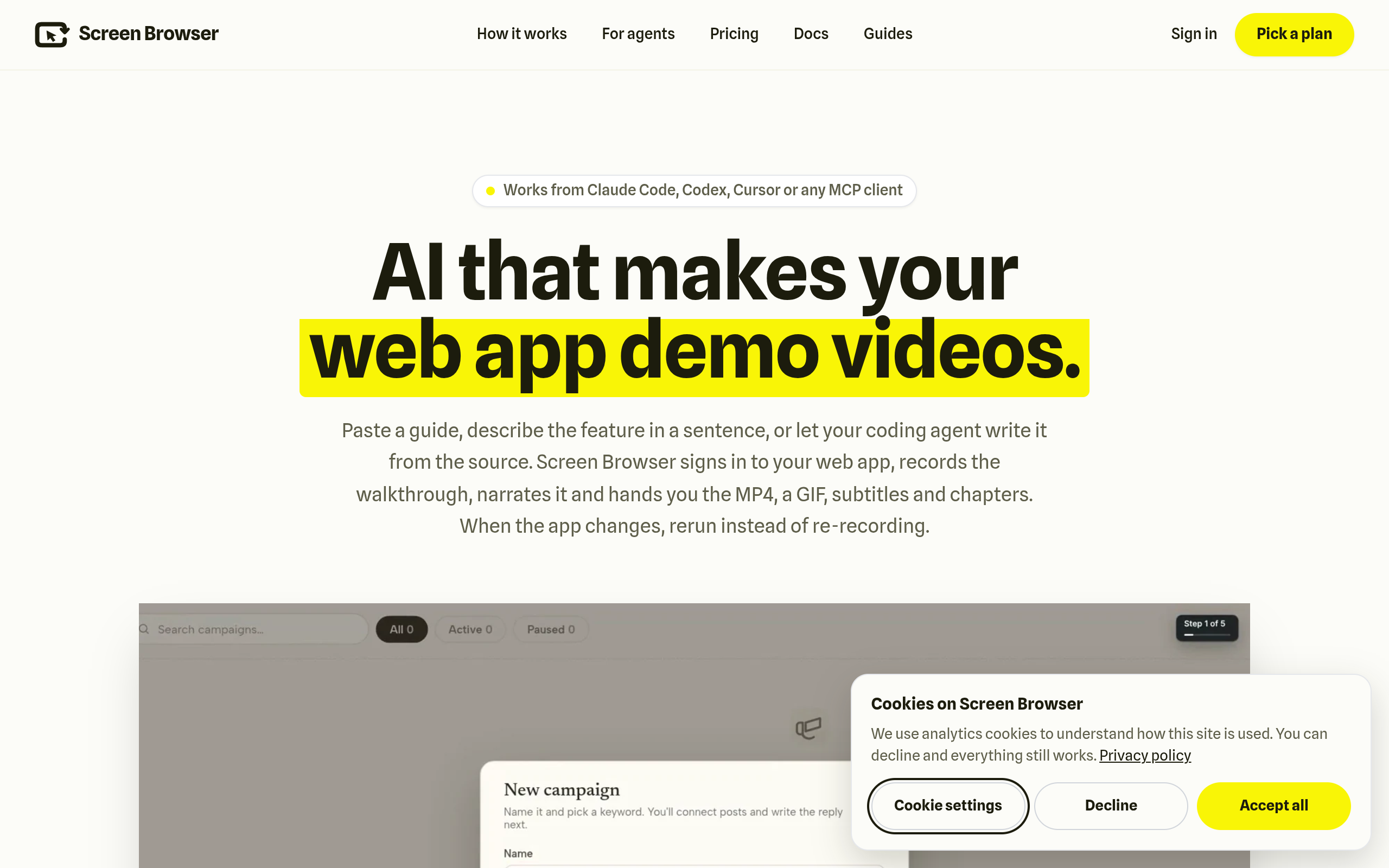
Screen Browser records narrated demo and tutorial videos of your deployed web app. You describe the walkthrough in plain language, or let your coding agent write it from your source code. A real browser signs in with a demo account, follows the guide step by step, records the screen, narrates it and adds on-screen effects. You get an MP4 plus a GIF, subtitles, chapters and a thumbnail, and a webhook or the API can deliver them wherever you publish. When the app changes, edit a line and rerun. For coding agents, Screen Browser is an MCP server with a companion skill. The skill teaches the agent how to write guides that work on the first run; the server creates the project, validates the guide, starts the recording and returns the video. Claude Code, Codex, Cursor or any MCP client can use it. Sign-in happens in the browser; there is no key to paste. Plans start at $49 a month, sized in minutes of finished video. A run that fails is not charged, and checking a guide before recording is free.
Key Features
Automated Narrated Walkthroughs
A real browser signs in with a demo account, follows a plain-language guide (or one written by your coding agent), records the screen, and generates narrated MP4 and GIF outputs with synchronized subtitles and chapters.
Guide Validation (Free "Check")
Run a free 'check' that walks the guide step-by-step on the live app and returns a screenshot per step so you can verify selectors, copy and flow before committing recording minutes.
Branding & Visual Effects
Automatically adds branded openings/endings, thumbnails, logo-driven color schemes and fonts, plus on-screen effects (highlights, zooms, tooltips, annotations, confetti) driven by guide lines or inferred from quoted narration.
Multilingual Narration & Subtitles
Support for many languages and voice choices (standard, studio, or your ElevenLabs voice), with burned-in or separate subtitles and per-video language/voice configuration.
Agent & API Integration
Acts as an MCP server with a companion skill for Claude Code, Codex, Cursor or any MCP client to auto-generate guides from source code, start runs programmatically, and deliver assets via webhook or API.
How to Use Screen Browser
1) Create a project: Give Screen Browser the app URL and a demo user (email+password) plus a short proof-of-login path. 2) Write or generate a guide: Paste plain-language steps or let your coding agent produce the guide from the codebase; include short quoted sentences for narration. 3) Validate with Check: Run the free ‘check’ to walk the guide and review screenshots per step; edit until correct. 4) Record and retrieve assets: Start the run to record the narrated walkthrough; receive MP4, GIF, subtitles, chapters and thumbnail via the dashboard, webhook or API. Rerun after UI changes by editing a line or running unchanged.