
SceneCraft - AI
SceneCraft is an AI screenwriting studio that helps writers generate, analyze, and format industry-standard screenplays
About
SceneCraft is an AI-native screenwriting studio built for the whole creative journey, not just the page. Write and format industry-standard screenplays with an AI co-writer that can generate scenes, beats, and full scripts from an idea — or draft alongside you, rewriting a line or regenerating a single scene on demand while you stay in control of every word. Beyond the script, SceneCraft brings the tools writers usually juggle across separate apps into one place: instant AI script coverage and structural analysis, a script-to-storyboard generator for pre-production visuals, a full comic studio that turns any scene into a multi-panel comic page — generate or regenerate each panel, drop in your own art, letter every balloon and caption by hand, and arrange the finished page yourself or let AI propose a layout — and a real-world location scout that finds actual filming locations for every scene. It writes natively in 100+ languages and imports/exports PDF, Final Draft (FDX), and Fountain. Every script is end-to-end encrypted — your work is private by design, even from us. Built for screenwriters, showrunners, indie filmmakers, and writers' rooms. Free to start, no credit card required. Try it at scenecraft.ink.
Key Features
AI Co‑writer & Beat Generator
Generate loglines, beat sheets, outlines, scenes, and full scripts from an idea or draft alongside an AI that rewrites lines or regenerates single scenes on demand while preserving voice and tone.
Cinematic Editor & Production Exports
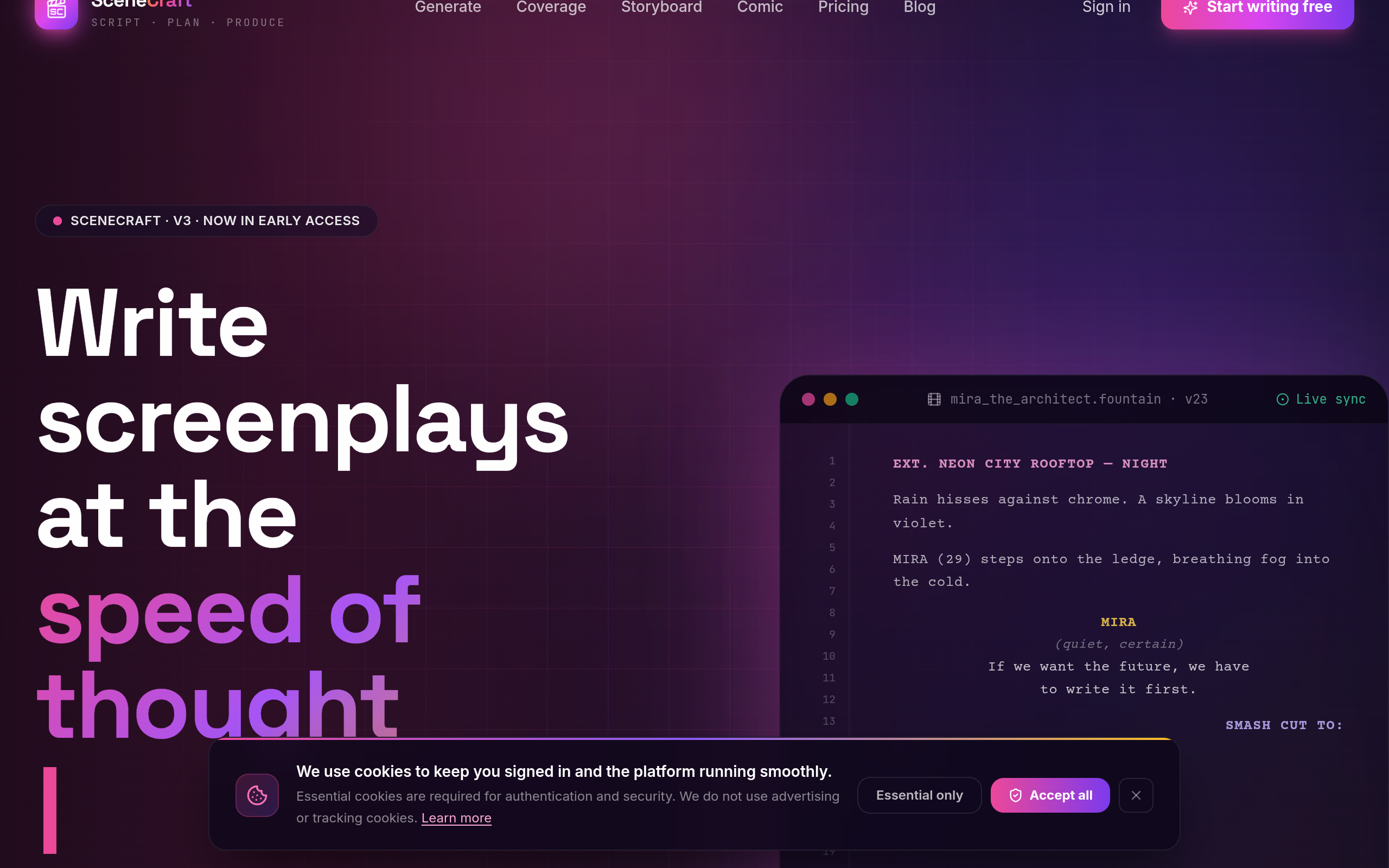
Industry‑standard screenplay formatting with one‑click export to PDF, Final Draft (FDX), and Fountain, plus version history and ability to compare drafts side‑by‑side.
Storyboard & Scene Visualizer
Turn any scene into a visual storyboard or AI-generated images panel-by-panel to plan shots, mood, and composition before production.
Comic Studio
Convert scenes into multi-panel, print- and Kindle-ready comic pages with editable panels, captions, balloons, SFX, and AI-proposed layouts.
Collaboration, Coverage & Security
Real-time collaboration, inline comments, AI script coverage and structural analysis, granular content control, versioning, and end-to-end encryption (WGA-safe vault) to protect IP.
How to Use SceneCraft - AI
1) Start a new project and drop in a logline, outline, or raw idea to seed a beat sheet. 2) Arrange beats on the beat board, then use the AI co‑writer to generate scenes or drafts and refine tone with one-click rewrites. 3) Use the cinematic editor to polish formatting, invite collaborators for live co‑writing and feedback, and run instant scene analysis/coverage. 4) Convert scenes to storyboards or comic pages, scout real-world locations, then export production-ready files (PDF, FDX, Fountain) for pre-production or submission.