
ScanChess
Chess OCR: board photos → FEN, handwritten scoresheets → PGN for OTB players.
About
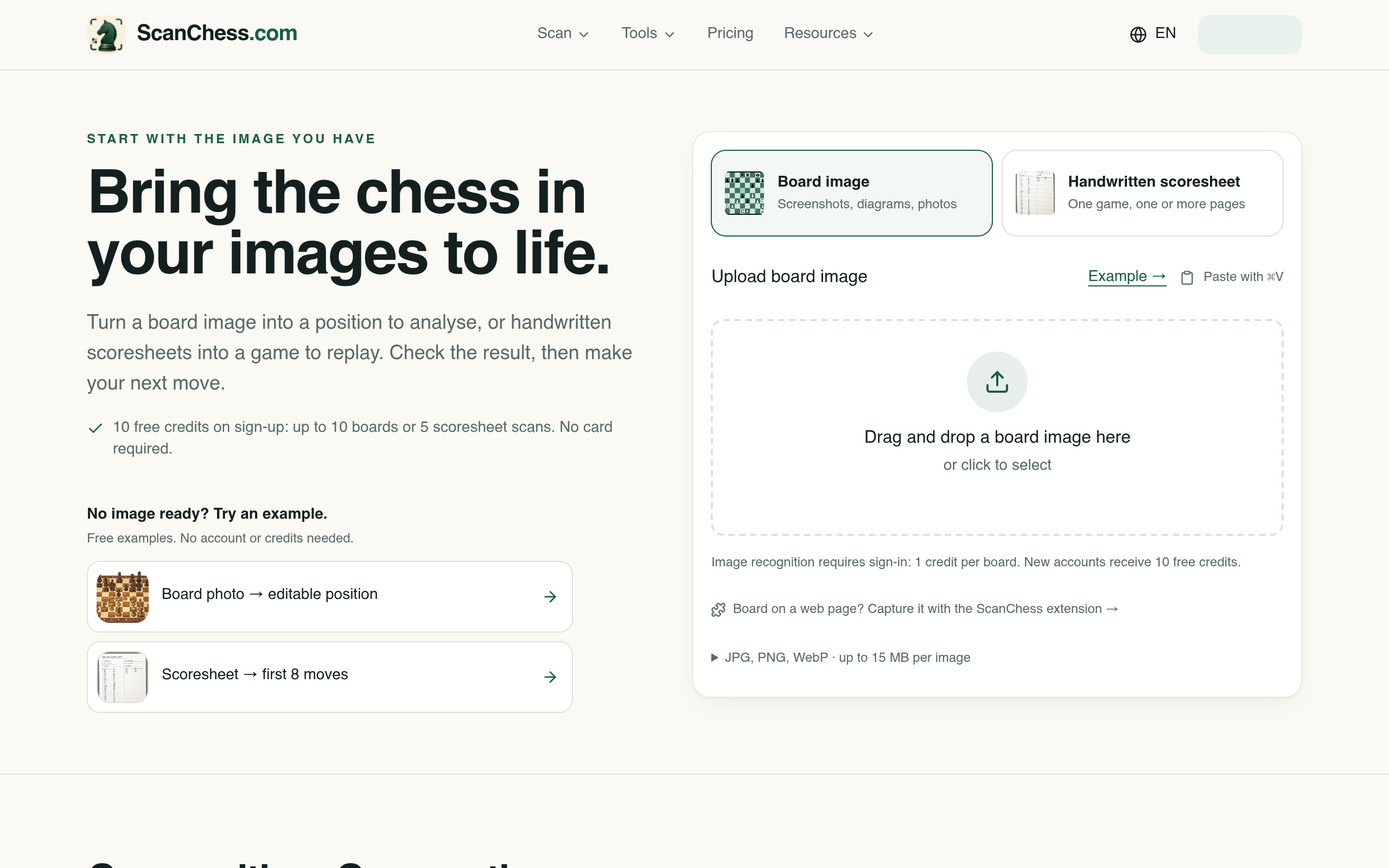
ScanChess is a free web tool for over-the-board chess players, coaches and school clubs. Upload a clear board screenshot, 2D diagram or top-down photo to get editable FEN; or upload the pages of one game in order to review moves and export PGN. Browser PGN/FEN viewers need no account. Image recognition requires sign-in: 1 credit per board; new accounts get 10 free credits (no card).
Key Features
Board Image → FEN Generator
Upload a screenshot, diagram or top-down photo of a physical board and get an editable FEN position (choose side to move and correct any misread squares).
Handwritten Scoresheet → PGN Converter
Scan the pages of one game (handwritten algebraic notation) to extract, validate and export a full PGN, with moves shown beside the original pages for manual correction.
In-browser PGN/FEN Viewer & Analysis
Open, replay and inspect FEN/PGN files in the browser; run Stockfish analysis, mark inaccuracies/mistakes/blunders and export to Lichess, Chess.com or ChessBase.
Batch Scanning & Browser Extension
Batch-scan multiple games for tournament rounds, group pages by game and export PGNs. A browser extension captures board images on web pages for quick recognition.
Export & Validation Tools
PGN/FEN validator and cleaner, PGN-to-PDF/GIF tools, printable scoresheet generator and integrations for easy export to common chess platforms.
How to Use ScanChess
Open scanchess.com, upload a board photo or scoresheet pages, review the FEN/PGN, then export or analyze.