
SaneBar
SaneBar helps Mac users hide, organize, and instantly find menu bar icons without losing control of their desktop. It’s a privacy-first Bartender alte
About
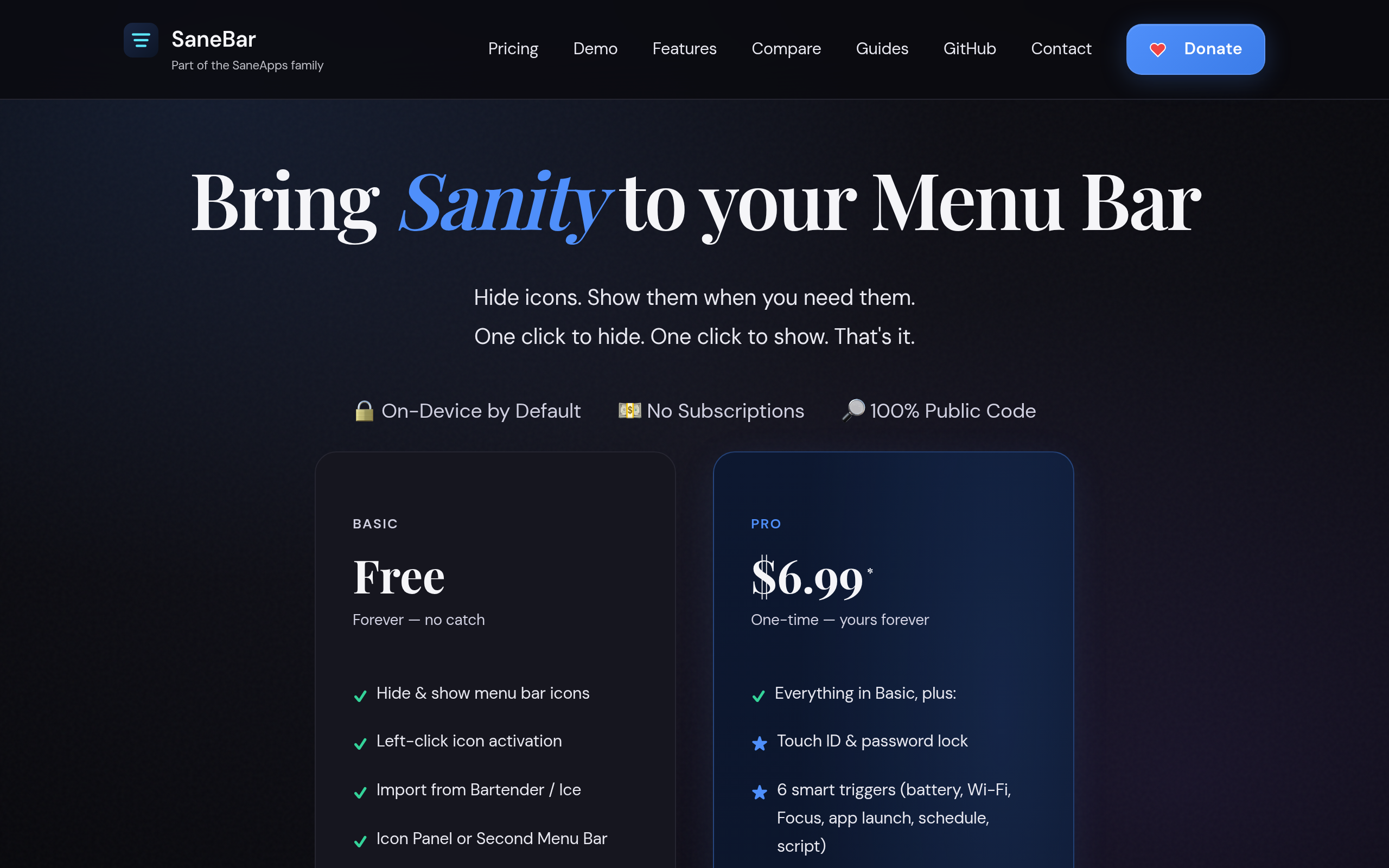
SaneBar is a Mac app that gives you control over your menu bar again. If your menu bar is crowded, icons disappear behind the notch, or sensitive apps sit visible all day, SaneBar fixes that without turning your desktop into a project. You can hide icons, keep important ones visible, and bring hidden ones back instantly when you need them. The core experience is simple: click to reveal hidden icons, search for any menu bar app by name, and organize your layout with drag and drop. You can choose between a compact icon panel or a full second menu bar, depending on how you like to work. SaneBar also supports keyboard navigation, hotkeys, and automatic re-hide so your menu bar stays clean without extra effort. For people who want more control, Pro adds stronger privacy and automation tools. You can lock hidden icons behind Touch ID or your password, create profiles for different contexts like work or presentations, and set smart triggers based on things like app launches, Wi‑Fi, Focus Mode, battery state, or external displays. You can also group icons, assign per-icon hotkeys, customize appearance, adjust spacing, and automate actions with AppleScript and Shortcuts. SaneBar is built with a privacy-first approach. Your data stays on your device by default. There is no tracking-based business model, no subscription pressure, and no unnecessary cloud dependency. Network activity is limited to essentials like app updates, license checks, and anonymous product-health counts. It also makes switching easy. If you are coming from Bartender or Ice, SaneBar can import compatible layouts and settings so you do not have to start over. In short, SaneBar is for Mac users who want a cleaner menu bar, faster access to the icons they actually use, and stronger control over the ones they would rather keep hidden. It is simple enough to use in seconds, but powerful enough to become part of your everyday workflow.
Key Features
One‑Click Hide & Reveal
Quickly hide or reveal your menu bar icons with a single click or keyboard shortcut so your menu bar stays tidy without extra effort.
Icon Panel & Second Menu Bar
Choose between a compact floating icon panel or a full second menu bar to browse and open hidden apps, drag icons between zones, and reorganize layout with drag-and-drop.
Fast Search & Hotkeys
Instantly find any menu bar app by name (even if behind the notch) and assign per-icon global hotkeys for one‑tap access.
Privacy & Security (Pro)
On‑device-first architecture with minimal network activity; Pro adds Touch ID/password locking for hidden icons to protect sensitive apps on shared machines or during presentations.
Profiles & Smart Automation (Pro)
Create profiles and automate reveal/hide actions with smart triggers (app launch, Wi‑Fi, Focus, battery, external displays, schedule) and integrate with AppleScript and Shortcuts.
How to Use SaneBar
macOS, Mac app, menu bar manager, Bartender alternative, menu bar organizer, menu bar icons, second menu bar, icon panel, hide menu bar icons, menu bar search, menu bar customization, Touch ID, privacy-first, productivity, desktop utility, Mac utility, notch fix, AppleScript automation, power users, one-time purchase