
Salesforce Dictionary
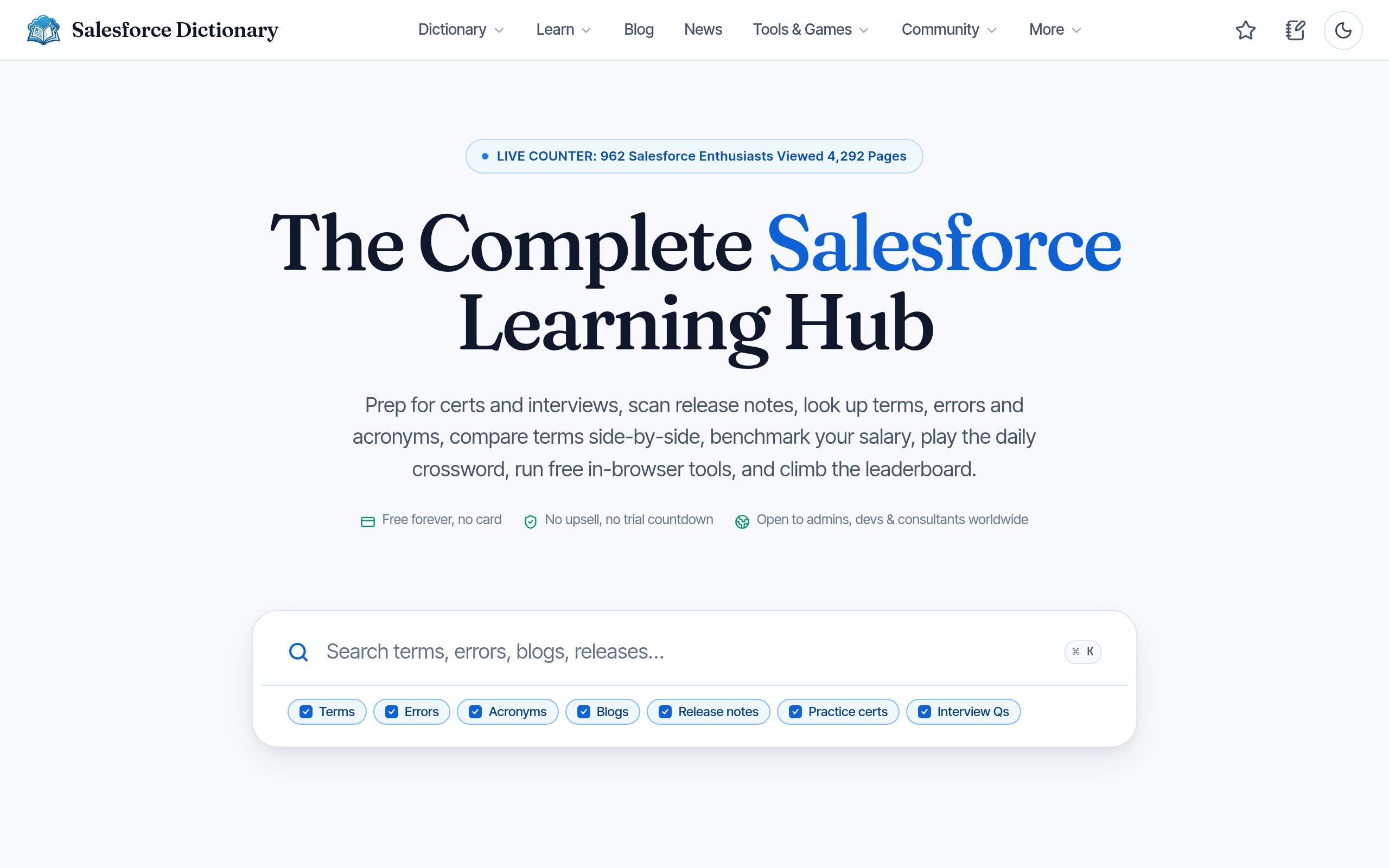
Learn Salesforce, prep for Salesforce certifications, read the latest Salesforce news, and read or write blogs, all in one place.
About
Salesforce Dictionary is an all-in-one learning hub for Salesforce professionals and students, bringing together certification prep, news, blogs, term definitions, and developer tools. Features include: 1. Certification Prep with practice questions, mocks, and daily warm-ups across 5 tracks (Admin, Developer, AI Associate, Agentforce, and more) 2. Release Notes summarized by role 3. Interview Preparation with role-based question banks and mock interviews 4. Blogs with auto-linked dictionary terms 5. Error Library pairing Salesforce error strings with plain-English fixes 6. Acronyms glossary 7. Side-by-side Term Comparison. 8. Flash Cards by category 9. Salary Calculator using live community data 10. daily Salesforce Crossword 11. Free Tools (SOQL formatter, Cron builder, 15-to-18 ID converter, JSON to Apex DTO generator, and more) 12. Leaderboard for top contributors, quiz champions, and learners.
Key Features
Certification Prep Hub
Role- and track-based practice questions, full mock exams, and daily warm-ups across Admin, Developer, AI Associate, Agentforce and more to help you study and track readiness for Salesforce certifications.
Error Library & Acronyms
Search exact Salesforce error strings to get plain-English causes and step-by-step fixes; plus a comprehensive acronyms glossary to decode Salesforce docs and release notes quickly.
Developer Tools & Utilities
In-browser free utilities like SOQL formatter, Cron builder, 15-to-18 ID converter, JSON→Apex DTO generator and other small productivity tools for admins and devs.
Daily Practice & Gamified Learning
Flash cards by category, daily Salesforce crossword, quizzes, leaderboards and streaks to reinforce learning and motivate continuous study.
Release Notes & Career Insights
Release notes summarized by role (Admin, Developer, Architect, Consultant), side-by-side term comparisons, and live salary calculator powered by community data for benchmarking careers.
How to Use Salesforce Dictionary
1) Create a free account and select your role/track (Admin, Developer, Architect, etc.). 2) Pick a study path: use certification practice questions, full mocks, or daily warm-ups and drill with flash cards and quizzes. 3) Consult the dictionary, error library, and release-note summaries when you encounter unfamiliar terms or platform changes; use developer tools for quick code/ID/formatting tasks. 4) Track progress with quizzes and the leaderboard, use the salary calculator for benchmarking, and prepare for interviews with role-based question banks and mock interviews.