
Saga20
Everything your D&D (or any TTRPG) campaign needs. Automatic session notes, character sheets, world builder and a wiki that builds itself.
About
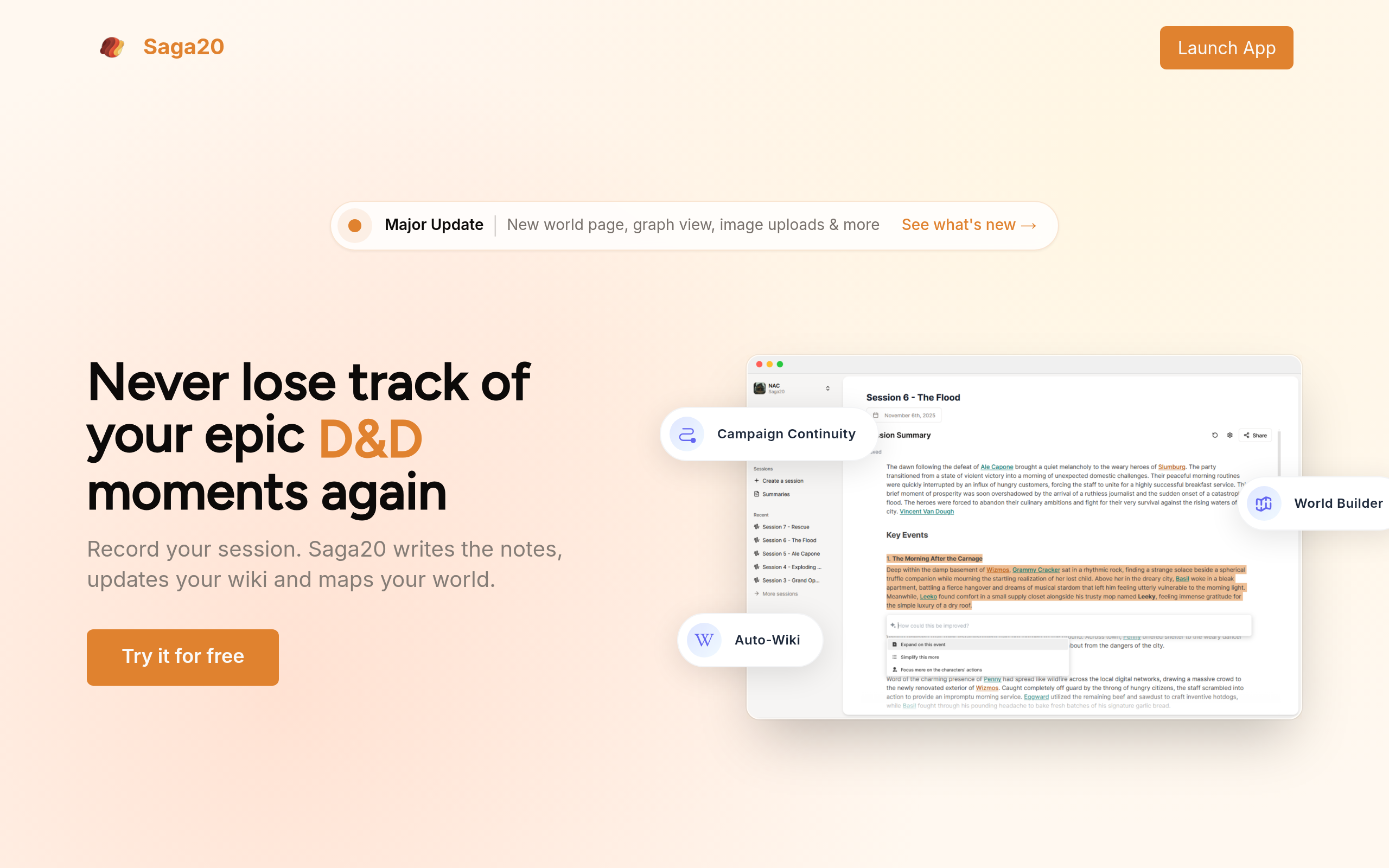
Drop the notebook. Just play. Saga20 is everything your TTRPG campaign needs in one place. Record your sessions, get instant summaries, manage your characters, and watch your world build itself. Automatically. Just hit record. Upload any audio file, any device, any quality. Saga20 turns it into structured notes, recognizes every player by voice across sessions, and updates your campaign wiki: characters, NPCs, locations, factions, all of it. No setup, no tagging, no manual edits. Around the wiki, you get the tools every group actually needs. A character sheet builder. Player claiming so each player owns their PC. A world builder for NPCs, locations, items, and factions. A campaign graph that maps every connection at a glance. One-click sharing with your players. Discord integration that drops recaps straight into your server. Works with D&D, Pathfinder, Call of Cthulhu, Cyberpunk RED, Vampire, and any system. 25+ languages. Free trial. No credit card required.
Key Features
Automatic Session Transcription
Upload or record session audio from any device and quality; Saga20 transcribes dialogue into searchable, structured session notes and summaries.
Voice Auto-Match & Speaker Recognition
Automatically recognizes and links each player's voice across sessions (creates secure voice fingerprints) so characters and contributions are tracked without manual tagging.
Auto-updating Campaign Wiki & Graph
The platform extracts characters, NPCs, locations, factions, and items from sessions and updates linked wiki pages and a visual campaign graph automatically.
Character Sheets & Player Claiming
Build and manage character sheets, allow players to claim and edit their PCs, and keep session histories tied to characters.
One-click Sharing & Discord Integration
Share session recaps via public links or post formatted summaries directly into Discord channels for easy player catch-up.
How to Use Saga20
1) Create a campaign and invite or name your players (optional). 2) Record your session or upload an audio file (any device/quality). 3) Let Saga20 process the file — it will transcribe, identify speakers, summarize key events, and update the campaign wiki. 4) Review or edit the summary/wiki if needed, then share the recap link with players or post it to Discord.