
RunAPI
One API for every AI model — video, image, music, and LLMs
About
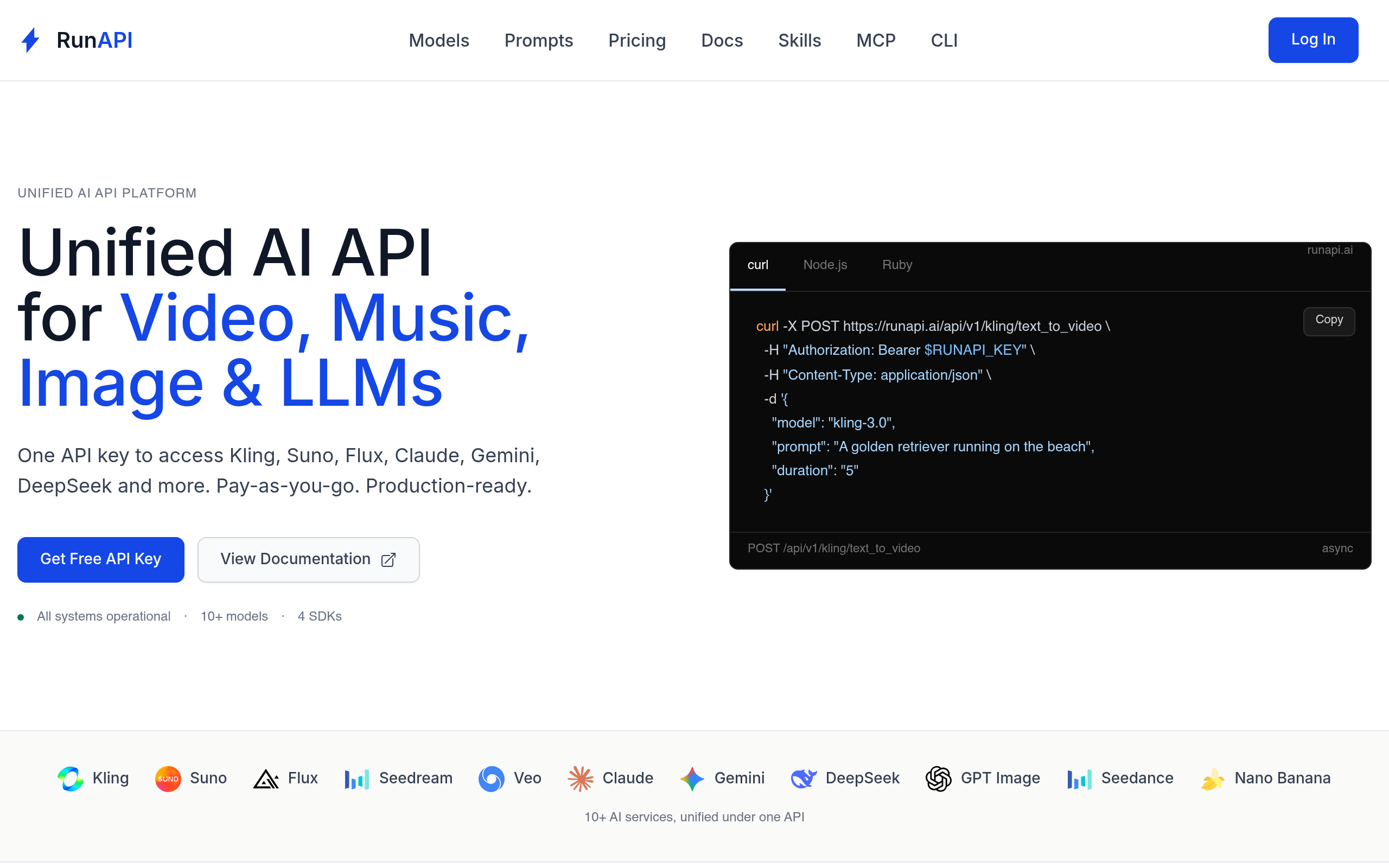
RunAPI aggregates 100+ multimodal AI models into a single API. Access video generation (Kling, Veo, Runway, Hailuo), image generation (Flux, Imagen, Ideogram), music (Suno), text-to-speech (ElevenLabs), and LLMs (Claude, GPT, Gemini, DeepSeek) through one API key, unified SDKs (Node.js, Python, Ruby, Go), a CLI, and MCP server. Pay-as-you-go pricing with no subscriptions required.
Key Features
Unified Multi-model API
Access 100+ models (video, image, music, TTS, LLMs) through a single API key and consistent endpoints so you can switch models without changing integration logic.
Production-ready Task Orchestration
Built-in async task management with webhook callbacks, automatic retries, and predictable credit-based billing for reliable, scalable generation workflows.
Official SDKs & CLI
First-class SDKs for Node.js, Python, Ruby and Go plus a CLI and MCP server make integration quick and easy across environments.
Transparent Pay-as-you-go Pricing
Credit-based billing with no subscriptions or hidden fees; cost estimates are visible before calling each model so teams can control spend.
How to Use RunAPI
1) Sign up and get an API key from the RunAPI dashboard. 2) Install an SDK (e.g., npm install @runapi/node or pip install runapi) or use curl/HTTP directly. 3) Call the appropriate endpoint (e.g., /kling/text_to_video, /suno/text_to_music, /flux_2/text_to_image) with your model and prompt; the API returns a task_id and status. 4) Poll the API for results or configure a webhook to receive completion callbacks, then download or stream the generated asset and integrate it into your app.