
Roomvana
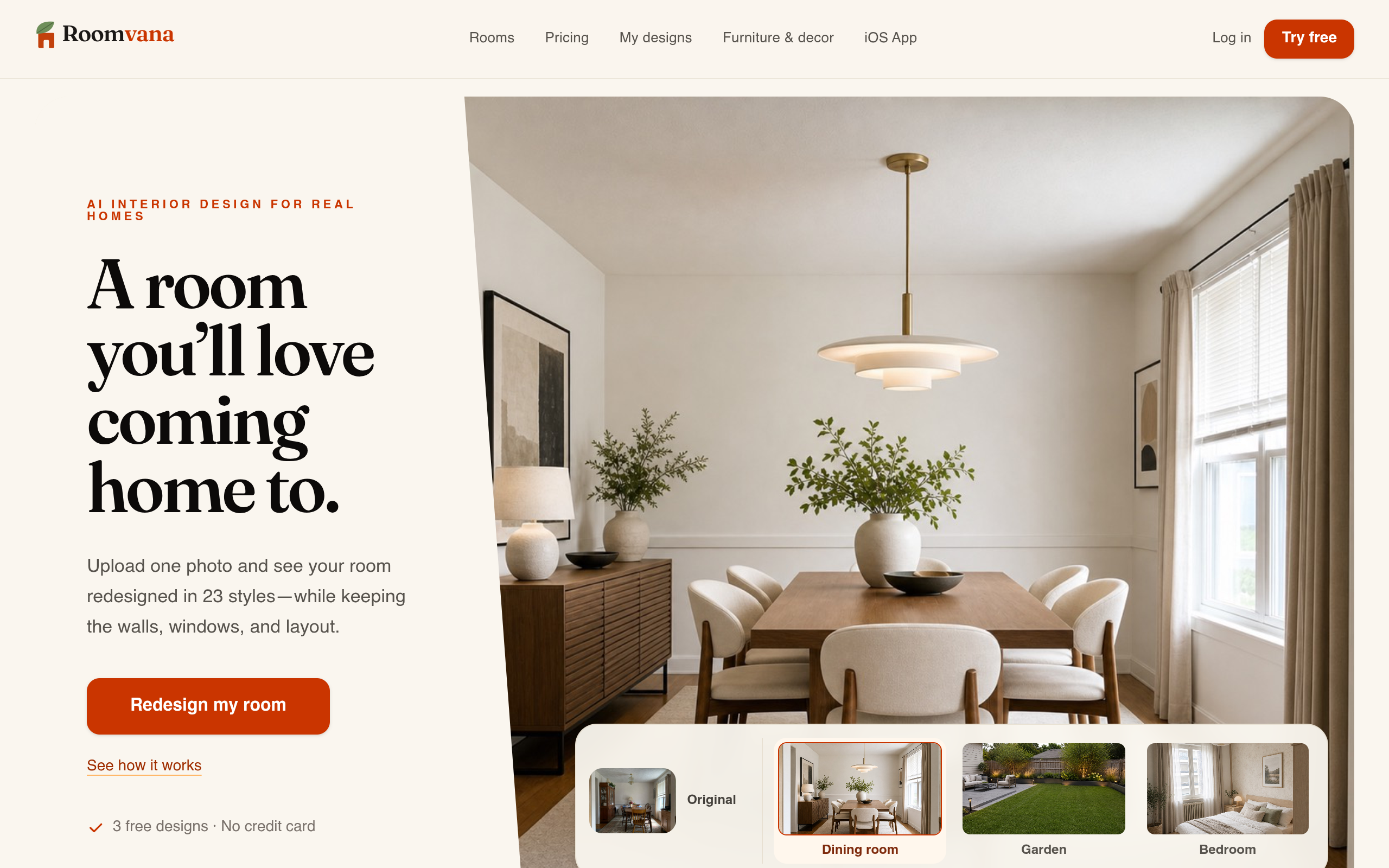
Roomvana redesigns your space from one photo: pick from 23 styles and see your own kitchen, bedroom or garden restyled in about 30 seconds.
About
Roomvana is an AI interior design tool for people redesigning their own homes. Upload a single photo of a room, pick one of 23 styles — Scandinavian, Japandi, mid-century modern, coastal and more — and the AI returns that same room restyled, in a render designed to keep its real walls, windows and layout in place. The result is a before/after you can slide between, download, or redo in another style. The same flow reaches past interiors: house exteriors, gardens, backyards and patios, a virtual staging mode for empty rooms, and surface swaps that change walls, flooring, wallpaper or cabinets on their own. A kitchen redesign, an outdoor concept, an empty room staged for a sale and a wallpaper test are the same three taps. Available as a web and mobile app; free to try after Google sign-in, and free results come watermarked.
Key Features
Redesign from one photo
Upload a single photo of your room and get it back restyled in one of 23 looks, in a render designed to keep your real walls, windows and layout in place.
Exteriors, gardens and virtual staging
The same flow covers house exteriors, gardens, backyards and patios, plus a virtual staging mode that furnishes empty rooms for listings.
Surface swaps
Change just the walls, flooring, wallpaper or cabinets and leave the rest of the room as it is, to test one material before buying it.
Before/after slider
Every result comes back next to the original on a slider, so you can compare, download it, or redo the same room in another style.
How to Use Roomvana
1. Sign in with Google at roomvana.ai or open the mobile app. 2. Upload one photo of the room, exterior or garden you want to redesign. 3. Choose a mode (interior, exterior, garden, virtual staging or surface swap) and pick a style. 4. Wait about 30 seconds while the AI restyles the space. 5. Compare the result with the original on the before/after slider, download it, or try another style.
Use Cases
Frequently Asked Questions
Q: Is Roomvana free to use?
A: It is free to try after Google sign-in. Free results come with a watermark; paid credits remove it and unlock more designs.
Q: Does it keep my room's real layout?
A: Renders are designed to keep your real walls, windows and layout in place and change the style, furniture and finishes, so the result is your own room in a new look.