
RoomMakeover
Free AI room design from a photo — furniture stays in place.
About
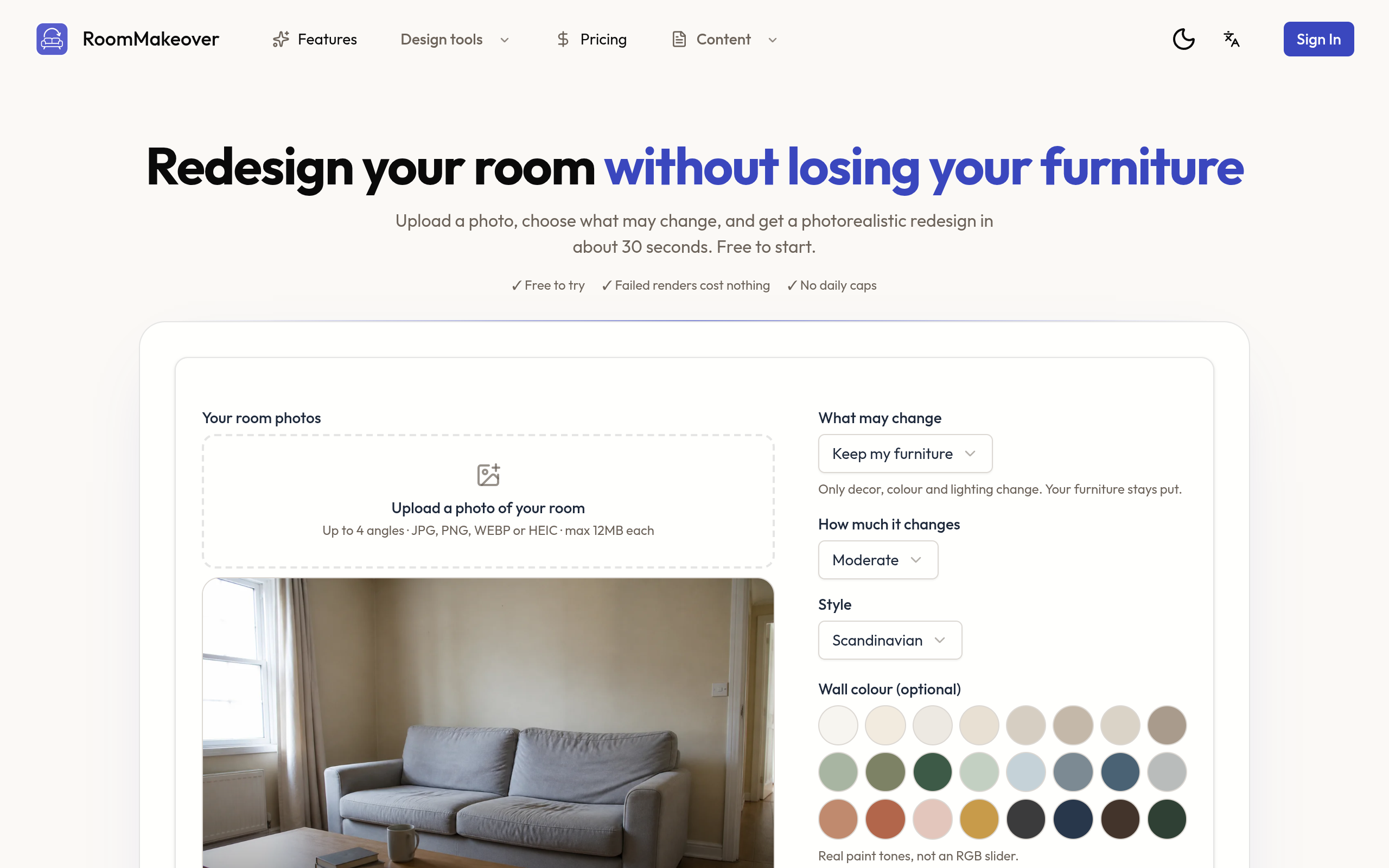
RoomMakeover is a free-to-start AI room design tool. Upload a photo of your room and get a photorealistic redesign in about 30 seconds. Keep-my-furniture mode locks every piece in place and only changes decor, color and lighting; paint-to-select editing redraws just the area you brush over. It offers 24 real paint tones, up to four photo angles, honest credit pricing, and failed renders cost nothing.
Key Features
Keep-My-Furniture Mode
Locks existing furniture and room layout so the AI only updates decor, wall colour, lighting and accessories while preserving your pieces and arrangement.
Paint-to-Select Area Editing
Brush over a wall, corner or section to target edits to that area only — useful for testing single-wall colours or partial redesigns (area edits add one credit).
Photorealistic Redesigns in ~30 Seconds
Generates high-quality, photorealistic makeovers from an uploaded room photo (or up to four angles) quickly, enabling rapid iteration and comparison.
Real Paint Tones & Multi-Angle Context
Try 24 named, real-world paint colours and upload up to four views of the same room to give the AI better context for consistent redesigns.
Credit System with Free Failed Renders
Transparent credit-based pricing where standard renders use credits, additional photos/area edits cost extra, and failed renders do not consume credits.
How to Use RoomMakeover
1) Upload one clear photo of your room (JPG/PNG/WebP/HEIC, up to 12 MB each). You can add up to four angles of the same room for better context. 2) Choose what may change: select Keep-my-furniture if you want furniture preserved, pick the degree of change (subtle, moderate, dramatic), and optionally select a design style or enter a brief. 3) Optionally brush over a specific wall or corner to target the edit (area edits add one credit). Choose a paint colour or describe other decor changes. 4) Render the redesign, compare the before/after, iterate if needed, and download the final comparison image or short video.