
Rontar
Rontar is a complete advertising suite that helps businesses acquire high-intent visitors with native ads and convert them with retargeting.
About
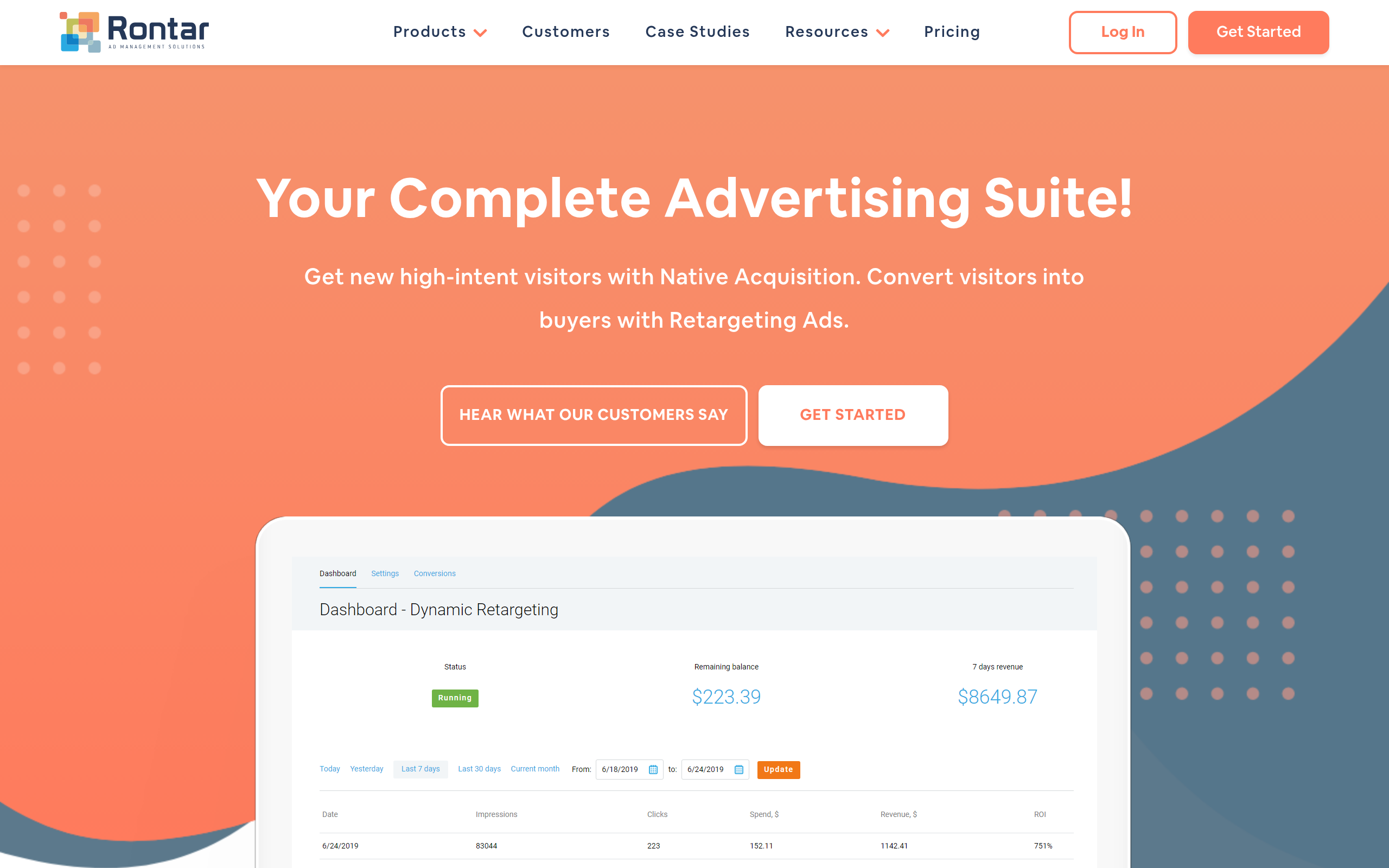
Rontar is an advertising platform designed to support both customer acquisition and conversion. It helps brands reach new audiences through native advertising and then re-engage visitors who left without purchasing. The main product, Dynamic Retargeting, automatically generates ads from your product feed and shows people the specific items they viewed, including details like image, name, and price. You can tailor the creative to match your brand so the ads feel consistent and recognizable. For additional nurturing, Storytelling lets you run sequenced campaigns that share messages like promotions, reviews, or key updates to guide prospects toward a decision. Blog Retargeting can also promote recent posts to past readers using ads generated from your RSS feed to turn returning visitors into subscribers.
Key Features
Dynamic Retargeting
Automatically generates personalized ads from your product feed to show visitors the exact items they viewed (image, name, price), increasing relevance and conversion rates.
Native Acquisition
Serves native ad placements across a curated private network and partner networks to bring high-intent visitors to your site and grow new audiences.
Storytelling Sequenced Campaigns
Create multi-step ad sequences (promotions, reviews, updates) to nurture prospects over time and guide them toward a purchase decision.
Blog Retargeting (RSS-driven)
Automatically generate ads from your RSS feed to re-engage past readers with your latest blog posts and convert them into subscribers or leads.
Branding, Tracking & Analytics
Customize creative to match brand identity, install tracking for conversions and order-level tracking, and monitor campaign performance with reporting and account manager support.
How to Use Rontar
1) Sign up and connect your site: create an account, install the tracking pixel/snippet and connect your product feed (for e-commerce) or RSS (for blogs). 2) Choose a campaign type: start a Native Acquisition campaign to get new visitors, set up Dynamic Retargeting to show product-specific ads, or build a Storytelling sequence to nurture visitors. 3) Customize creative & targeting: configure ad templates to match your brand, set targeting and frequency, and review automated ad previews generated from your feed. 4) Launch and optimize: launch the campaign, monitor performance via the dashboard, tweak creatives/targeting and use reporting/ROAS metrics to scale what works.