
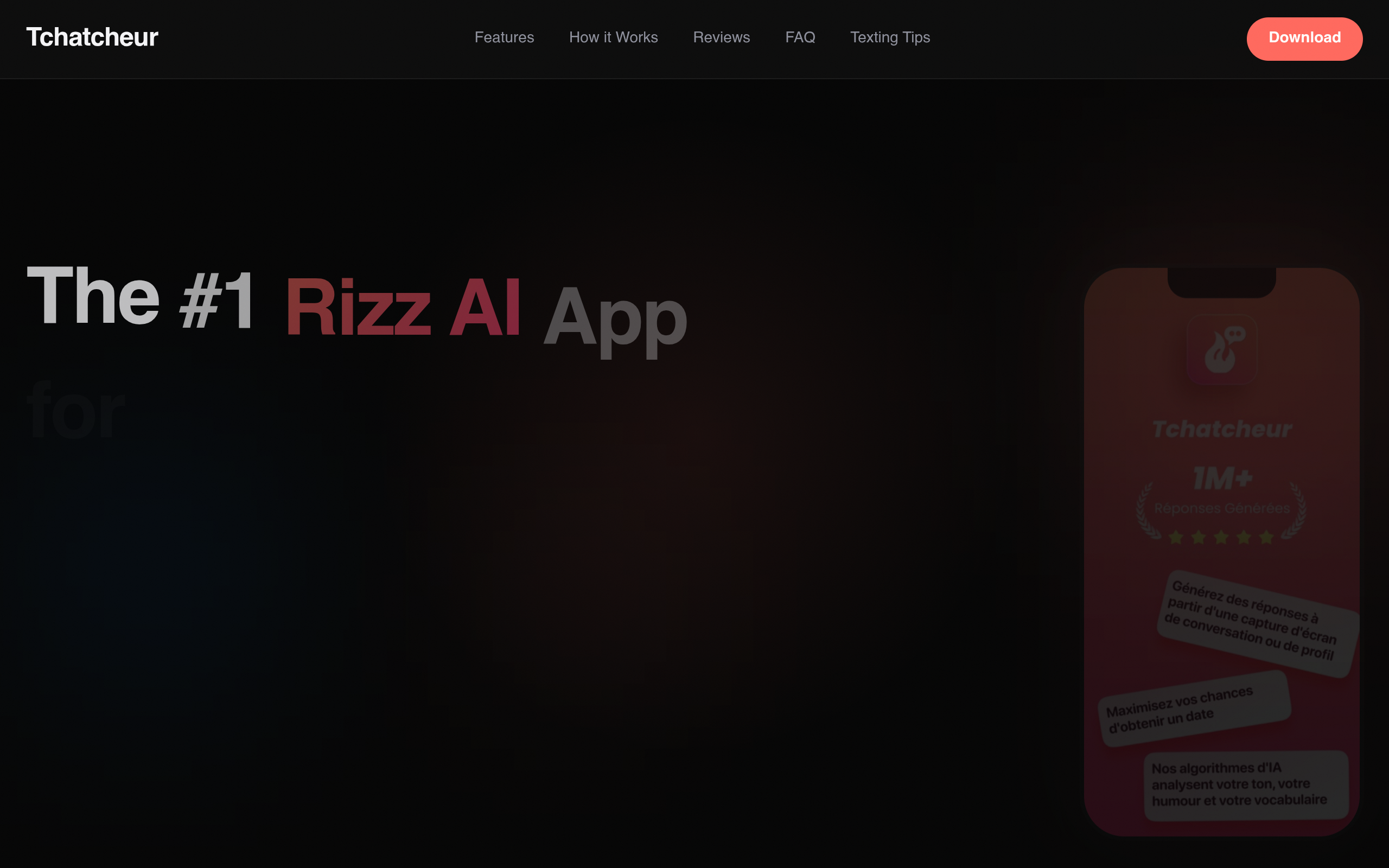
Rizz app - Tchatcheur
The AI rizz app that turns a screenshot of your chat into smooth, ready-to-send replies — rizz AI that knows what to text.
About
Tchatcheur is the AI rizz app that gives you the perfect line every time. Screenshot any dating chat — Tinder, Hinge, Instagram DMs — and our rizz AI writes smooth, ready-to-send replies in seconds. No more staring at the keyboard, no more getting left on read. Think of it as a rizz generator in your pocket. Real rizz AI trained to talk like people actually talk — short, current, and built to get a reply. Pick your vibe: Hot — bold, flirty rizz for when the energy is already there. Honest — genuine lines that disarm and connect. Smooth — effortless, confident rizz to keep things moving. Whether you need an opener, want to save a dying conversation, or finally land the close, Tchatcheur is the rizz app that delivers. Stop guessing how to rizz — copy the line and send it. The whole flow takes about 10 seconds: screenshot, choose your tone, copy, send. Unlimited AI rizz, ready when you are. Try the best rizz app free.
Key Features
Screenshot OCR & Analysis
Upload a screenshot (JPG/PNG/WebP) and the app extracts messages, emojis, timestamps and context using vision/OCR so the AI understands the full conversation.
Context-Aware Reply Generation
AI analyzes tone, subtext and conversation flow to produce multiple natural-sounding reply options tailored to the exact chat.
Tone & Vibe Selection
Choose from presets like Hot, Honest, or Smooth to match your desired style — bold/flirty, genuine, or effortlessly confident replies.
Privacy-First Design
No account required and screenshots/replies are not stored long-term — processing is designed to keep your conversations private.
Multi-Platform Support
Works with Tinder, Bumble, Hinge, Instagram DMs, WhatsApp and other messaging apps — one tool for any dating or messaging platform.
How to Use Rizz app - Tchatcheur
1) Take a screenshot of the conversation (Tinder, Hinge, Instagram DM, WhatsApp, etc.). 2) Open the app or web uploader and drop/select your screenshot. 3) Pick the vibe (Hot, Honest, Smooth) and let the AI analyze the context. 4) Choose a reply, copy it, and paste it into your chat — repeat as needed.