
RicordamiApp
Automatic WhatsApp appointment reminders for salons, clinics & small businesses. Reduce no-shows and fill your calendar — no app for your clients.
About
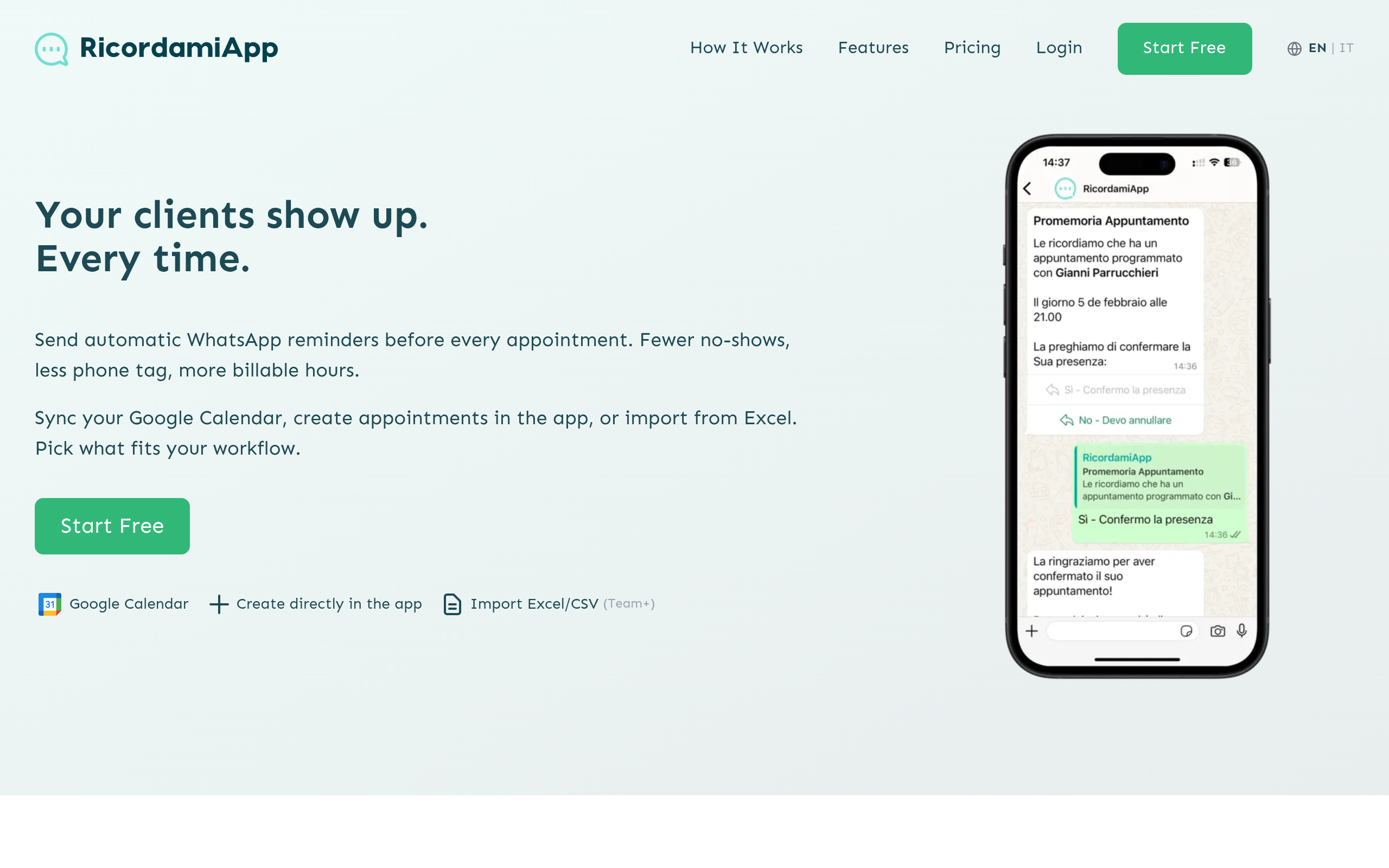
RicordamiApp is an appointment reminder tool that sends automatic WhatsApp reminders to your clients, helping small businesses reduce no-shows and save time. Designed for hairdressers, beauty salons, dentists, therapists, mechanics, and other appointment-based businesses, RicordamiApp makes client communication effortless. Setup takes just minutes: import your clients from a CSV file, sync your Google Calendar, or add appointments manually. The built-in client database grows automatically as you work, with autocomplete for repeat customers. Appointment reminders are sent automatically via WhatsApp before each appointment, using your own message style, with smart rate limiting to avoid over-messaging. Clients don't need to install anything — reminders arrive directly in the WhatsApp conversations they already use daily. RicordamiApp integrates with Google Calendar and includes CSV import, a client CRM, standalone appointment creation, and a Chrome extension for WhatsApp Web.
Key Features
Automated WhatsApp Reminders
Send personalized appointment reminders via the official WhatsApp Business API at configurable times (e.g., 24h, 2h before) without requiring clients to install anything.
Google Calendar Sync
Two-way sync with Google Calendar so appointments added to your calendar automatically schedule reminders; support for multiple calendars and shared team calendars.
CSV/Excel Import & Bulk Scheduling
Upload CSV/Excel files (Team/Business plans) to create hundreds of appointments at once and schedule reminder campaigns in bulk.
Built-in Client CRM & Autocomplete
Automatic client database that stores phone numbers and appointment history, with autocomplete for repeat customers to speed up booking and messaging.
Confirmation Tracking & Status Updates
Automatic status updates that show reminder sent, confirmed, or cancelled when clients reply, with smart rate limiting to avoid over-messaging.
How to Use RicordamiApp
1) Sign up and connect your Google account (optional) or create an account in-app. 2) Add appointments by syncing Google Calendar, uploading a CSV/Excel file (Team/Business), or creating appointments manually in the app. 3) Customize the reminder message and schedule (e.g., 24h and/or 2h before); choose confirmation keywords if you want replies to update status. 4) Let RicordamiApp send reminders automatically and monitor appointment statuses and confirmations from the dashboard.