
RestoreMyWebsite.com - Wayback Restore
Bring back old websites from the Wayback Machine.
About
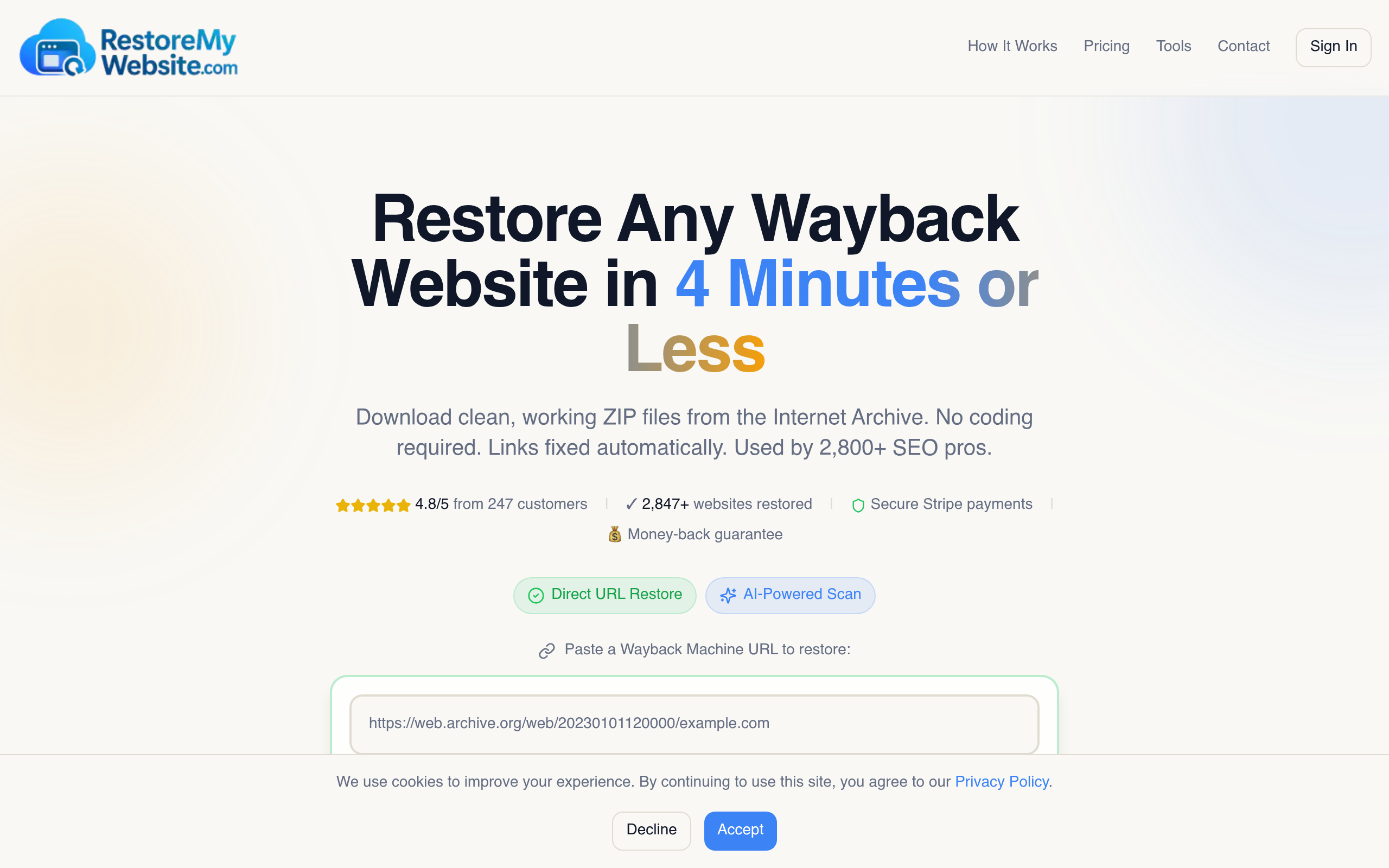
Download clean, working ZIP files from the Internet Archive. No coding required.
Key Features
Automated Wayback ZIP Export
Enter a URL and get a downloadable ZIP containing the archived site — processed automatically without manual crawling or scripting.
Clean, Working Static Site
Removes Wayback-specific wrappers and broken references so the downloaded site works offline or when uploaded to a host.
Fast Processing (1–4 minutes)
Optimized pipeline that typically produces the restored ZIP quickly so you can recover content without long waits.
No-Code Workflow
Simple web interface for non-technical users — no coding, command-line tools, or developer skills required to restore a site.
How to Use RestoreMyWebsite.com - Wayback Restore
Enter Your Domain, Sign Up or Sign In, Pay for Your Restore, After payment, our system downloads the website from the Wayback Machine, collects the files, fixes broken links, removes Wayback wrappers, cleans the page structure, and builds a ZIP file. You do not have to do anything during this process. When the restore is ready, you get an email. You can download the ZIP directly or visit your dashboard to access it later. Your restored site will stay saved in your account so you can redownload it anytime.