
Restore Old Photos: FotoRevive
AI photo restoration & colorization for old photos
About
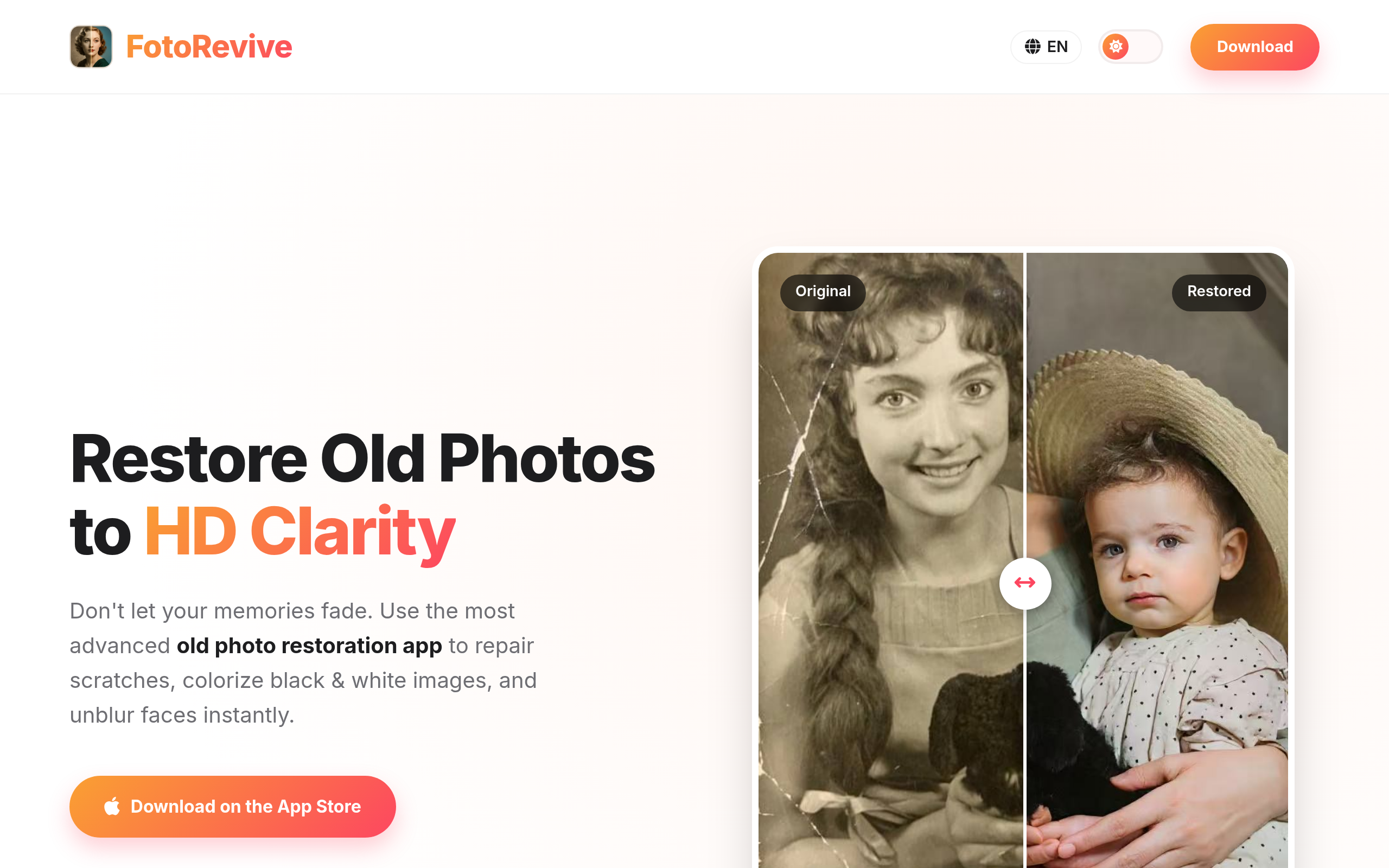
Restore Old Photos with AI – FotoRevive FotoRevive is an AI-powered photo restoration app designed to restore old photos, remove scratches, enhance faces, and colorize black and white images in seconds. Built for families, historians, and memory keepers, FotoRevive helps you repair damaged photos, fix blurry portraits, and bring faded memories back to life. Key Features • Photo Restoration – Repair torn, faded, and damaged images • Scratch Removal – Remove cracks, dust, and surface damage • B&W Colorization – Convert black and white photos to color • Face Enhancement – Sharpen and enhance facial details • Photo Animation – Add subtle motion to old portraits Unlike traditional photo editors, FotoRevive focuses specifically on old photo restoration and historical memory preservation. Available on iOS: https://apps.apple.com/us/app/restore-old-photos-fotorevive/id6747912103 Official website: https://www.restoreoldphotos.cc/ Built by Nisva AI — a global AI product studio focused on turning signal into scalable applications.
Key Features
Photo Restoration
Automatically repair tears, yellowing, stains, and faded areas to recover lost image integrity while preserving original details.
Scratch & Spot Removal
Remove cracks, dust, spots and surface blemishes using intelligent inpainting to produce clean, seamless results.
B&W Colorization
Convert black-and-white photos to natural-looking color automatically, with realistic skin tones, fabrics, and backgrounds.
Face Enhancement & Upscaling
Sharpen facial features, remove blur, and increase resolution (up to 4×) to restore portrait clarity for printing and display.
Photo Animation
Add subtle motion to eyes, smiles, or backgrounds to bring old portraits to life for sharing and memorials.
How to Use Restore Old Photos: FotoRevive
1) Open the app and upload a scanned or photographed old/damaged image. 2) Choose the desired operation: Enhance (sharpen/upscale), Descratch (remove cracks/spots), Colorize (convert B&W to color), or Animate. 3) Preview the result and optionally adjust settings or run a second pass for finer repairs. 4) Save the restored high-resolution image to your device or share/print it.
Use Cases
Frequently Asked Questions
Q: How do I restore old photos on my phone?
A: Simply download the FotoRevive app. Upload your image, and our AI will automatically restore old photos by repairing damage, improving resolution, and adding color in seconds.
Q: Is FotoRevive free to download?
A: Yes, FotoRevive is free to download on the App Store. We offer free restoration features as well as premium options for high-resolution exports.
Q: How to restore old photos using AI?
A: Restoring old photos used to require Photoshop skills, but now you can do it automatically. Here is how to restore old photos with FotoRevive: Download the FotoRevive app. Scan or upload your damaged photo. Tap "Enhance", "Descratch", or "Colorize" depending on your needs. Our AI will instantly repair scratches, unblur faces, or add color. Save the restored photo to your camera roll.