
ResizesImage
Free online image resizer — no signup, no upload
About
Free browser-based image tools — resize, crop, compress to exact KB, convert JPG/WebP/HEIC, AI upscale, remove backgrounds, and make passport photos. No signup, no upload, no watermark.
Key Features
In-browser privacy (no upload)
All editing runs in your browser — images are not uploaded to a server, no sign-up is required and results have no watermark.
Flexible resizing options
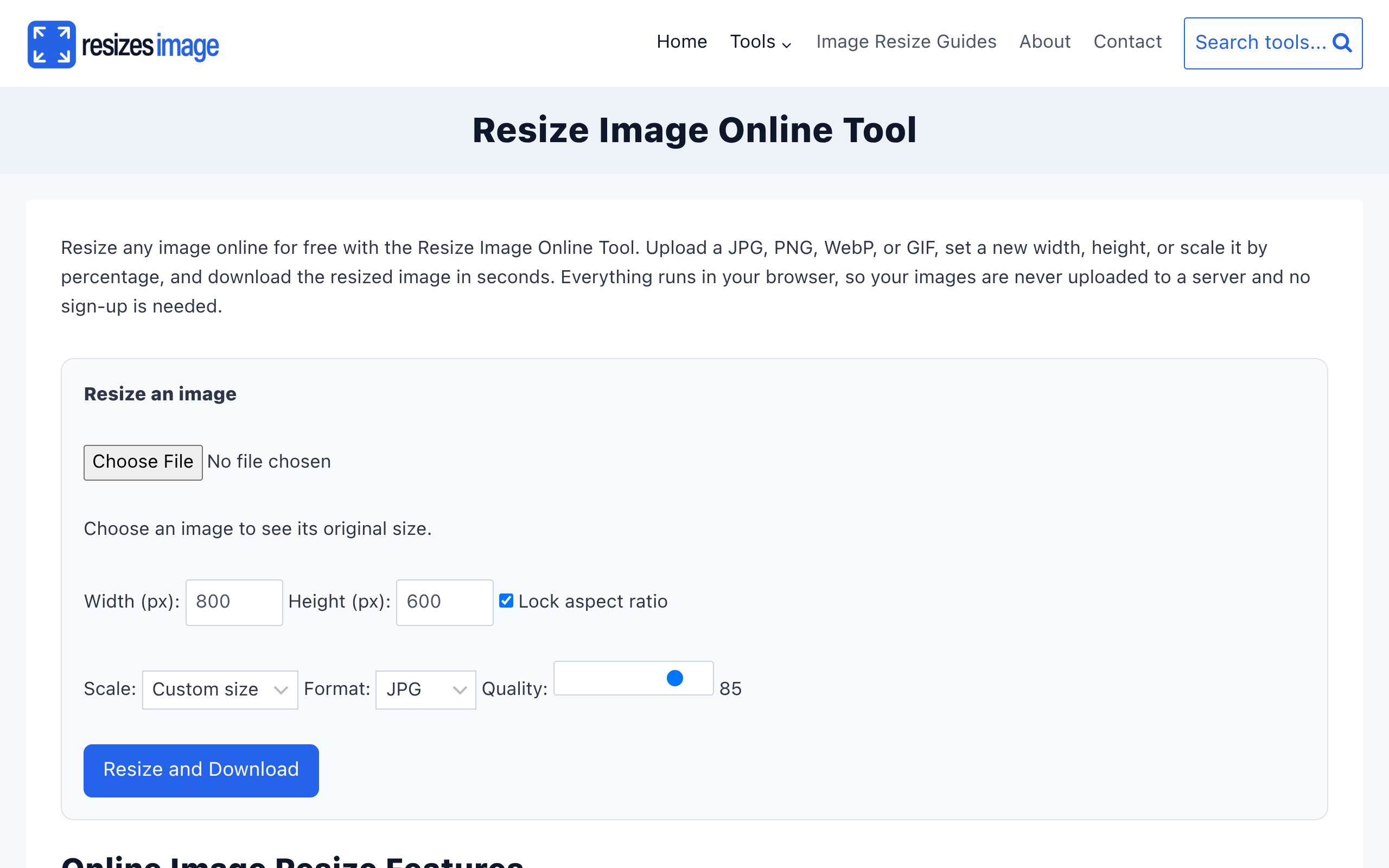
Resize by exact pixels, by percentage or choose presets for dozens of social networks and apps; lock aspect ratio to prevent distortion.
Precise file-size compression
Compress images to hit an exact file size (KB) or adjust quality/format (JPG/WebP) for faster page loads and form requirements.
Format conversion & batch tools
Convert between JPG, PNG, WebP, HEIC, AVIF, SVG and more; bulk image resizer lets you process many files at once in-browser.
AI-powered enhancements
AI image upscaler to enlarge photos up to 4x with improved detail and an AI background remover for clean cutouts and marketplace-ready photos.
How to Use ResizesImage
1) Open the site and choose the tool you need (Resize, Compress, Convert, AI Upscale or Background Remover). 2) Click Choose File and select a JPG/PNG/WebP/GIF/HEIC from your device (or drag & drop). 3) Set dimensions, percentage, file-size target, output format and any options (lock aspect ratio, quality, AI upscaling level). 4) Click the action button (Resize / Compress / Convert / Remove Background / Download) and save the processed image to your device — everything runs locally in your browser.