
Requestly
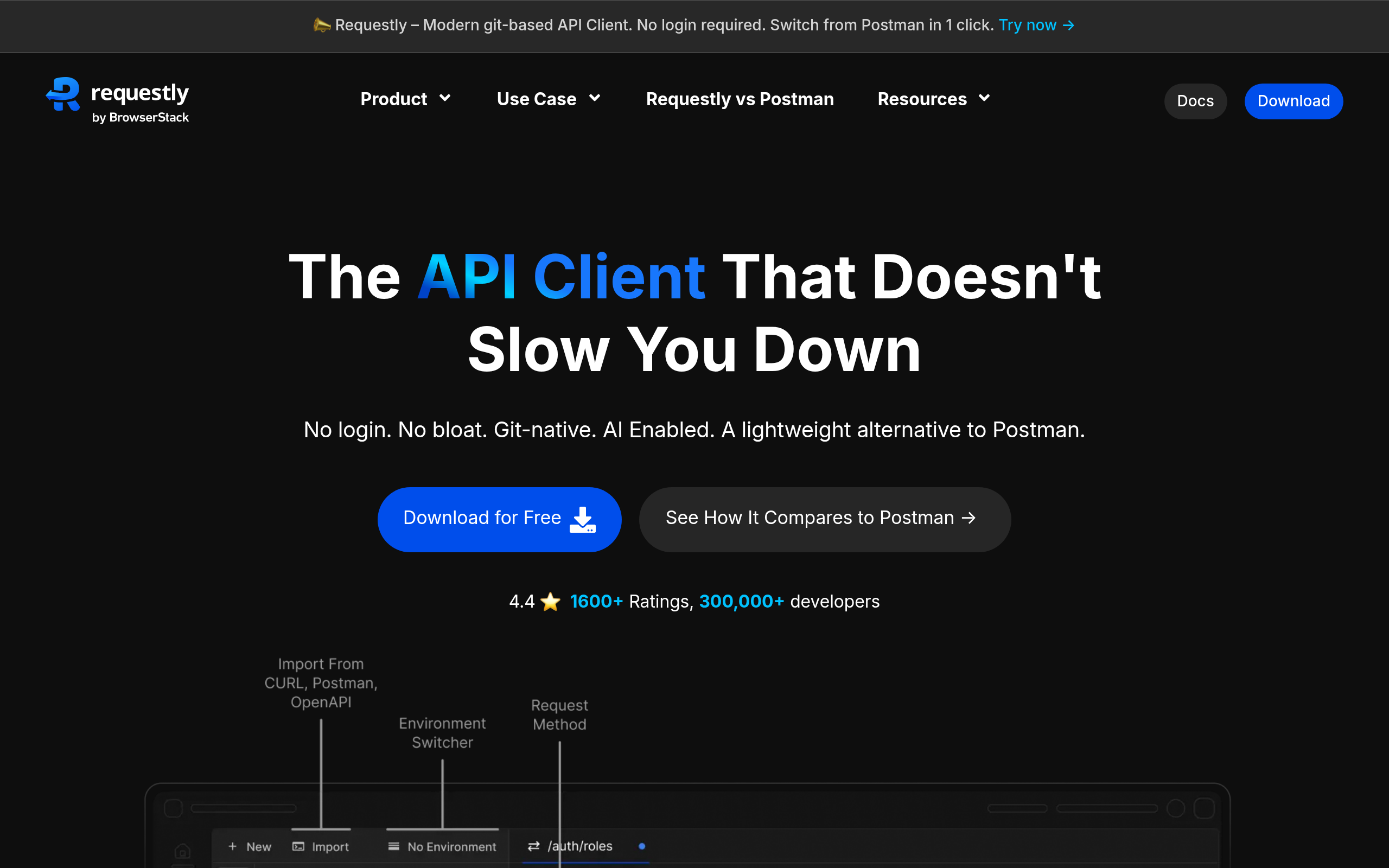
Local-first, git-controlled API client. AI-native Postman alternative with free team collaboration. No login required.
About
Requestly is a lightweight API client designed for modern development teams who want full control over their API workflows. Built as a local-first alternative to Postman, Requestly keeps your data on your machine — not locked in the cloud. Collections are stored as files and can be git-controlled, so teams can version, branch, and collaborate on API collections the same way they work with code. Requestly is AI-native, with built-in intelligence to help developers write requests, generate tests, and debug APIs faster. It supports REST and GraphQL with schema introspection, pre/post request scripts, environment variables, and a collection runner for batch testing. Unlike Postman, Requestly offers generous free-tier features including team collaboration with shared workspaces, role-based access control, and one-click Postman migration. No login is required to get started. Trusted by 300,000+ developers at companies like Microsoft, Amazon, Google, and Adobe.
Key Features
Git-native Collections
Store API collections as local files and sync them with Git to version, branch, and collaborate on API workflows the same way you do with code.
AI-assisted Requests & Tests
Built-in AI helps generate requests, suggest body/headers, create tests, and provide schema-aware autocomplete for GraphQL to speed up API design and debugging.
HTTP Interceptor & Modifications
Intercept, record, debug and modify HTTP traffic (redirects, header/body changes, delays, status overrides) and create mock endpoints for frontend integration and testing.
Local Workspaces & Role-based Collaboration
Keep data local for privacy, share workspaces with teammates, assign Admin/Editor/Viewer roles, and collaborate for free without mandatory cloud login.
Easy Import & Test Runner
One-click import from Postman/OpenAPI/cURL, pre/post-request scripting, environment variables, and a collection runner for batch testing and CI-friendly workflows.
How to Use Requestly
1) Install Requestly (desktop app or browser extension) and open or create a local workspace. 2) Import existing collections (Postman/OpenAPI/cURL) or create a new request; add environment variables and pre/post scripts as needed. 3) Use the AI assistant for request generation, GraphQL schema introspection, or test creation, then run requests or the collection runner to validate endpoints. 4) Intercept and modify live HTTP traffic or create mock endpoints; sync collections with Git or share the workspace with teammates for collaboration.