
Remittance Go
Automated Remittance PDF Extraction into Xero
About
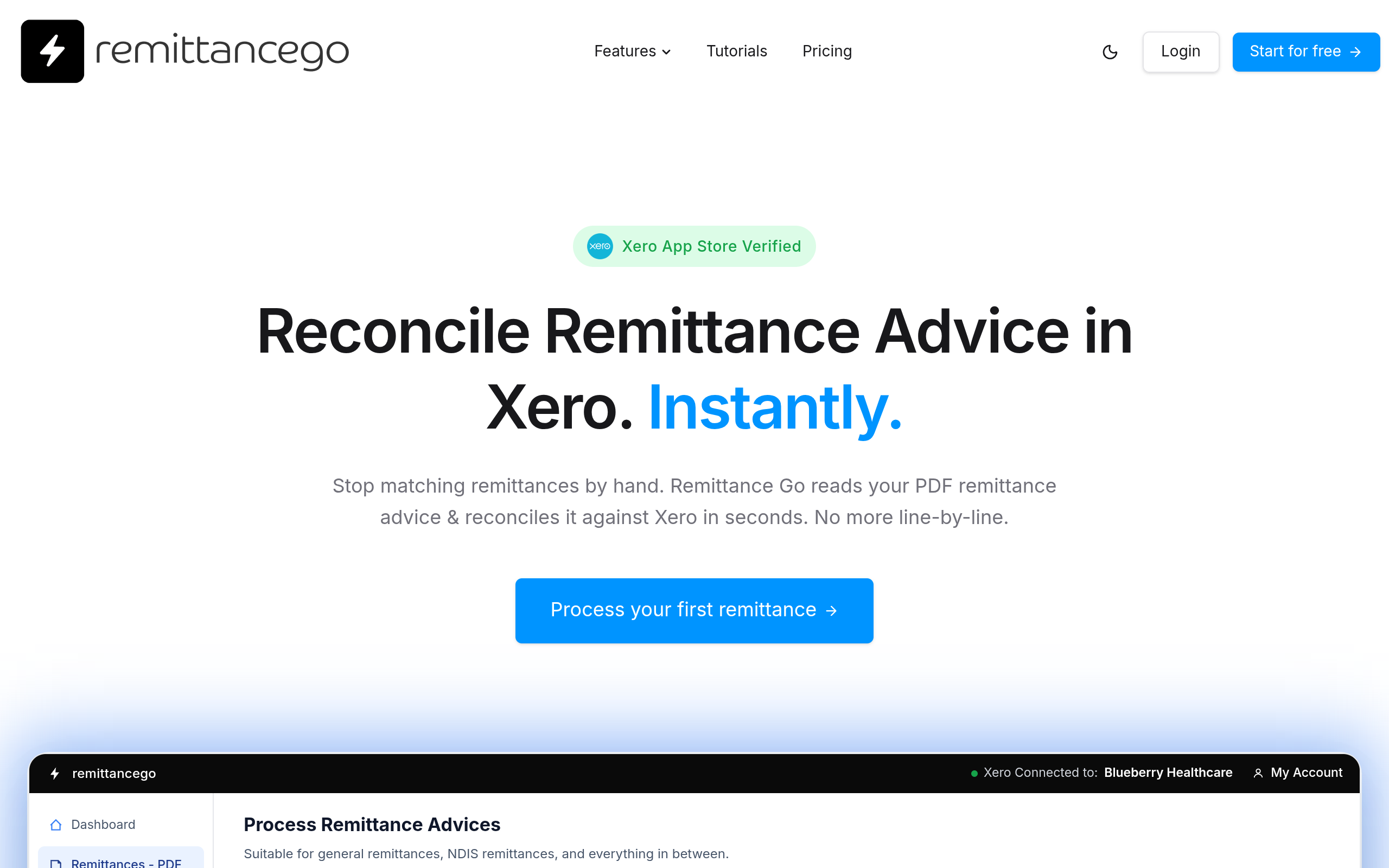
RemittanceGo is an automated remittance advice processing platform built for Australian bookkeepers, accounts receivable teams, and businesses that use Xero as their primary accounting system. It eliminates the manual work of processing PDF remittance advice by reading, interpreting, and reconciling payment documents automatically — so the people responsible for accounts receivable can spend their time on work that actually requires human judgement, not on copying figures from PDFs into spreadsheets. The problem RemittanceGo solves is one that accountants and bookkeepers deal with every single day. When a business customer makes a payment — especially a batch payment covering multiple invoices — they typically send a remittance advice document to explain how that payment should be applied. This document arrives as a PDF, either attached to an email or downloaded from a supplier portal, and it contains a breakdown of which invoices are being paid, how much is allocated to each, and any adjustments like early payment discounts or partial payments. Without automation, a member of the AR team has to open every one of those documents, read through the payment breakdown, and manually match each line to the corresponding open invoice in Xero. For businesses with high remittance volumes, this can consume hours every week. For bookkeepers managing multiple clients, it compounds across every account they service. RemittanceGo removes that entire manual process. The workflow is straightforward: when a customer sends a remittance advice PDF, the user forwards it to their unique RemittanceGo inbox address. From that point, the platform handles everything. It reads the PDF, extracts the payment data — payer name, payment date, total amount, and every individual invoice reference — and then cross-references each line against the open invoices in the connected Xero organisation. Matched payments are allocated directly in Xero.
Key Features
PDF Remittance Extraction
Automated OCR and parsing of remittance advice PDFs to extract payer name, payment date, total amount and individual invoice references, including adjustments and discounts.
Xero Batch Payment Push
Cross-references extracted invoice lines with open invoices in the connected Xero organisation and creates or pushes a single batch payment to Xero for matched items.
Email-forward Inbox & Bulk Upload
Each user gets a unique RemittanceGo inbox address to forward remittance PDFs automatically, plus support for drag-and-drop bulk uploads (up to 10 PDFs at once).
Split & Partial Payment Handling
Automatically recognises and allocates partial payments, split payments, and early payment discounts, flagging under/overpayments for review.
Review Workflow & Audit Trail
Provides a review step for human oversight before pushing payments to Xero and stores a searchable history of processed remittances for auditing and reconciliation.
How to Use Remittance Go
Step 1 — Connect Xero Sign up and link your Xero organisation via secure OAuth. RemittanceGo pulls your open invoices automatically. Step 2 — Upload Your Remittance PDF Receive a remittance advice PDF from a customer? Upload it directly to RemittanceGo. Works with any format. Step 3 — We Parse and Match RemittanceGo reads the PDF, extracts the payment details, and matches each line to the correct open invoice in Xero — handling batch payments, partial payments, and discounts automatically. Step 4 — Review Exceptions Anything that can't be matched with confidence is flagged for your review before anything is posted to Xero. Step 5 — Done. Xero is Reconciled. Matched payments are allocated in Xero and a full audit trail is logged. Your books are up to date without any manual data entry.