
ReMakeFaceAI
AI face swap tool for photos and videos — create realistic, seamless face replacements online in seconds.
About
RemakeFace.ai is an advanced AI-powered face swap platform that enables users to replace faces in photos and videos with lifelike realism. With deep learning technology, the system analyzes facial structure, lighting, and expressions to deliver seamless, natural results — all processed securely in the cloud without installing any software. Key Features: 🎬 Video Face Swap: Replace faces in short clips or films while preserving movement and emotion. 🖼️ Photo Face Swap: Swap faces in still images with realistic blending and lighting correction. ⚙️ Automatic AI Alignment: The AI automatically adjusts angle, color, and shadow for perfect consistency. 🔒 Privacy-Focused: All tasks are handled securely; no personal data or uploads are stored. 🌐 Browser-Based Convenience: Everything runs online — no downloads, no complex setup. Use Cases: Content creators and editors producing engaging videos or social media content. Marketers creating personalized campaigns and visuals. Filmmakers testing new concepts or visual storyboards. Anyone who wants to explore creative AI image generation safely and easily.
Key Features
Video Face Swap
Replace faces in short clips or longer footage while preserving movement, expressions, and natural motion for seamless video results.
Photo Face Swap & Blending
Swap faces in still images with advanced blending, lighting correction and color matching for realistic, high-resolution outputs.
Automatic AI Alignment
Automatically aligns angle, skin tone, shadows and facial features so replacements look consistent across frames and lighting conditions.
Privacy-First Cloud Processing
All processing happens securely in the cloud with privacy safeguards — uploads aren't stored or used without permission; free starter credits available for new users.
Browser-Based, No-Install Workflow
Works entirely in the browser — drag & drop uploads, prompt-based adjustments, and one-click preview/download without software installation.
How to Use ReMakeFaceAI
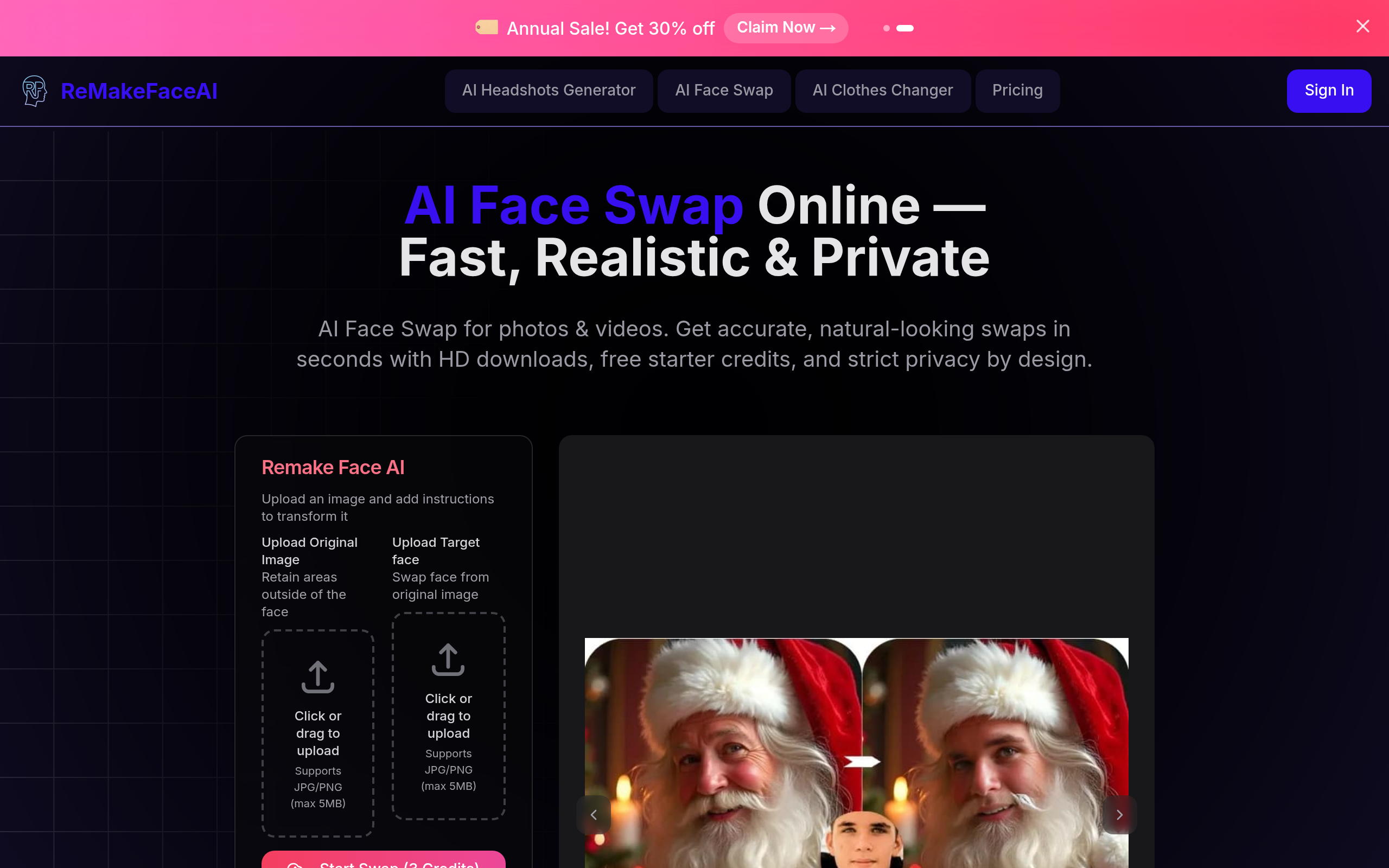
1) Upload your source image or video (the file to be edited). 2) Upload the target face image(s) you want to insert or select a target from available options. 3) Optionally add brief instructions (e.g., "match lighting", "subtle blend") and start the swap. 4) Preview the result, adjust if needed, then download the high-resolution output.