
Refbox
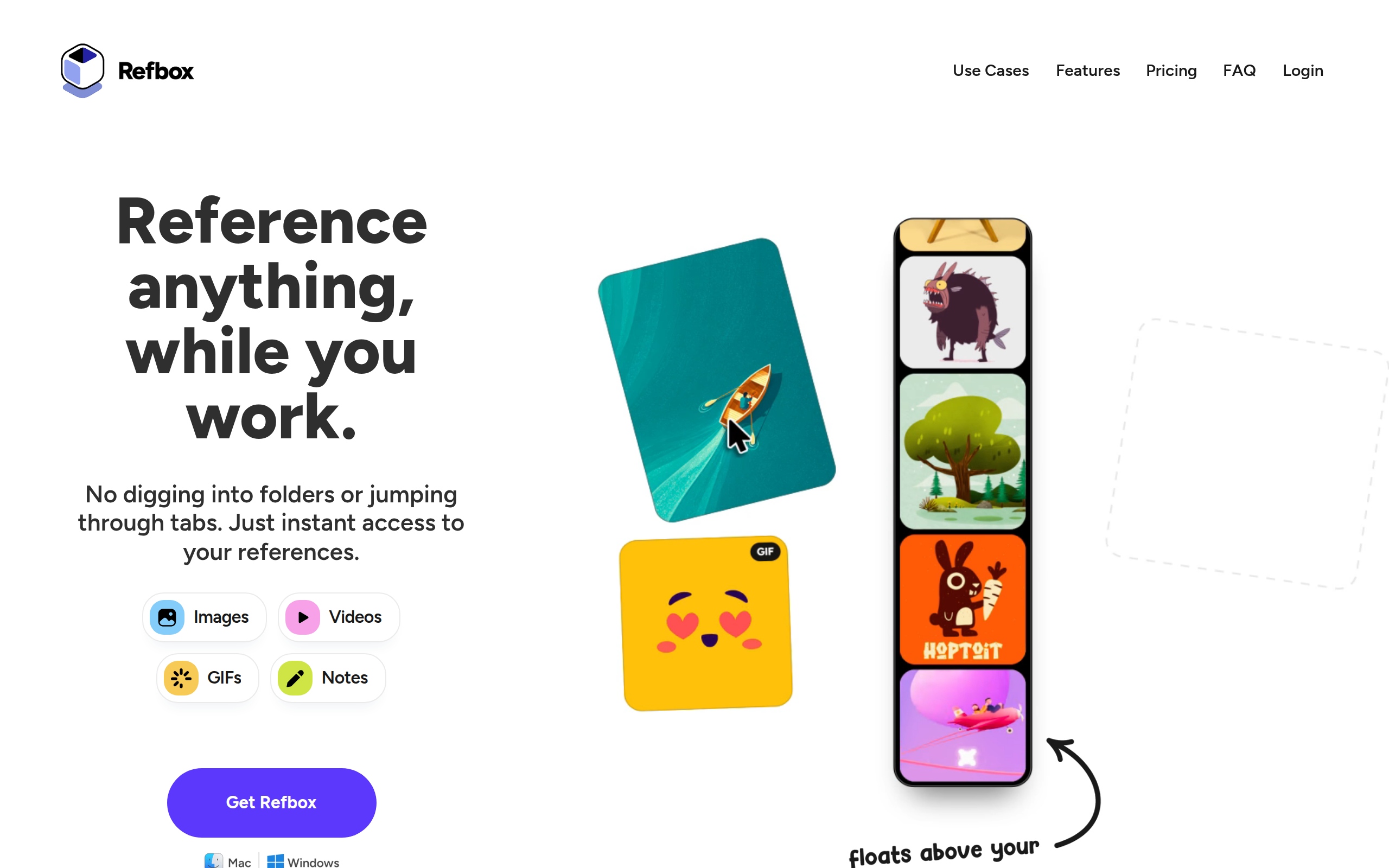
Refbox is a floating reference app that lets you keep images, videos, and notes visible above your workspace.
About
Refbox is a floating reference app for creatives who want their inspiration visible while they work. Pin images, GIFs, videos & notes in always-on-top frames above your apps. No more window switching while you sketch, design, animate, or model. Add media from the web, your computer, or your clipboard into a floating, resizable sidebar. View references in Masonry Mode (Pinterest-style), drag individual items onto your desktop that you can resize and rearrange, or use a full-screen Gallery for second monitors. Add markdown-enabled notes for ideas, todos, or instructions without reaching for a separate app. Save clickable links as bookmarks to tutorials, articles, and other resources you need. Scrub through videos and GIFs with frame-by-frame playback. Create multiple collections of references and instantly swap between them. Refbox is the essential companion for creatives who need inspiration at their fingertips while they work.
Key Features
Always-on-top Floating Frames
Pin images, GIFs, videos or notes in resizable, floating frames that stay above any app so you never have to switch windows while working.
Collections & Masonry Sidebar
Organize references into unlimited collections and view them in a Pinterest-style Masonry sidebar for quick browsing and instant collection swapping.
Draggable Desktop References & Full-screen Gallery
Drag individual items out of the sidebar onto your desktop and resize or rearrange them, or use a full-screen gallery mode for second-monitor setups.
Markdown Notes, Bookmarks & Checklists
Add styled, markdown-enabled notes for ideas, to-dos, or instructions, and save clickable bookmarks to tutorials and resources without leaving your workspace.
Creative-friendly Media Tools
Features like frame-by-frame GIF/video scrubbing, pixel rendering for pixel art, color picking, cropping, SVG viewing and quick screenshot saving let creatives reference media accurately.
How to Use Refbox
1) Install Refbox for Windows 11 or macOS (Apple Silicon) and launch the app. 2) Create a new collection, then add references by dragging files, pasting from the clipboard, or adding web links. 3) Arrange references in the Masonry sidebar or drag items onto your desktop as floating frames; resize, lock, or minimize frames as needed. 4) Use keyboard shortcuts to swap collections, scrub GIFs/videos frame-by-frame, pick colors, and toggle the sidebar to stay focused while you create.