
Redbark
Automatically sync your Australian bank transactions and brokerage data to Google Sheets, Notion, YNAB, ActualBudget & Sure
About
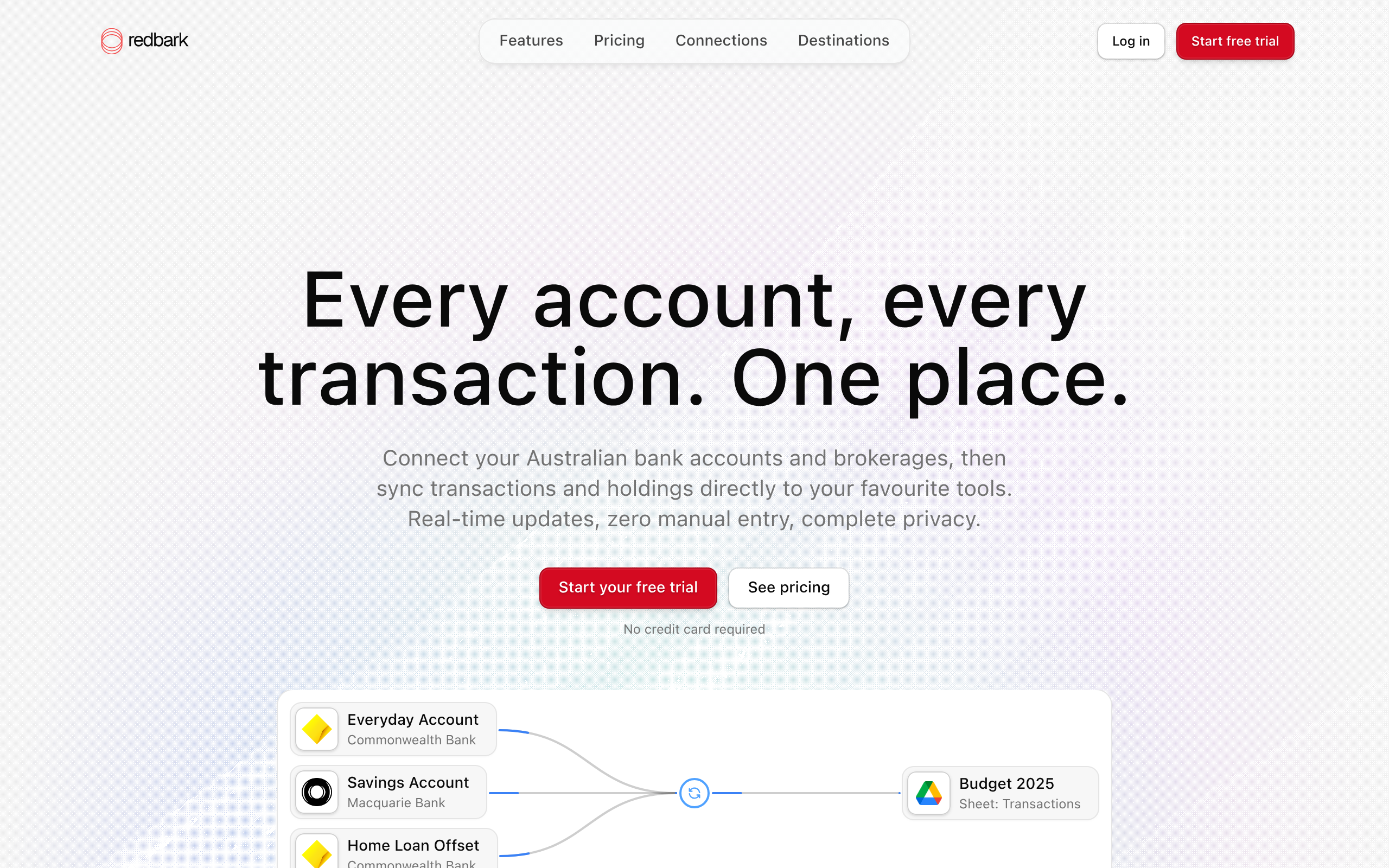
Redbark connects your Australian bank accounts and global brokerage portfolios directly to the productivity tools you already use — Google Sheets, Notion, and Airtable. Unlike legacy screen-scraping tools, Redbark uses Australia's Consumer Data Right (CDR) framework for secure, bank-approved access to your financial data. Your transactions, balances, and investment holdings sync automatically on a schedule you control. Redbark never stores your financial data — it passes through in real time from your bank to your chosen destination. Built for freelancers, investors, small business owners, and anyone who tracks finances in spreadsheets. Set up in minutes with no coding required. Supports Australian banks via CDR, New Zealand banks via Akahu, and global brokerages via SnapTrade.
Key Features
Real-time Bank & Brokerage Sync
Automatically imports transactions, balances, holdings and trade history from supported Australian banks (CDR), New Zealand banks (Akahu) and global brokerages (SnapTrade) on a schedule you control.
Pass-through Privacy Architecture
Data flows directly from your bank to your destination without being stored by Redbark — ensuring minimal retention and bank-approved access via the Consumer Data Right framework.
Multi-destination & Per-destination Formatting
Sync the same account to multiple destinations (Google Sheets, YNAB, Actual Budget, Notion, Airtable) simultaneously, with each destination receiving data formatted to its needs.
Smart Deduplication & Reliable Syncing
Intelligent ID-based deduplication with overlap buffers handles late-posting transactions and prevents duplicate rows; webhook-driven background syncs keep destinations up to date.
Enterprise-grade Security & Compliance
AES-256-GCM encryption, Australian hosting, SOC 2 audited stack and ACCC-accredited CDR connectivity provide regulated, secure handling of credentials and tokens.
How to Use Redbark
1) Sign up for a free trial and log in. 2) Connect your accounts: link Australian banks via CDR (or NZ banks via Akahu / brokers via SnapTrade). Credentials are handled through the bank-approved flow. 3) Choose one or more destinations (Google Sheets, YNAB, Actual Budget, Notion, Airtable), configure sheet/mapping and per-destination formatting. 4) Start syncing: watch transactions, balances and holdings flow automatically; adjust sync schedule, filters or categories as needed.