
Receptri
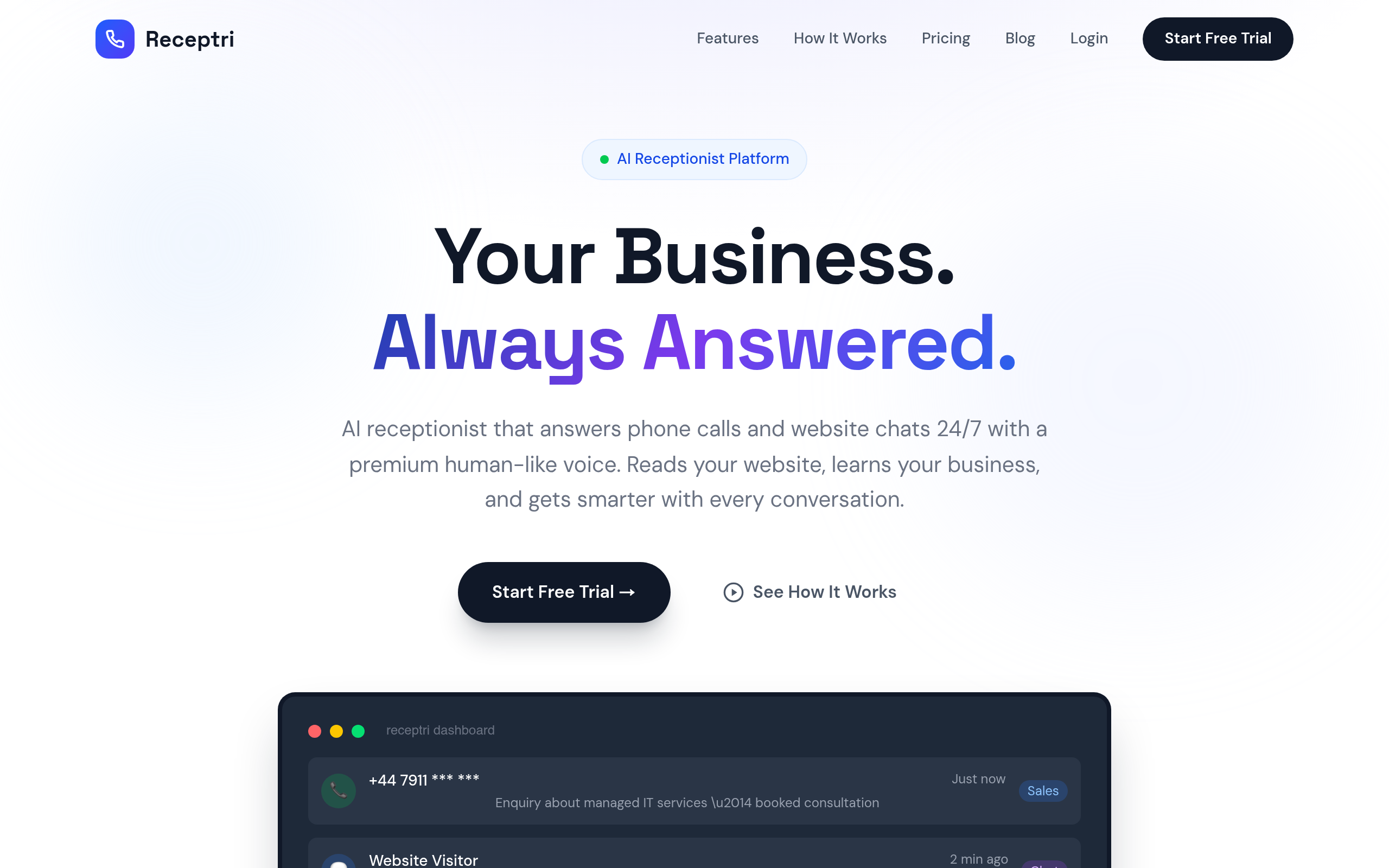
Receptri is an AI-powered receptionist that answers your business calls 24/7 with a natural human-like voice. It handles enquiries, books appointments
About
Receptri is an AI receptionist platform built for small businesses that can't afford to miss calls. Every missed call is a lost customer — research shows 62% of calls to small businesses go unanswered, and 80% of callers never leave a voicemail. Receptri solves this by answering every call instantly with a premium AI voice that sounds completely natural. The AI learns your business by reading your website, understands your services, pricing, and FAQs, then handles caller enquiries just like a trained receptionist would. It books appointments, captures caller details and lead information, and forwards urgent calls to your mobile. Receptri supports 29+ languages with voices from ElevenLabs and Google, offers a customisable business hours schedule with call forwarding, and integrates with your existing workflow. Plans start from just £29/month with a free 7-day trial — no credit card required. Dental practices, law firms, salons, estate agents, and trades across the UK are using Receptri
Key Features
24/7 AI Call Answering
Premium human-like AI voice answers incoming business calls instantly, handles FAQs, captures caller details, and books appointments without a live receptionist.
Website Chat Widget
Lightweight chat widget (two lines of code) that engages site visitors 24/7, captures leads and hands off to phone support when needed.
Automatic Knowledge Ingestion
AI reads your website (and optional custom knowledge) to learn services, pricing and FAQs so it can respond accurately with minimal setup.
Smart Escalation & Call Forwarding
Detects urgent issues and immediately forwards calls to the right mobile or team member with full context and transcripts.
Multi-language Support & Analytics
Supports 29+ languages with high-quality voices (ElevenLabs/Google), plus a real-time dashboard with transcripts, intent tracking and exportable reports.
How to Use Receptri
1) Sign up and create your account (email and business name). 2) Add your website URL so the AI can read and learn your services, or upload custom knowledge/FAQs. 3) Choose or port a phone number (UK/US/Canada), configure business hours and call forwarding. 4) Go live — the AI starts answering calls and powering your website chat; monitor calls and analytics in the dashboard and tweak settings as needed.