
Receiptum
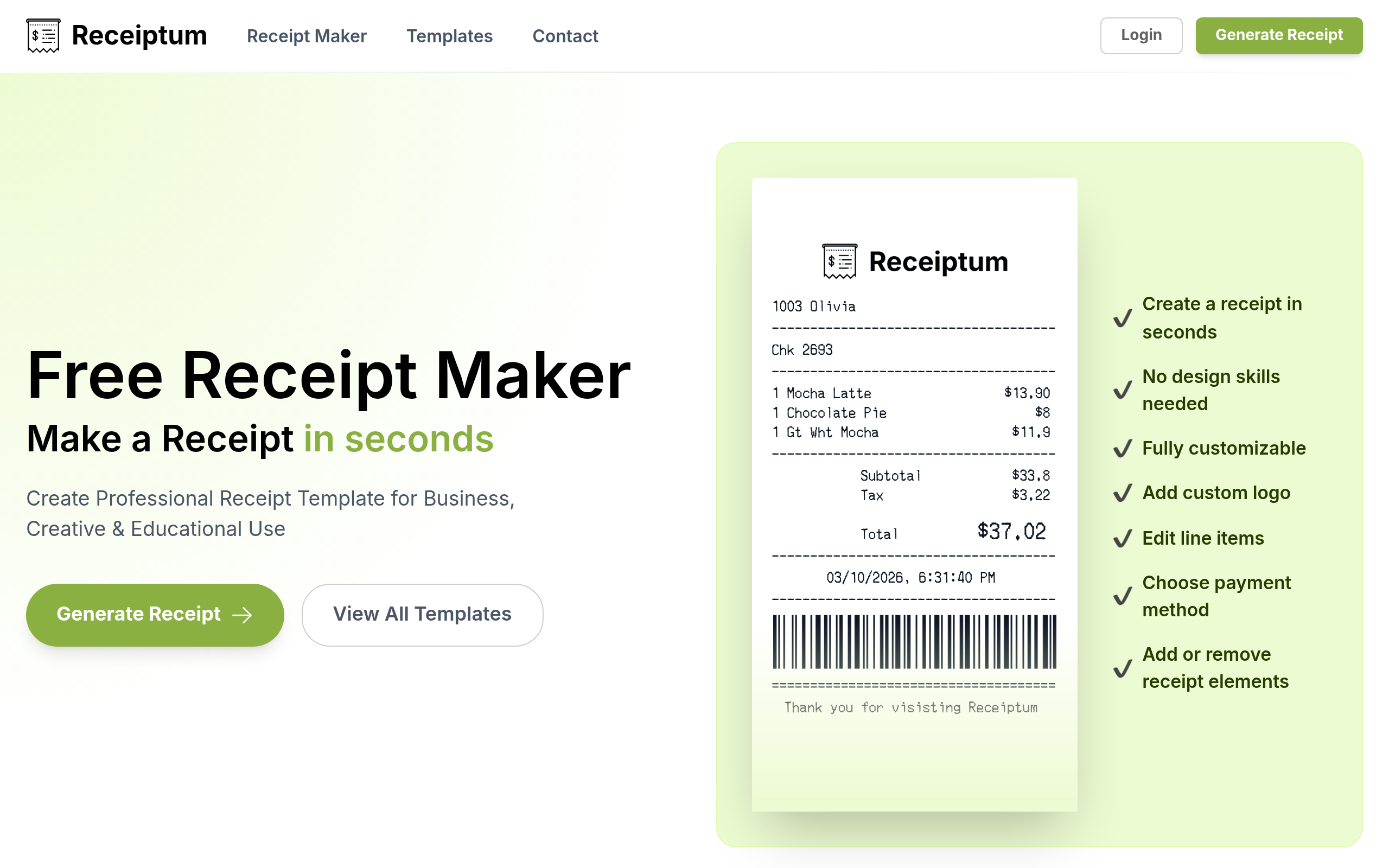
Receiptum is a free receipt maker that lets you create and customize realistic receipts in seconds for business, demos, mockups, and content.
About
Receiptum is a fast and simple receipt generator for creating realistic, fully customizable receipts in seconds. It is designed for developers, designers, marketers, creators, and businesses who need receipt mockups for demos, testing, UI/UX flows, marketing visuals, or business documentation. You can start from scratch or choose from a variety of ready-made templates and quickly adapt them to your needs. Each template is fully editable, allowing you to change company details, items, prices, taxes, discounts, dates, currencies, and layout to match real-world or branded scenarios. Receiptum is lightweight and intuitive—no design skills required. Just pick a template, customize it, and preview results instantly in real time. It helps with testing checkout flows, building UI mockups, simulating transactions, and preparing business presentations. You can export clean, polished receipts ready for sharing or internal use, saving time and removing repetitive manual work.
Key Features
Ready-made Templates
Choose from a wide library of realistic receipt templates (retail, grocery, restaurant, pharmacy, etc.) to speed up creation and match real-world formats.
Full Customization
Edit company details, logos, line items, quantities, prices, taxes, discounts, dates, currencies and layout to create branded or realistic receipts.
Real-time Preview
See changes instantly as you edit so you can iterate quickly without design skills or external tools.
One-click Export
Export polished receipts ready for printing or sharing (PDF/PNG/print-friendly output) with a single click.
Lightweight & No Design Skills Required
Intuitive interface built for developers, designers, marketers and creators to generate production-like receipts quickly without graphic design experience.
How to Use Receiptum
1) Choose a template: Start from a ready-made receipt template that matches your use case (store, restaurant, pharmacy) or create one from scratch. 2) Customize fields: Replace company info and logo, edit line items, prices, tax and discount fields, set date, time and payment method, and adjust currency and layout as needed. 3) Preview in real time: Review the receipt in the live preview to confirm formatting and values. 4) Export or print: Use the one-click export to download a print-ready file (PDF/PNG) or print directly for demos, documentation, or mockups.